ycliper

Популярное

Музыка Кино и Анимация Автомобили Животные Спорт Путешествия Игры Юмор

Интересные видео

2025 Сериалы Трейлеры Новости Как сделать Видеоуроки Diy своими руками

Топ запросов

смотреть а4 schoolboy runaway турецкий сериал смотреть мультфильмы эдисон
Скачать

How to set up Legacy Device Support on the AUDAC NCP105

Автор: AUDAC audio

Загружено: 2025-10-17

Просмотров: 257

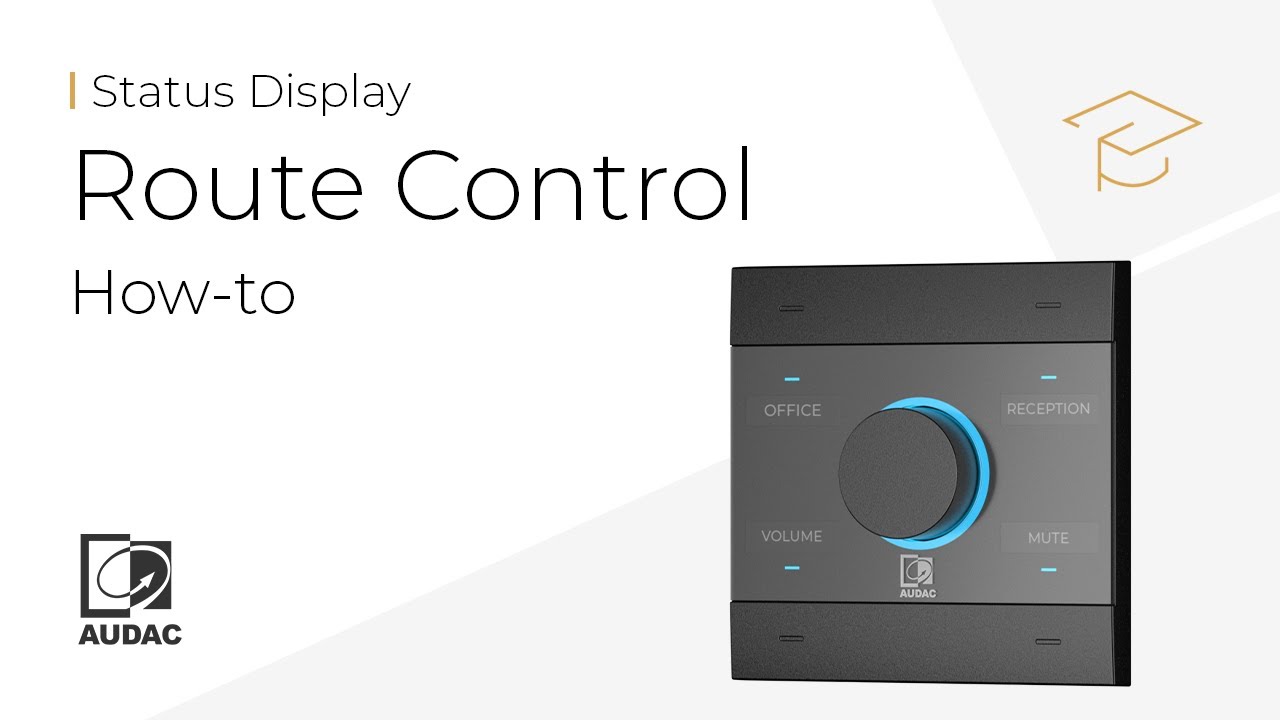
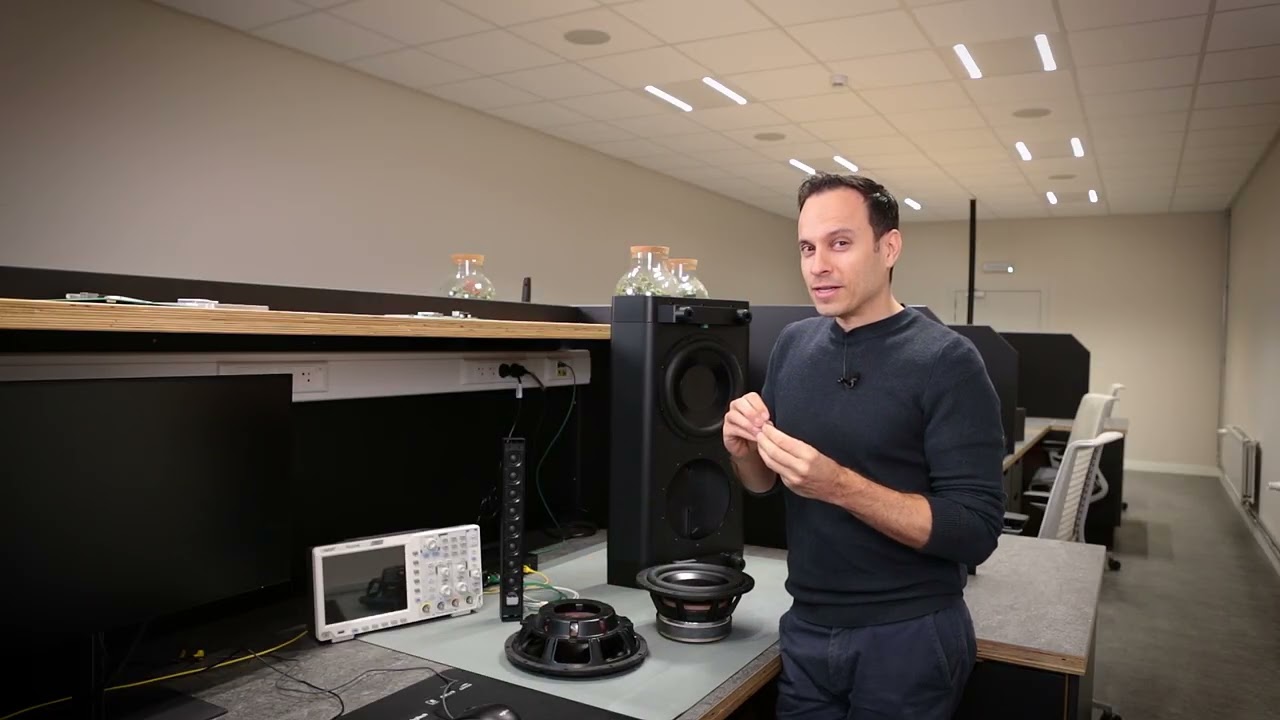
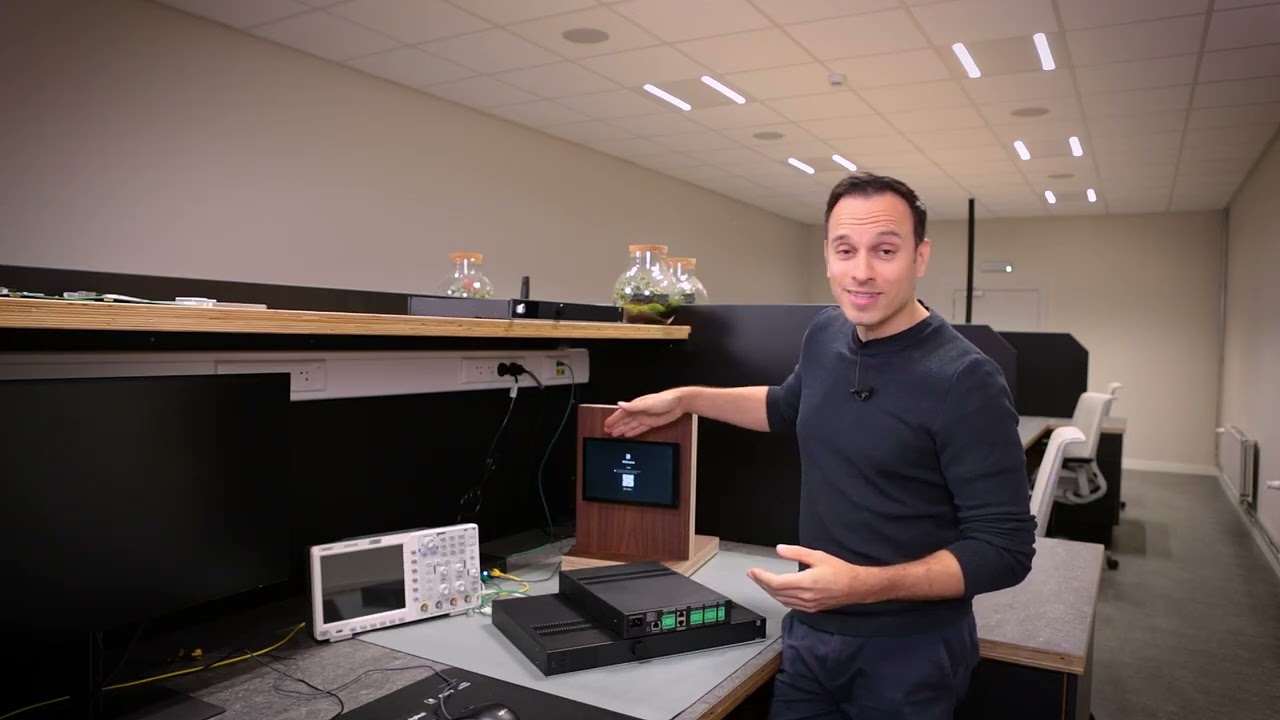
Описание: The latest NCP105 update now unlocks direct integration with more AUDAC products, including MTX series, MFA Series, AMP 203, VEXO/A Series, SMA/Q Series and PMA/Q Series. Configure sources, volumes and mute functions straight from AUDAC Touch™ without any complex setup, no more need for ASCII commands.

Dynamic multicolour LED feedback

You’ll also benefit from enhanced LED feedback. Instantly see volume, source and mute status with dynamic multicolour indicators, while the LED ring can also be divided into segments based on the number of available sources, giving you a clear visual cue for quick switching.

Не удается загрузить Youtube-плеер. Проверьте блокировку Youtube в вашей сети.
Повторяем попытку...
How to set up Legacy Device Support on the AUDAC NCP105

Поделиться в:

Доступные форматы для скачивания:

Скачать видео

  • Информация по загрузке:

Скачать аудио

Похожие видео

How to use the Automixer on the AUDAC LUNA Series

How to use the Automixer on the AUDAC LUNA Series

How to Control Visual Feedback for Routing on the NCP105

How to Control Visual Feedback for Routing on the NCP105

ISE 2026: Introducing the AUDAC RIVEA Series

ISE 2026: Introducing the AUDAC RIVEA Series

How to set up virtual audio zones (TouchLink™) in AUDAC Touch™ and on the device

How to set up virtual audio zones (TouchLink™) in AUDAC Touch™ and on the device

How to Easily Configure the AUDAC NCP105 to Control LUNA-F

How to Easily Configure the AUDAC NCP105 to Control LUNA-F

AUDAC - How To Videos

AUDAC - How To Videos

How to setup visual feedback for volume control on the NCP105

How to setup visual feedback for volume control on the NCP105

ISE 2026: Introducing the VIRO-C Series

ISE 2026: Introducing the VIRO-C Series

Dlaczego Polska odrzuciła Abramsy i zamówiła tysiąc czołgów z Korei?

Dlaczego Polska odrzuciła Abramsy i zamówiła tysiąc czołgów z Korei?

Mechanizm warunkowości jest politycznym problemem | REWOLWER 2026.02.21

Mechanizm warunkowości jest politycznym problemem | REWOLWER 2026.02.21

How to Enable Acoustic Echo Cancellation (AEC) on the AUDAC LUNA-F

How to Enable Acoustic Echo Cancellation (AEC) on the AUDAC LUNA-F

How the AUDAC LUNA and the VEXO Series power the new EASI Arena

How the AUDAC LUNA and the VEXO Series power the new EASI Arena

ISE 2026: Introducing the ARCHI8X

ISE 2026: Introducing the ARCHI8X

ARMIA PUTINA DRUGĄ ARMIĄ ŚWIATA? PRAWDZIWA SIŁA ROSJI [WOLSKI I BOJKE]

ARMIA PUTINA DRUGĄ ARMIĄ ŚWIATA? PRAWDZIWA SIŁA ROSJI [WOLSKI I BOJKE]

❄️ AUTA ZOMBIE NA WIELKIM PLACU ZABAW!? | BeamNG Drive |

❄️ AUTA ZOMBIE NA WIELKIM PLACU ZABAW!? | BeamNG Drive |

UBIERZESZ SIĘ LEPIEJ, WYGRYWASZ‼️👙👗

UBIERZESZ SIĘ LEPIEJ, WYGRYWASZ‼️👙👗

FESA Alpen Cup | Ski Jumping - Saturday | Zakopane (POL) | LIVE [PL]

FESA Alpen Cup | Ski Jumping - Saturday | Zakopane (POL) | LIVE [PL]

ISE 2026: Introducing the MAIA Series

ISE 2026: Introducing the MAIA Series

How to Use the NCP105 Identifier Functionality

How to Use the NCP105 Identifier Functionality

AUDAC - Meet the VEXO206 - Extraordinary full-range performance in a compact package

AUDAC - Meet the VEXO206 - Extraordinary full-range performance in a compact package

© 2025 ycliper. Все права защищены.


  • Контакты
  • О нас
  • Политика конфиденциальности


Контакты для правообладателей: [email protected]