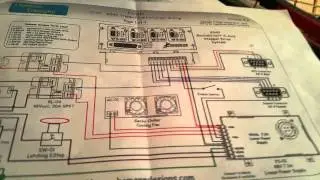
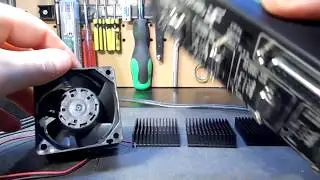
GeckoDrive G540 - DIY How to protect from Overheating.
Автор: AndrielLox NWG
Загружено: 2020-05-16
Просмотров: 92
Описание:
Thermal Pad Protection for the GeckoDrive G540.
Get Thermal Pad Her:
https://www.amazon.com/gp/product/B01...
Heatsinks supply:
https://skycraftsurplus.com
Simple Steps.
Open G540,
1. Removing the top cover.
Inside you see the motherboaed attach to the Drive Board.
2. Remove all 8 screws from thr drive PCB.
3. Set all 4 PCB drives to side.
To avoid any damage to the drivers board put them in Anti-Static bag.
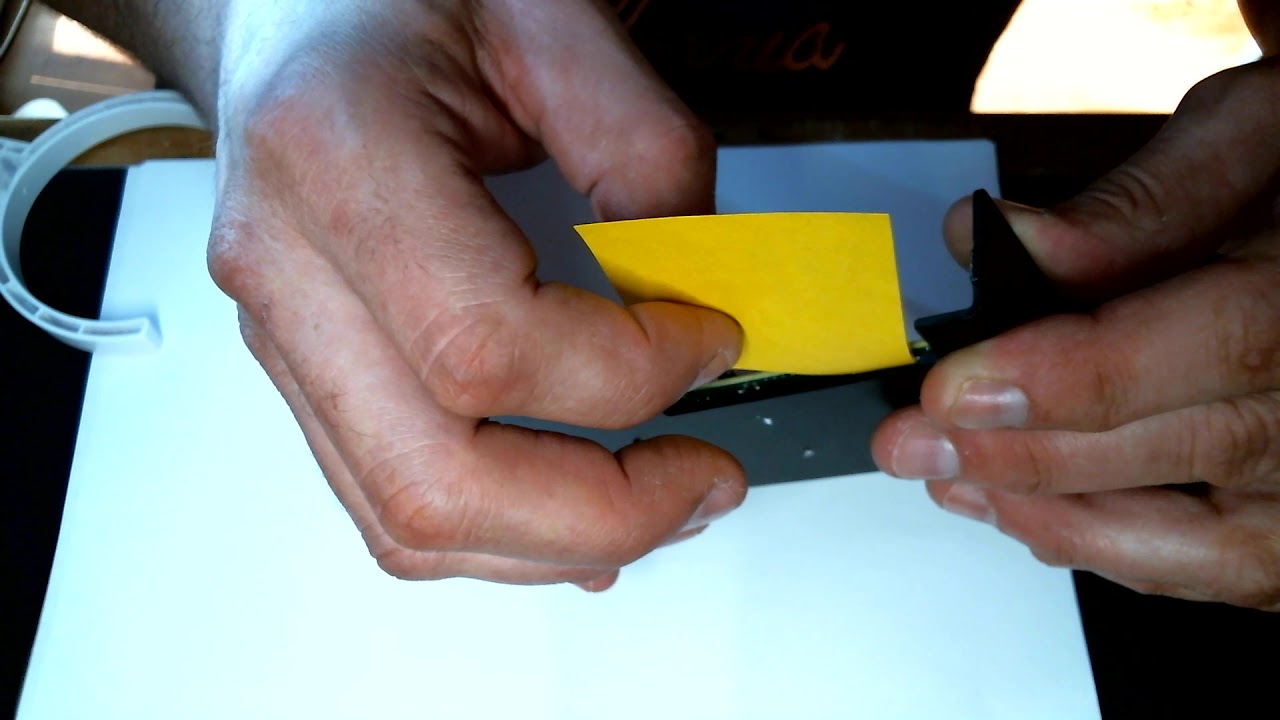
4. Cut a piece of thermal pad. 138.8mm by 42.6mm
5. Place the thermal pad on the heat sink.
6. Mark the holes for each driver PCB on thermal from the back of heat sink.
7. Place one driver PCB at a time, Don't tigthen screws down YET, untel all Driver PCB are in Place. Carefully tigthen. Warning Don't over tighten screws. May damage Drive-PCB or Crack Board.
9. Put it all back together, Now tyou will see a big diffrence.
10. If you the back SINK for G540, Put it place. It help to dissipate heat with small fan.
If you like this video, Give a thumps up. If you disklike give a thumps down.
if want more video CNC DIY. Leave a comment.
Thank you for watching.
Повторяем попытку...
Доступные форматы для скачивания:
Скачать видео
-
Информация по загрузке: