Скачать
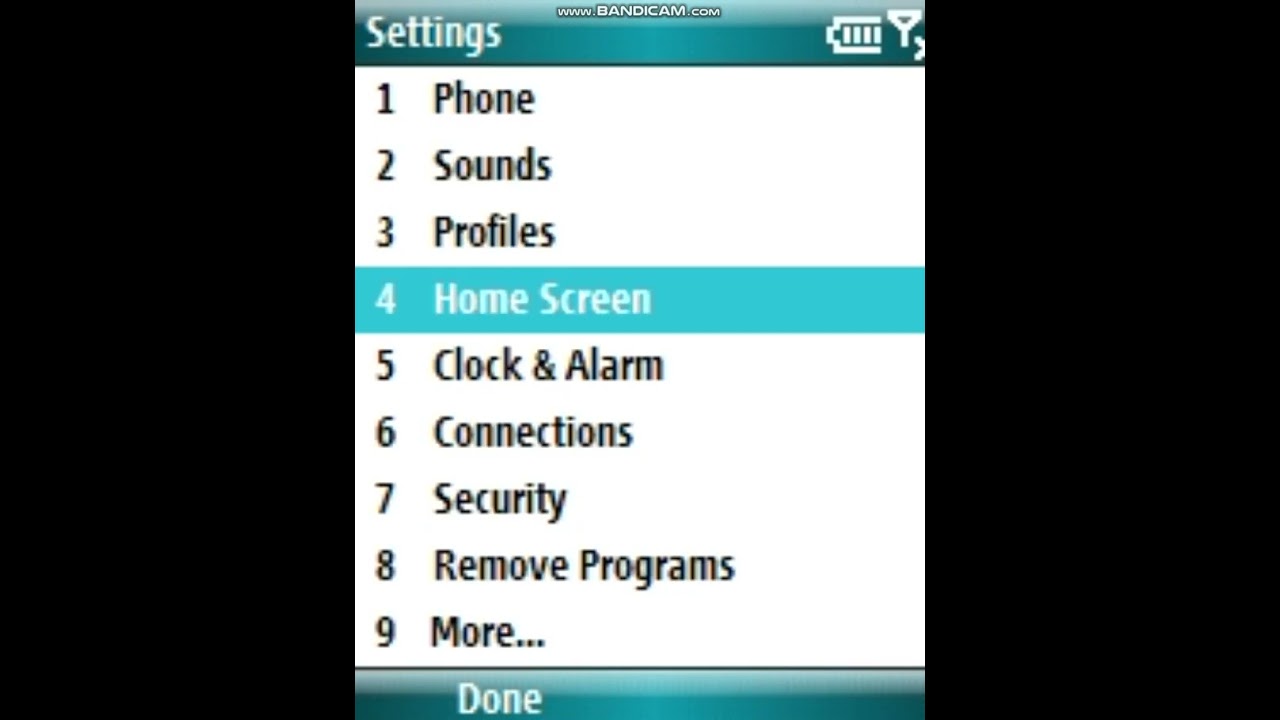
How to CHANGE BACKGROUND IMAGE in Windows Mobile 6.1.4 Standard
Автор: The Anthony Corp.
Загружено: 2023-12-06
Просмотров: 48
Описание:
How to CHANGE BACKGROUND IMAGE in Windows Mobile 6.1.4 Standard
Step 1: Press the start button.
Step 2: Go to Settings.
Step 3: Go to Home Screen.
Step 4: Change the background image.
Step 5: Press "Done".
Step 6: Press the Home Screen button.
Не удается загрузить Youtube-плеер. Проверьте блокировку Youtube в вашей сети.
Повторяем попытку...
Повторяем попытку...
Доступные форматы для скачивания:
Скачать видео
-
Информация по загрузке:


