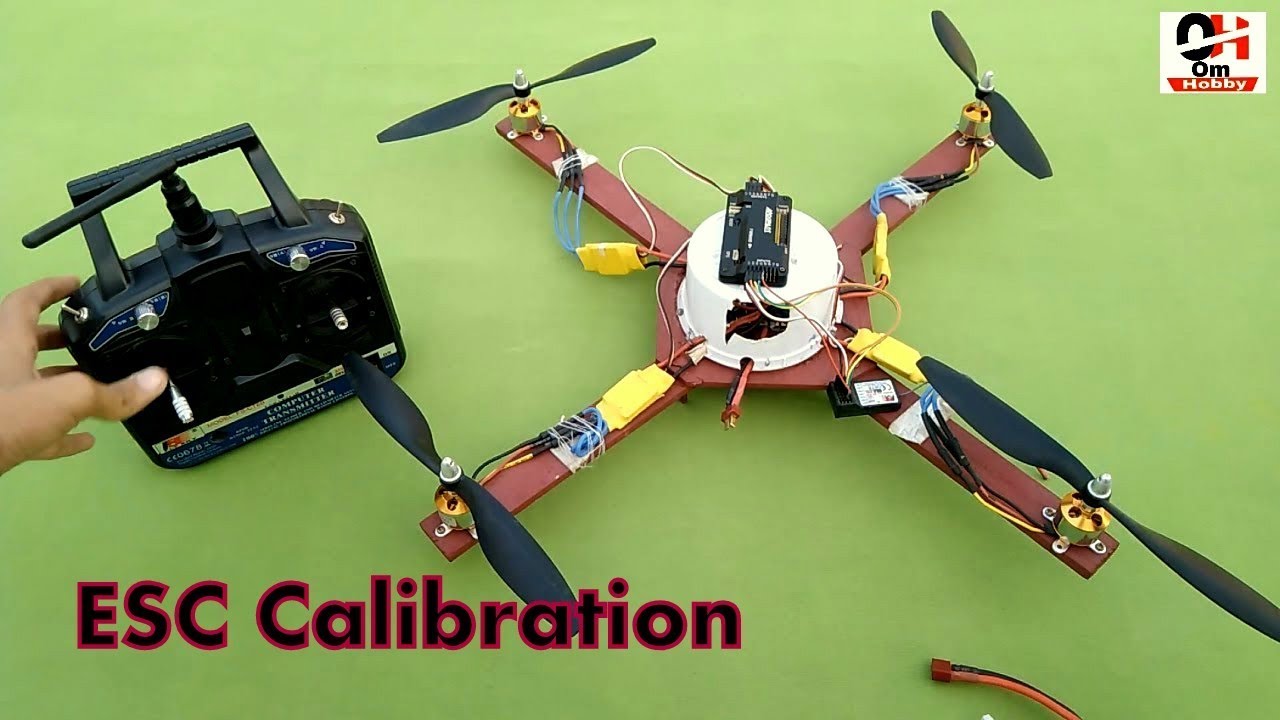
How To Calibrate ESC In Apm 2.8 Flight Controller | ESC Calibration In Apm Flight 2.8 Controller !
Автор: Om Hobby
Загружено: 2018-11-27
Просмотров: 33383
Описание:
How To Calibrate E.S.C In Apm 2.8 Flight Controller | ESC Calibration In Apm Flight 2.8 Controller.
🛑👉 Store :- https://d-omhobby.dotpe.in
Instagram ID : ompatil250
This Video Cover :
How To Calibrate ESC In Apm 2.8 Flight Controller.
ESC Calibration In Apm Flight 2.8 Controller.
E.S.C Calibration In Apm Flight 2.8 Controller.
esc throttle calibration in Apm Flight Controller.
How To Do Esc Calibration In Apm Flight Controller.
Calibrate Esc In Apm Flight Controller.
How To esc throttle calibration.
How To Calibrate ESC.
esc throttle calibration.
======================================================
ESC Calibration*
ESC calibration will vary based on what brand of ESC you are using, so always refer to the documentation for the brand of ESC you are using for specific information (such as tones). “All at once” calibration works well for most ESCs, so it is good idea to attempt it first and if that fails try the “Manual ESC-by-ESC” method.
Plug one of your ESC three-wire cables into the throttle channel of the RC receiver. (This is usually channel 3.)
Turn on the transmitter and set throttle stick to maximum (full up).
Connect the LiPo battery
You will hear a musical tone then two beeps.
After the two beeps, lower the throttle stick to full down.
You will then hear a number of beeps (one for each battery cell you’re using) and finally a single long beep indicating the end points have been set and the ESC is calibrated.
Disconnect battery. Repeat these steps for all ESCs.
If it appears that the ESC’s did not calibrate then the throttle channel on the transmitter might need to be reversed.
If you are still having trouble after trying these methods (for example, ESCs still beep continuously) try lowering your throttle trim 50%.
You can also try powering your APM board via the USB first to boot it up before plugging in the LiPo.
======================================================
Facebook page : / omhobby
Subscribe to our channel : / @omhobby
#omhobby
Like
Comment
Subscribe
Share
Our channel is all about technology and drones and aeromodeling as we as unboxing , review , DIY stuff , home made projects , app and computer, software , app reviews more technical things so SUBSCRIBE our channel
======================================================
Повторяем попытку...
Доступные форматы для скачивания:
Скачать видео
-
Информация по загрузке:


![Калибровка ESC APM2.8 | Проблема с невращением всех двигателей одновременно [РЕШЕНО]](https://image.4k-video.ru/id-video/P-HbV_d7dIU)