Load Fiber - Markforged Desktop 3D Printer Utility
Автор: MLC CAD Systems
Загружено: 2024-02-06
Просмотров: 500
Описание:
Get more helpful guides and tips from our curated 3D Printing Technical Guides at https://www.mlc-cad.com/3d-printing-h...
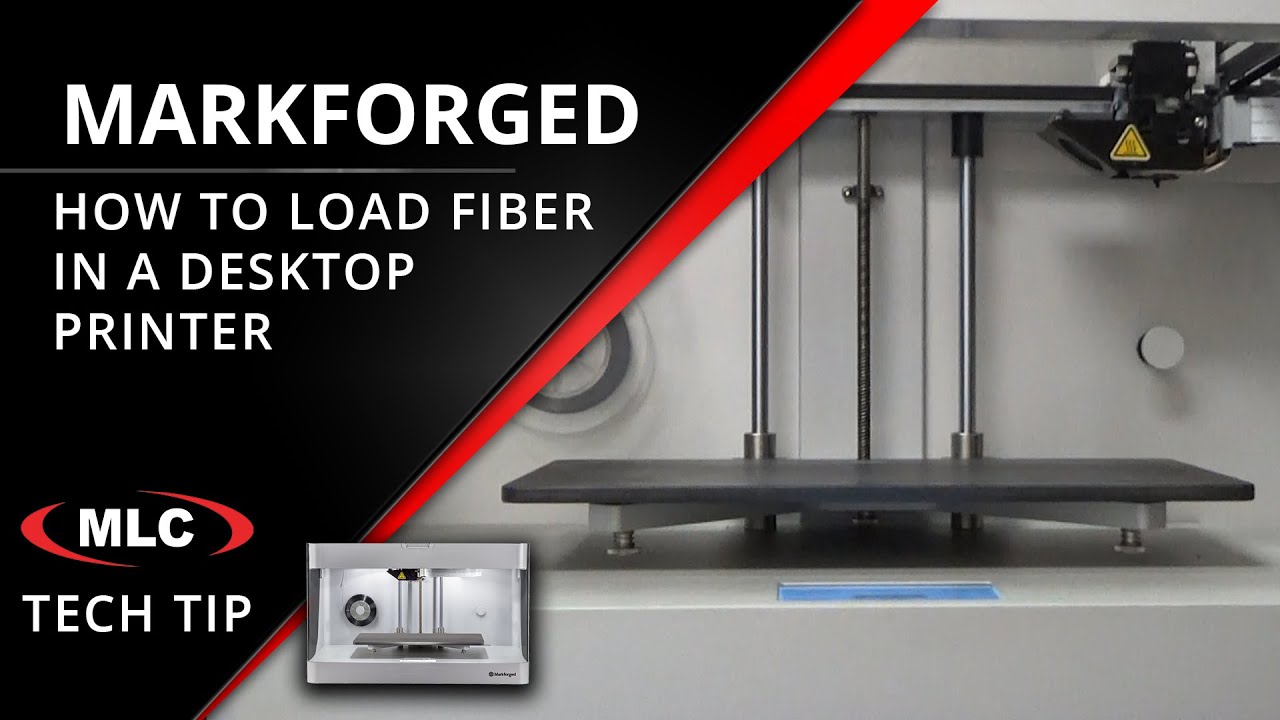
Markforged pioneered the process of reinforcing 3D printed parts with continuous strands of fiber reinforcement. This creates parts that can be as stiff and strong as aluminum. Fiber options include Fiberglass, High-Strength High-Temperature Fiberglass, Aramid Fiber (Kevlar), and Carbon Fiber. To load fiber into the machine, follow this video procedure.
For a partial spool, first weigh the spool and record the weight. This will allow the printer to calculate the amount of material available and track usage to predict when the material will need to be reloaded.
Load the material, being careful not to let the fiber unspool. Stiff fiber has a tendency to straighten out and can waste material if it tangles. The spool mount has a mechanism to tension the spool to prevent unspooling once installed.
Load the fiber using the Load Fiber utility, selecting the appropriate option based on the type of loaded spool.
NOTE: the Quick Load option is not recommended because it removes the ability to accurately estimate remaining material.
Повторяем попытку...
Доступные форматы для скачивания:
Скачать видео
-
Информация по загрузке: