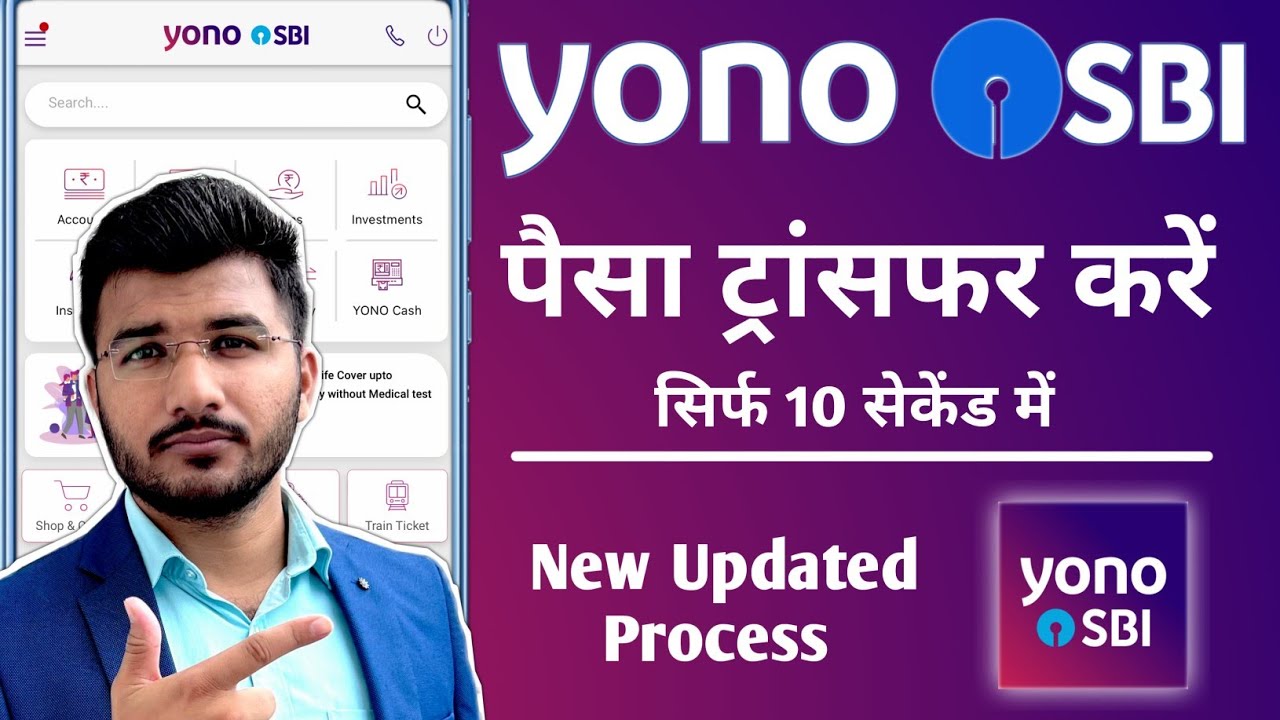
sbi yono profile details check kaise kare
Автор: Bahi Khata Finance
Загружено: 2023-11-29
Просмотров: 743074
Описание:
follow these general steps:
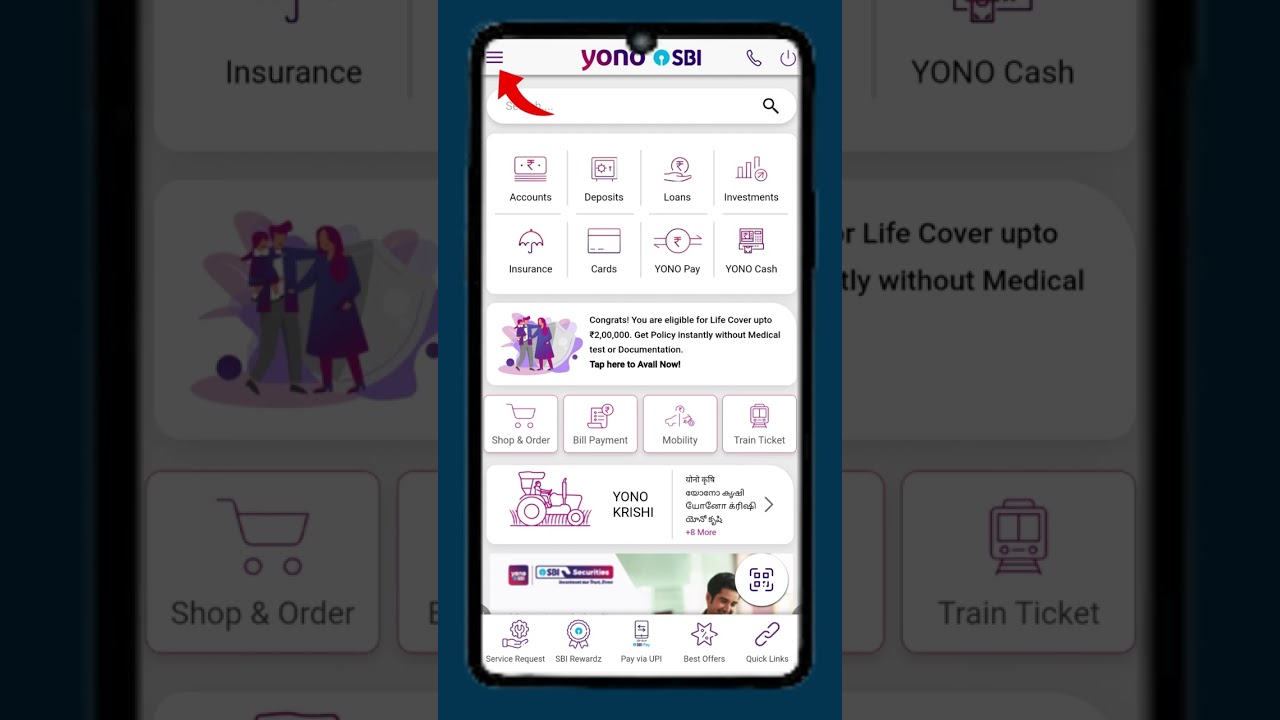
1. *Open the YONO App:*
Ensure that you have the YONO app installed on your smartphone.
Open the app and log in using your credentials (username and password).
2. *Navigate to Profile Section:*
Once logged in, look for an option or section that is related to your profile. This might be labeled as "Profile," "My Profile," or similar.
3. *View Profile Details:*
Within the profile section, you should be able to view and edit various details associated with your YONO profile. This may include your contact information, account details, and other relevant information.
4. *Contact Customer Support (if needed):*
If you are having trouble finding or accessing your profile details, or if you have specific questions, you can contact the State Bank of India's customer support for assistance.
**** ABOUT US ****
Bahi Khata channel is about "Building long term wealth & fulfilling your life's dreams" . We cover lots of cool stuff such as starting, growing & funding new business or startup Ideas.
**** Download our App ****
Use Bahi Khata app to manage your business debts - both Receivables and Payables. It is effortless for a businessman to use it himself. You won't need an accountant / CA to manage your finances. This is built upon the Indian pattern of Book-keeping called Bahi Khata.
Website: https://www.bahikhata.org
Mobile (Android): https://play.google.com/store/apps/de...
**** GET IN TOUCH ****
E-Mail : [email protected]
Whatsapp/Phone : +91-7456883325
#bahikhata #faydekibaat
Повторяем попытку...
Доступные форматы для скачивания:
Скачать видео
-
Информация по загрузке: