Motorola S50 Neo - How to Configure Always On Display Clock via Muviz Edge App
Автор: TUTORIAL_info
Загружено: 2024-07-27
Просмотров: 198
Описание:
Find out more: https://tutorial.info/
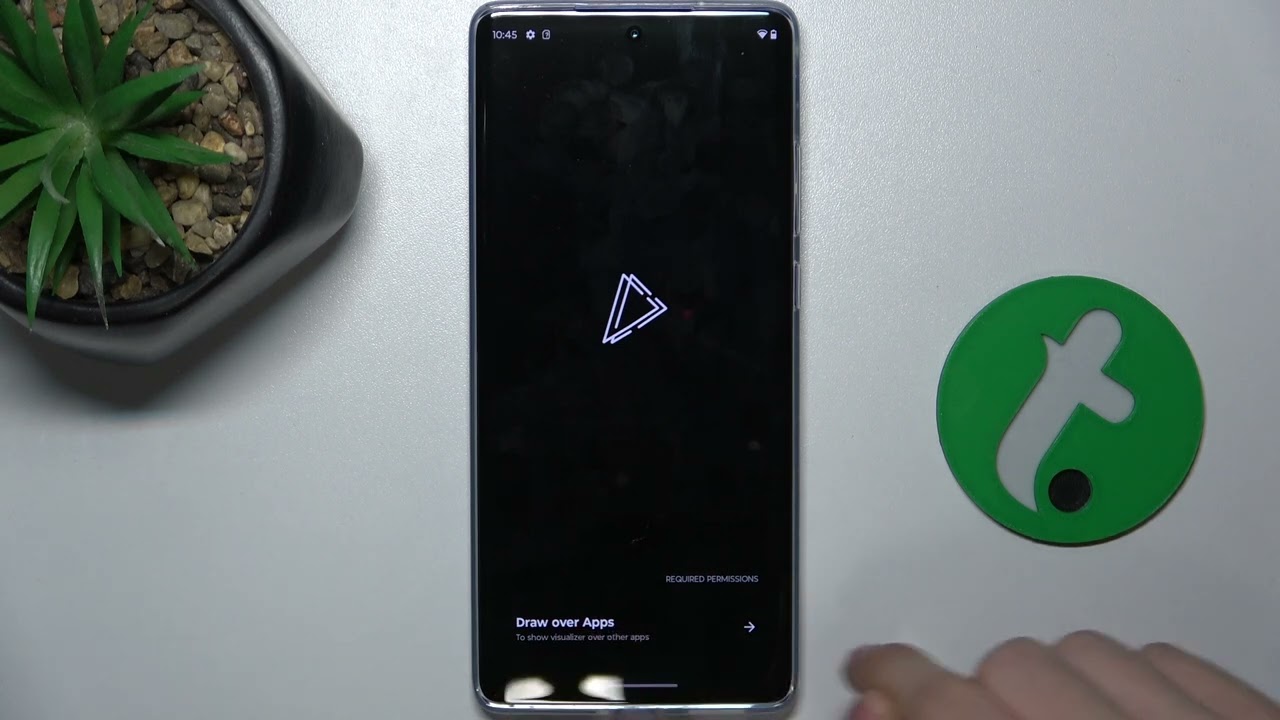
In this tutorial, we'll demonstrate how to configure the Always On Display (AOD) clock on your Motorola S50 Neo using the Muviz Edge app. The Muviz Edge app allows you to customize your AOD clock, adding a personal touch and enhancing the appearance of your device's display. We'll walk you through the steps to set up and personalize your AOD clock using the Muviz Edge app. Join us as we explore how to configure the Always On Display clock on the Motorola S50 Neo.
#MotorolaS50Neo #AlwaysOnDisplay #MuvizEdge #Customization
How to download and install the Muviz Edge app on the Motorola S50 Neo
How to access and configure Always On Display settings using the Muviz Edge app
How to customize the AOD clock design and appearance on the Motorola S50 Neo
Tips for optimizing the Always On Display settings for better battery life on the Motorola S50 Neo
How to troubleshoot common issues with the Muviz Edge app on the Motorola S50 Neo
Stay tuned for more tips and tricks on getting the most out of your Motorola S50 Neo!
Follow us on Instagram ► / hardreset.info
Like us on Facebook ► / hardresetinfo
Tweet us on Twitter ► / hardreseti
Support us on TikTok ► / hardreset.info
Use Reset Guides for many popular Apps ► https://www.hardreset.info/apps/apps/
Повторяем попытку...
Доступные форматы для скачивания:
Скачать видео
-
Информация по загрузке: