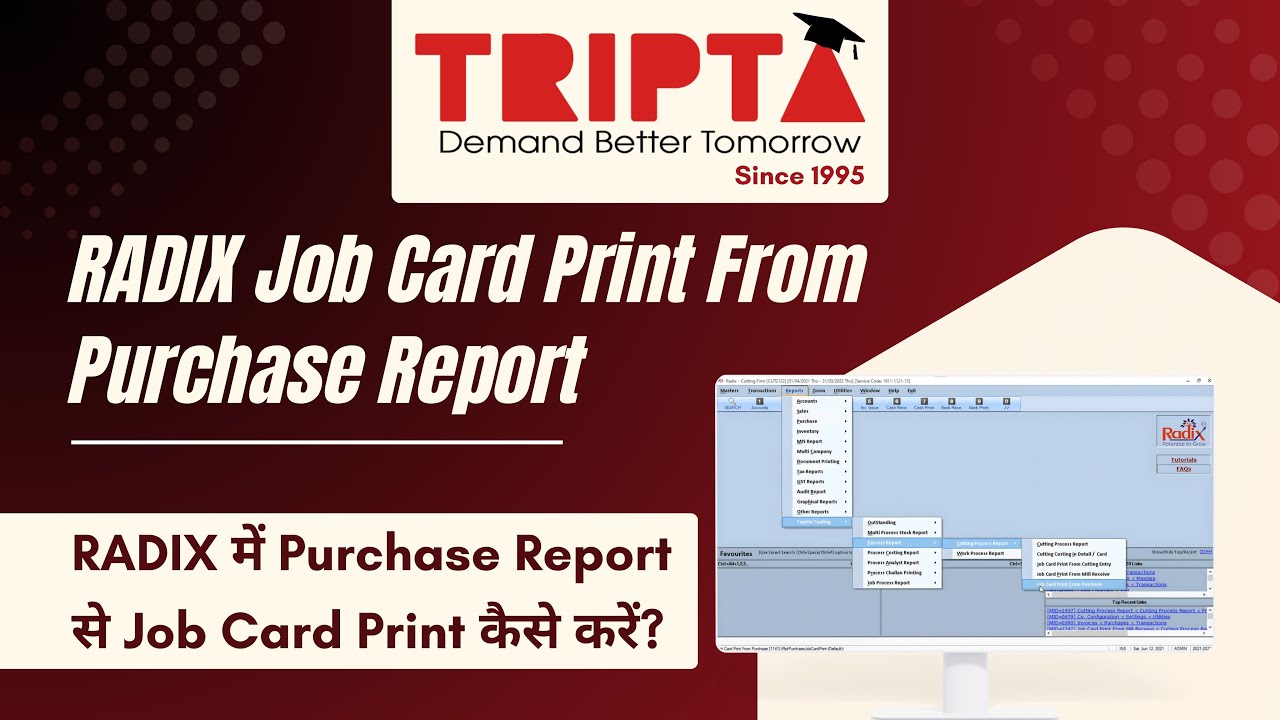
How to View Job Card Print from Purchase Report in RADIX | Tutorial
Автор: TRIPTA Innovations Private Limited
Загружено: 2021-06-16
Просмотров: 98
Описание:
Print the Job Card Print from Purchase Report output from RADIX using the right record and format criteria.
What this video covers:
• Open Reports - Textile Trading - Process Report - Cutting Process Report - Job Card Print From Purchase.
• Use the relevant fields: View, Period, Account, Daybooks.
• You can also print the report by clicking on Print icon on the top left corner of the page or press CTRL+P shortcut key.
• Grand Total? - Tick here to view/print the grand total in the report.
• After entering all the details, select Show button. Report opens according to the selected criteria.
Useful for purchase, inventory and accounts teams who need to record and review procurement, inward and supplier transactions.
Official Tripta help guide: https://tripta.in/Manual/Radix/JobCar...
Need help or a product demo?
Sales: 097231 02310
Support: +91 261 230 7700
Email: [email protected]
Website: https://tripta.in/
Follow Tripta Innovations:
Instagram: / triptainnovations
Facebook: / triptaindia
LinkedIn: / tripta-innovations-pvt-ltd
Subscribe to @TRIPTAINNOVATION for practical accounting software tutorials.
#RADIXSoftware #JobCardPrintFromPurchase #PurchaseManagement #TriptaInnovations
Повторяем попытку...
Доступные форматы для скачивания:
Скачать видео
-
Информация по загрузке: