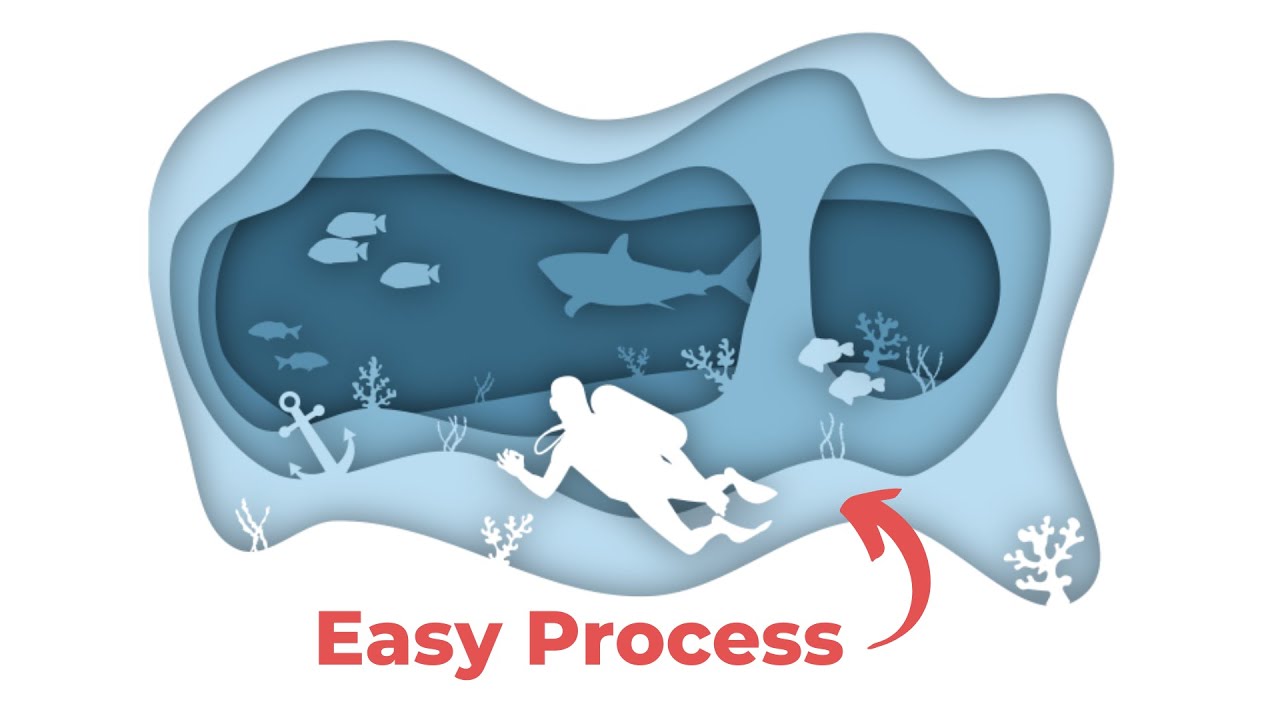
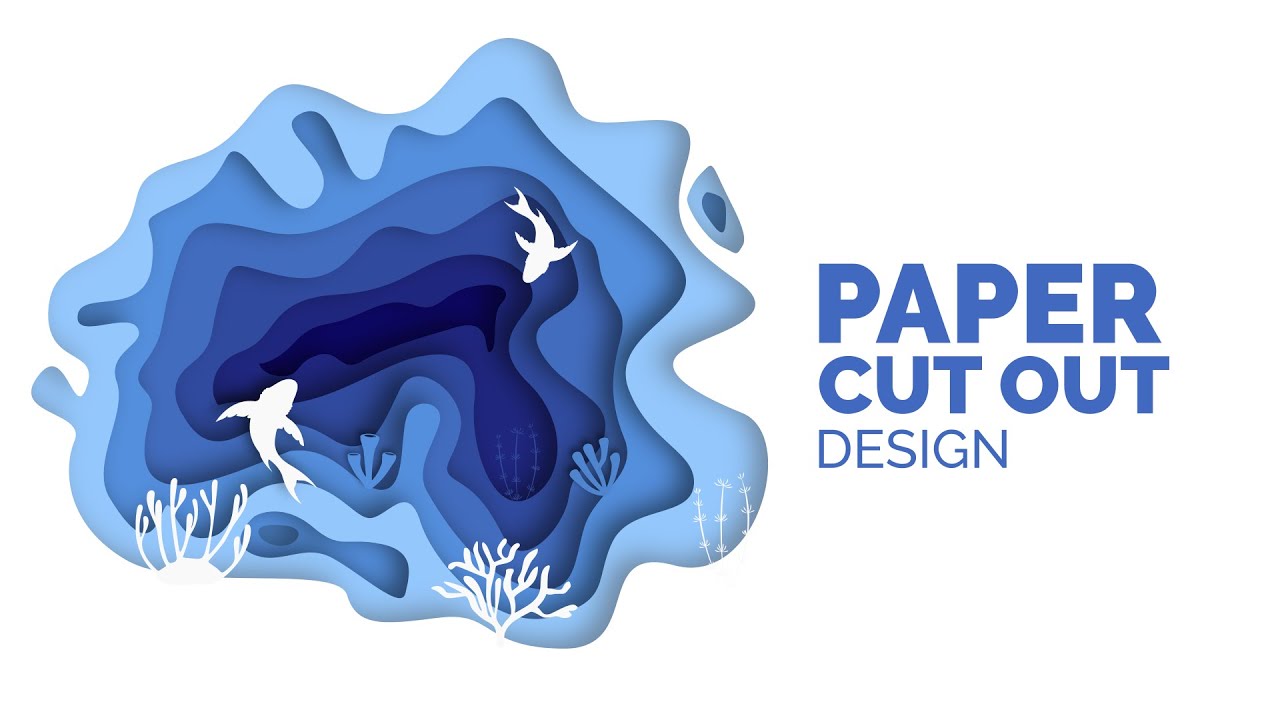
3D Layered Paper Cutout Effect Underwater Illustration in Inkscape
Автор: The Pixel Producer
Загружено: 2022-04-04
Просмотров: 2040
Описание:
In this Inkscape tutorial, you will learn how to create a layered paper cutout effect by creating an underwater illustration. I show how to achieve this effect using drop shadows in the filter menu.
I make things simple by showing how to trace using reference images for the fish, shark, and diver. I also show how to use tool tricks to get corral and seaweed designs easily. Finally, I show how to create a classic boat anchor using only simple shapes.
Perfect for beginners, one tool used in this tutorial is the bezier pen to draw the fish, shark, diver, and coral. I also use the calligraphy pen with special settings to achieve a seaweed look. These techniques translate to any other vector graphic platform like Adobe Illustrator and Affinity Designer.
Check out the walkthrough and get the vector file here:
https://www.thepixelproducer.com/3d-l...
I'm available for hire, message me at:
[email protected]
Timecodes
0:00 - Intro
0:05 - Setting up the rectangle backgrounds and fill colors
0:43 - Bezier Pen to draw shapes and Path DIfference ( Ctrl + ) to cut out the shape
1:58 - Lower reference image opacity for easier tracing
2:11 - Trace fish from reference images and duplicate to create groups
3:13 - Add air tank to scuba diver using a rounded rectangle
3:43 - Resize, place and combine drawings/objects within the background
4:43 - Draw seaweed using the calligraphy pen tool with special settings
5:38 - Draw underwater coral with bezier pen tool
7:52 - Drawing a nautical boat anchor using simples shapes
11:52 - Using drop shadow from the filter menu to create the layered paper look
12:19 - How to use Clip and Set from the Object menu tab to hide outer shadow
12:41 - Outro
#inkscape #inkscapetutorial #vectorart
Повторяем попытку...
Доступные форматы для скачивания:
Скачать видео
-
Информация по загрузке:








![[TUTORIAL] RETRO wavy text design in INKSCAPE](https://imager.clipsaver.ru/MsiPALyMLBs/max.jpg)