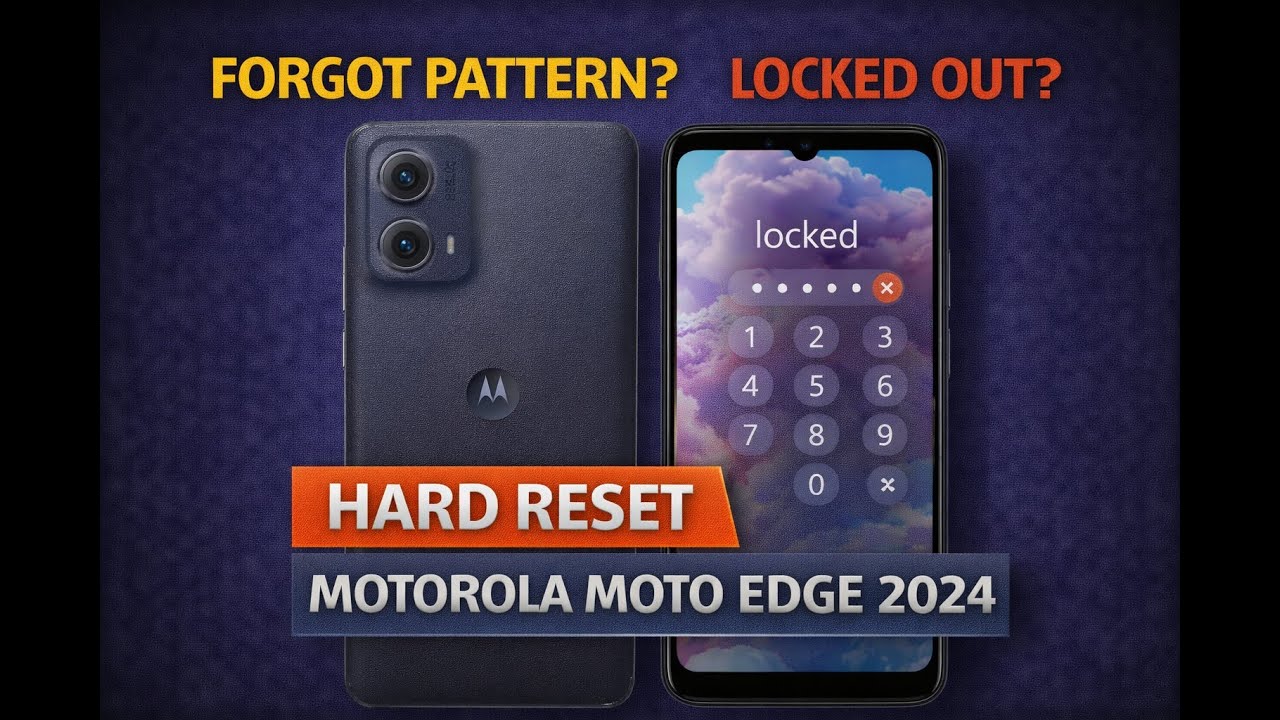
How to Hard Reset Motorola Moto Edge 2024 (XT2405) – Remove Pattern or PIN Lock
Автор: Device Autopsy
Загружено: 2026-01-31
Просмотров: 31
Описание:
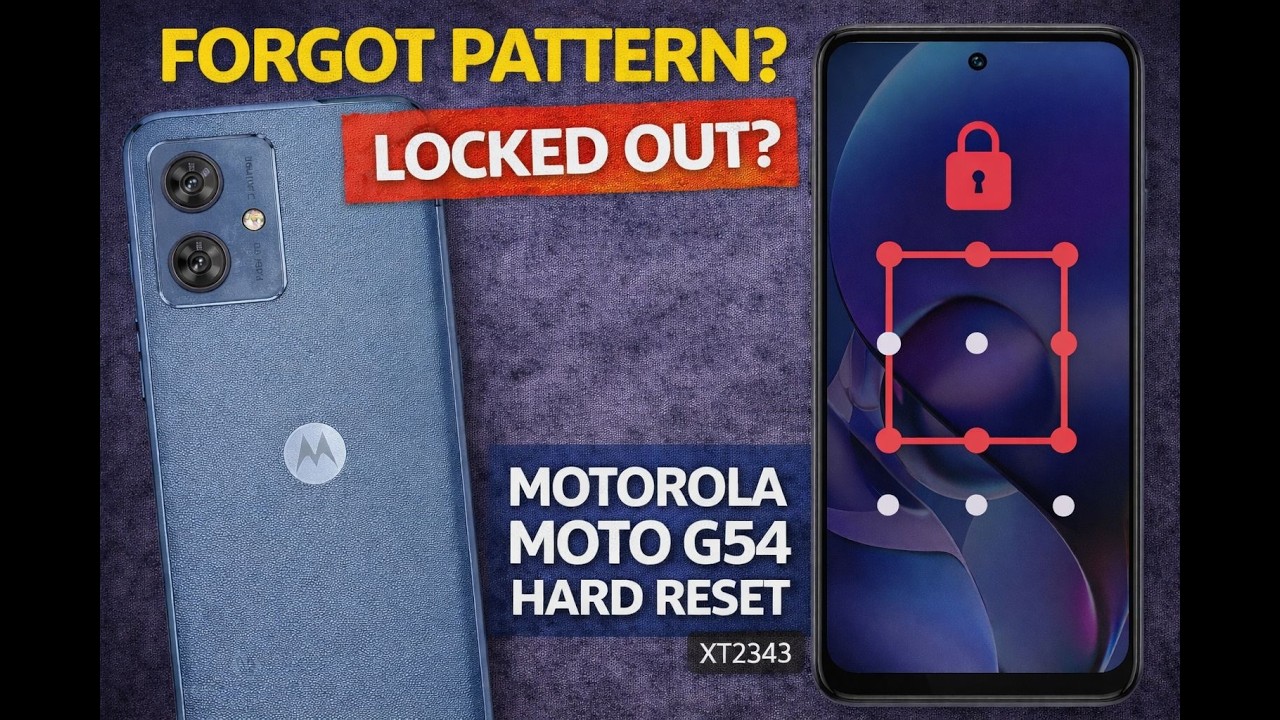
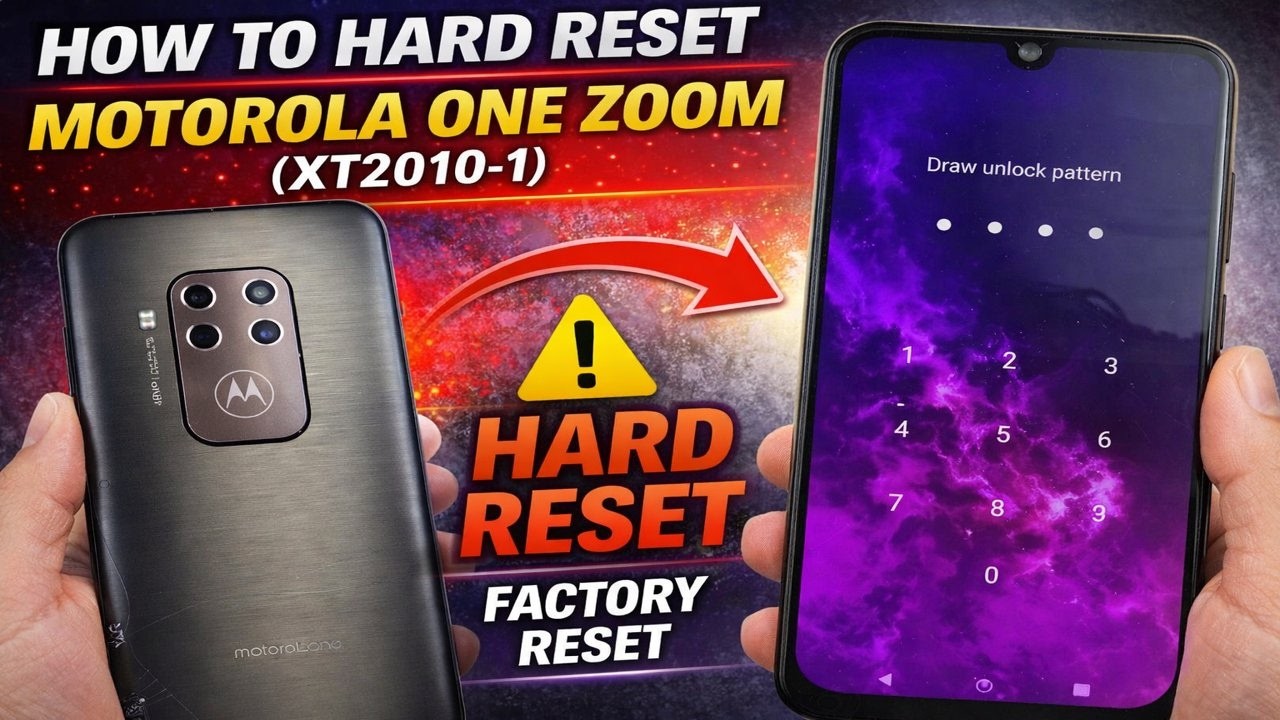
In this video, I’ll show you how to hard reset the Motorola Moto Edge 2024 (model XT2405) to remove a forgotten pattern, PIN, or screen lock using the official recovery mode method.
This factory reset method can help if your Moto Edge 2024 is:
Locked due to a forgotten pattern, PIN, or password
Frozen, stuck, or not responding
Experiencing software or boot issues
Stuck on the Motorola logo or boot loop
⚠️ Important:
A hard reset will erase all data on the device. After the reset, you may be required to sign in with the original Google account previously synced to the phone.
📌 Disclaimer
This tutorial is for educational purposes only. Only reset devices you own or have permission to service.
👍 If this video helped, please like, subscribe, and share for more phone resets, repairs, and teardown videos.
Повторяем попытку...
Доступные форматы для скачивания:
Скачать видео
-
Информация по загрузке: