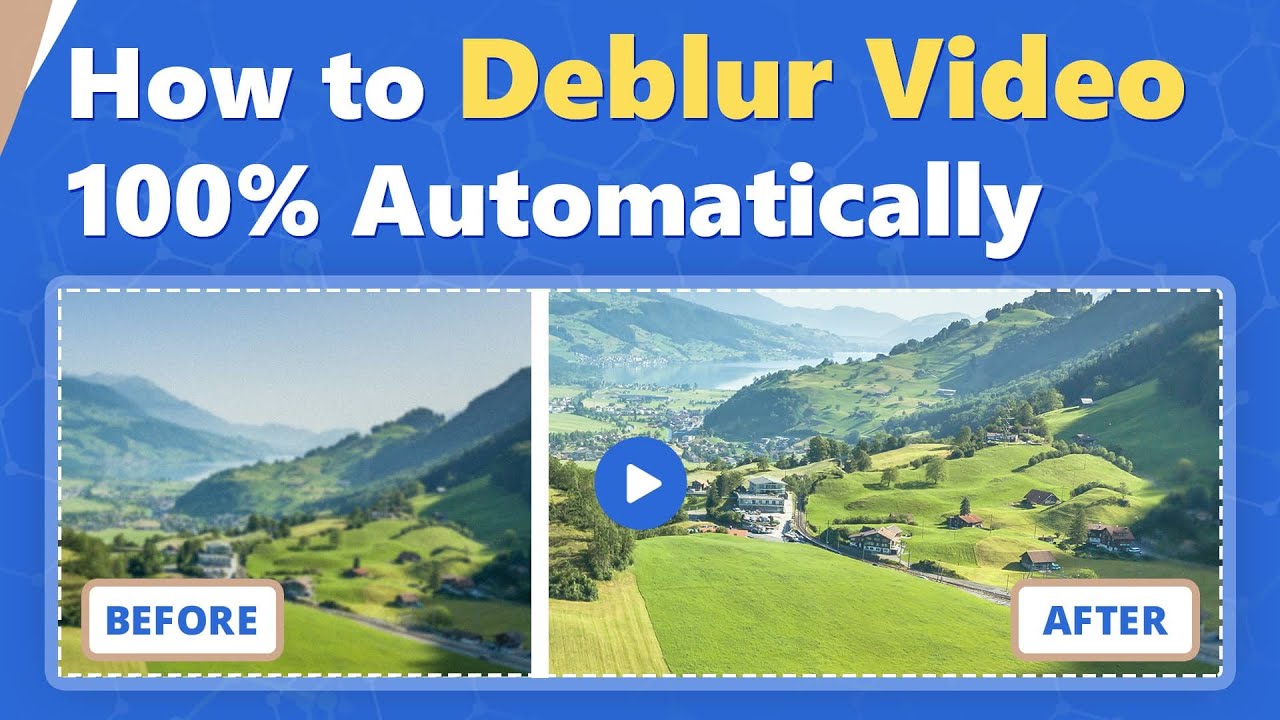
How to Deblur Video
Автор: AVCLabs
Загружено: 2021-09-23
Просмотров: 1701
Описание:
Well, if you have a blur video, what will you do? With AI technology, this work becomes so easy. https://bit.ly/3v5gBXp
Steps:
1. Run AVCLabs Enhancer AI.
2. You can click the Browse button to open a video or use the menu command. Drag and drop are also supported.
3. Then choose the AI model. Here are 4 options. And choose the Resolution options.
4. The setting is so simple. Click "Start Processing" to begin.
During the processing, you can see the original and processed video in a comparing-view. You can also adjust the "Preview Scale".
5. When it finished, you can find the blur of the movie is removed. It becomes clearer and of higher quality.
#RemoveVideoBlur#DeblurMovie#ImproveVideoQuality
For more about please visit https://bit.ly/3v5gBXp
------------------------------------------------
Facebook: /
Twitter: / avclabsofficial
AVCLabs Official Website: https://www.avclabs.com
Email: [email protected]
If you like our videos, please click "Subscribe". We will upload new mobile tutorial videos every week.
Music: https://www.bensound.com/
Повторяем попытку...
Доступные форматы для скачивания:
Скачать видео
-
Информация по загрузке: