How it Works: VE Pro, ProTools and 5.1 Surround
Автор: SPITFIRE AUDIO CLIPS
Загружено: 2021-02-24
Просмотров: 1151
Описание:
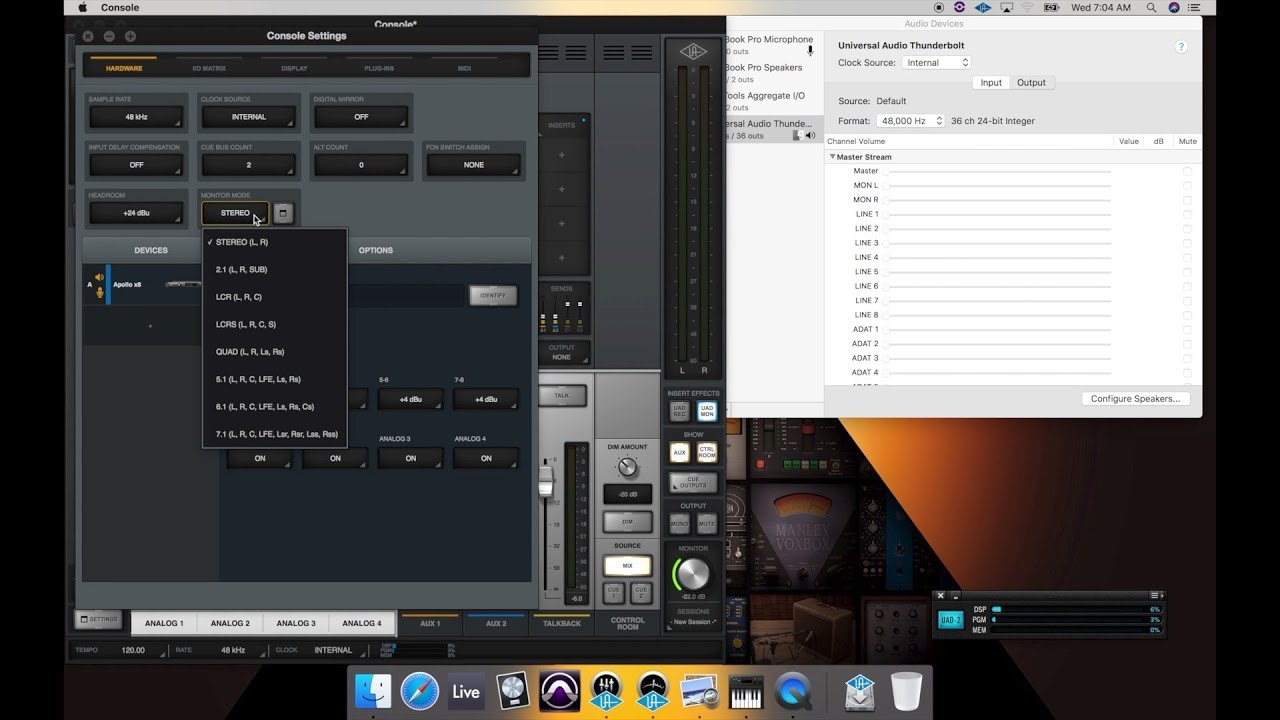
In this video Jack demonstrates how to set up a basic strings section, for 5.1 routing using VE-Pro and Pro Tools
You can find more tips and tricks including feature comparisons and frequently asked questions at our knowledge base: https://support.spitfireaudio.com/en/
For more information and to contact the team directly, please go to spitfireaudio.com/support
0:00 Intro
0:10 I/O and Bus set-ups
1:59 Creating tracks and bussing to 5.1
3:49 Loading and routing VE Pro
4:59 Loading the sample library into VE Pro
6:03 Route VE Pro's outputs into the correct ProTools instrument track
7:04 Routing MIDI Tracks from VE Pro into ProTools
7:51 Setting up ProTools to receive the correct signals
9:23 Playing and controlling full 5.1 surround
10:48 Routing mic channels through different surround signals
13:23 Outro
Повторяем попытку...

Доступные форматы для скачивания:
Скачать видео
-
Информация по загрузке: