How to Easily Track Samples During Cleanroom Certification or Monitoring
Автор: TSI Incorporated
Загружено: 2024-03-08
Просмотров: 479
Описание:
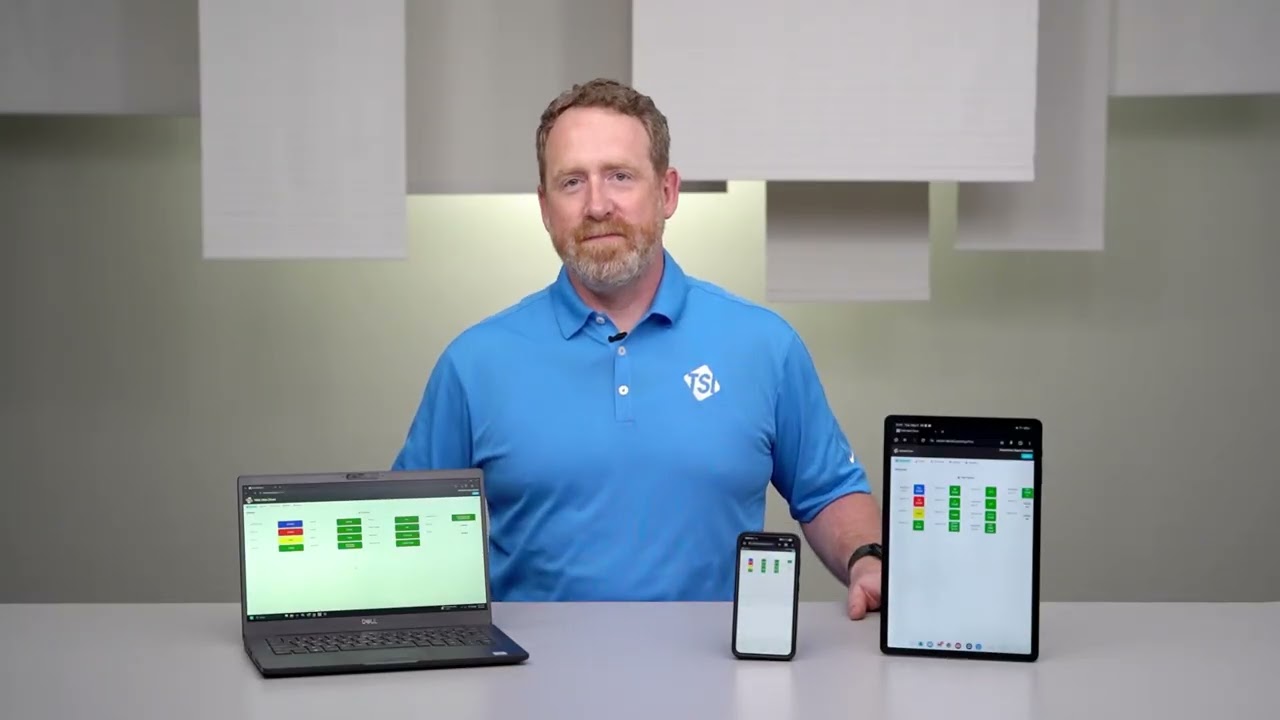
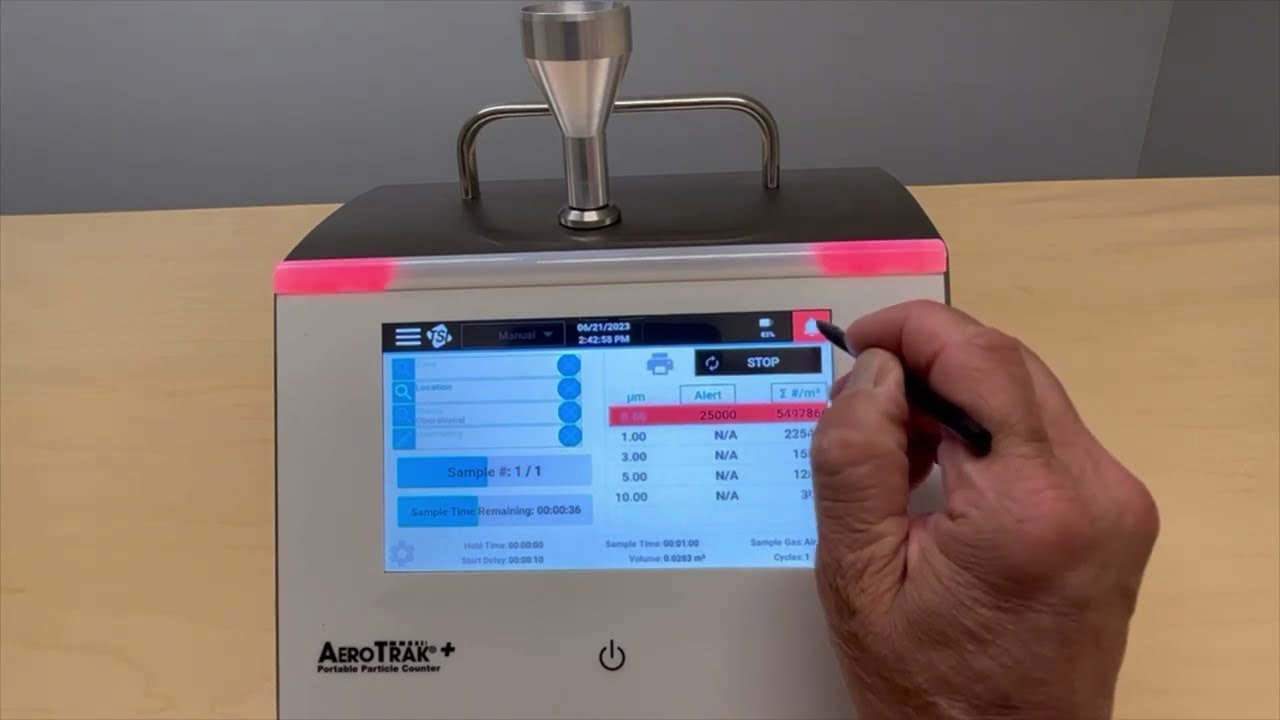
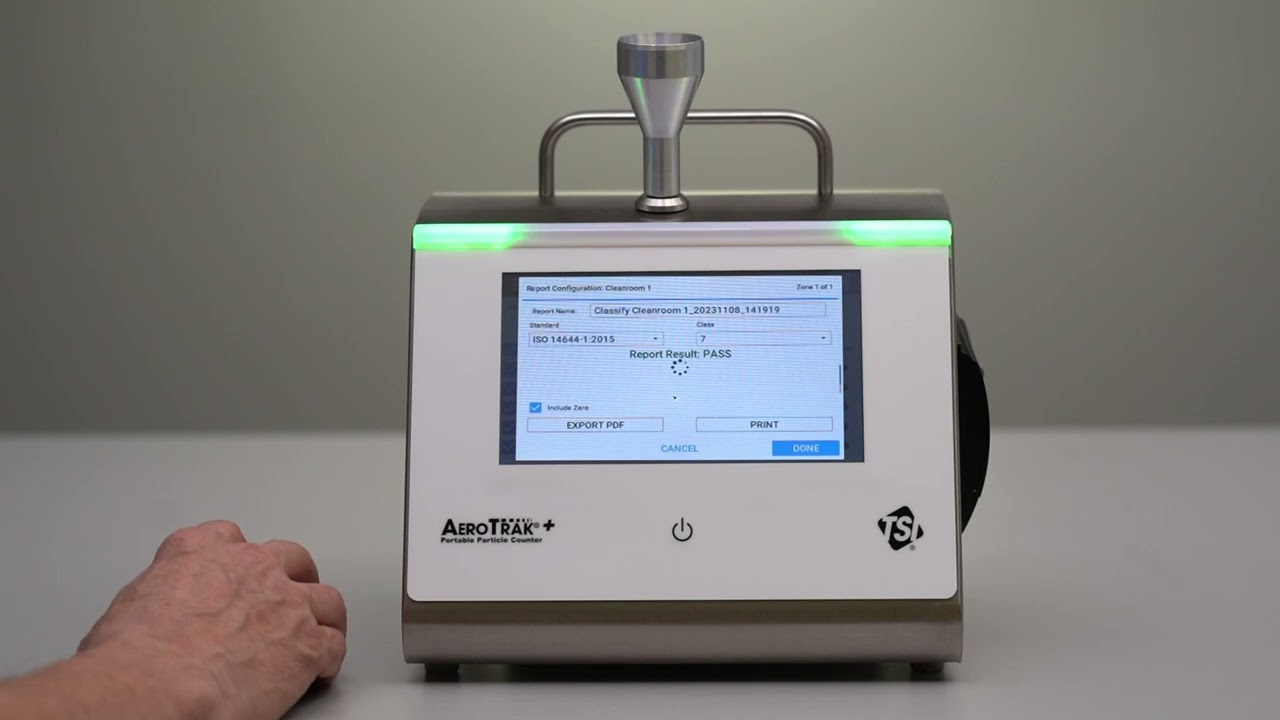
Sample tracking with the TSI AeroTrak™+ A100 Portable Particle Counter is easy during certification or monitoring of your cleanroom. By simply selecting a sample location, the sample tracker feature displays color-coded progression while sampling so that you can easily view and be real-time alerted to the sampling in process.
Green = sampling successfully completed with no alarms
Yellow = sampling alert limit was crossed
Red = sampling action limit crossed
Blue = sample actively being collected
Gray = not yet sampled
Learn more about TSI AeroTrak™+ A100 Portable Particle Counters @ https://go.tsi.com/l/855103/2024-03-1....
Watch other videos in this series @ https://go.tsi.com/l/855103/2024-03-1..., including:
• Just Press Start to Begin Manually Counting Particles in Your Cleanroom
• Annex 1 Ready Cleanroom Classification Testing
• Quickly Setup a Zone for Efficient Cleanroom Monitoring
• Cleanroom Classification Zone Creation for ISO 14644, GMP EU Annex 1 or China GMP Compliance
• How To Do Quick, Easy Cleanroom Classification
• How To Easily and Quickly Monitor Cleanrooms
• Cleanroom Compliance is Easy with the Capability to Run Quick Reports
• How to Easily Track Samples During Cleanroom Certification or Monitoring
• Advantages of Creating a Workflow When Monitoring a Cleanroom
Повторяем попытку...

Доступные форматы для скачивания:
Скачать видео
-
Информация по загрузке:




![Best of Driving Deep House [2026] | Chill Vocal Mix to Boost Focus, Maximize Concentration #7](https://imager.clipsaver.ru/CDnUiT9PNWc/max.jpg)