Instant Translation with NVDA Translate Focused & Last Spoken Text in Any Languageinstant translator
Автор: vision access
Загружено: 2026-01-25
Просмотров: 214
Описание:
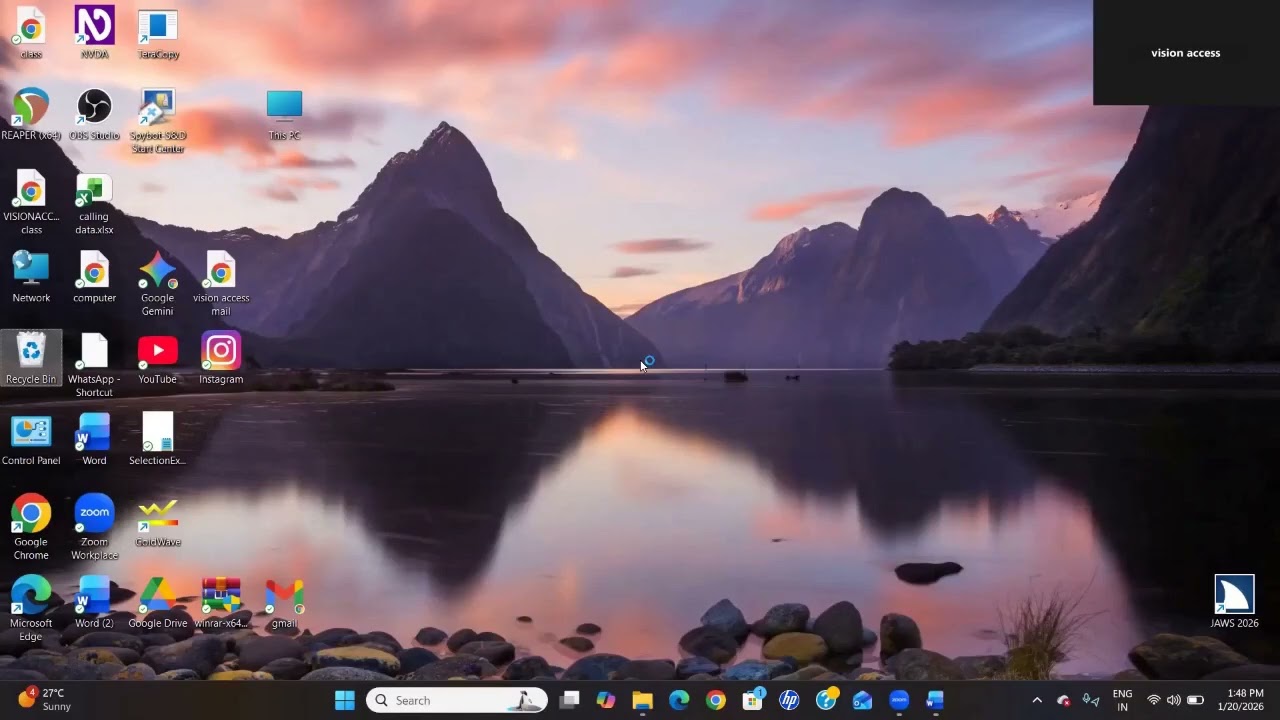
Understanding English text can be challenging, especially when the content is not in our local language.
Until now, screen reader users had to copy text, open translation websites, and shift focus away from their work — which was time-consuming and inconvenient.
💡 Good news for NVDA users!
In this video, I demonstrate a very powerful NVDA add-on that allows you to:
✔️ Instantly translate focused text
✔️ Translate the last spoken text by NVDA
✔️ Use simple keyboard commands
✔️ Work without opening any website or external tool
✔️ Translate content into almost any language
✔️ Stay focused on your current application
This add-on works smoothly across Windows applications, documents, browsers, and more, making it extremely useful for blind and visually impaired computer users.
📌 Perfect for:
• NVDA screen reader users
• Students and professionals
• Anyone facing language barriers
• Accessibility and assistive technology learners
🔔 If you found this video helpful:
👉 Like the video
👉 Share it with other screen reader users
👉 Subscribe to VisionAccess for more accessibility tips
👉 Comment below with your feedback or questions
✨ VisionAccess – Accessibility for All!
#NVDA
#NVDAScreenReader
#InstantTranslation
#TranslateWithNVDA
#NVDAAddon
#ScreenReaderTips
#AssistiveTechnology
#Accessibility
#BlindUsers
#VisuallyImpaired
#ComputerForBlind
#WindowsAccessibility
#FocusedText
#TextTranslation
#HowTo
#AccessibilityTools
#VisionAccess
#InclusiveTechnology
Повторяем попытку...
Доступные форматы для скачивания:
Скачать видео
-
Информация по загрузке:






![Почему работает теория шести рукопожатий? [Veritasium]](https://image.4k-video.ru/id-video/ggI1xKzoANs)
