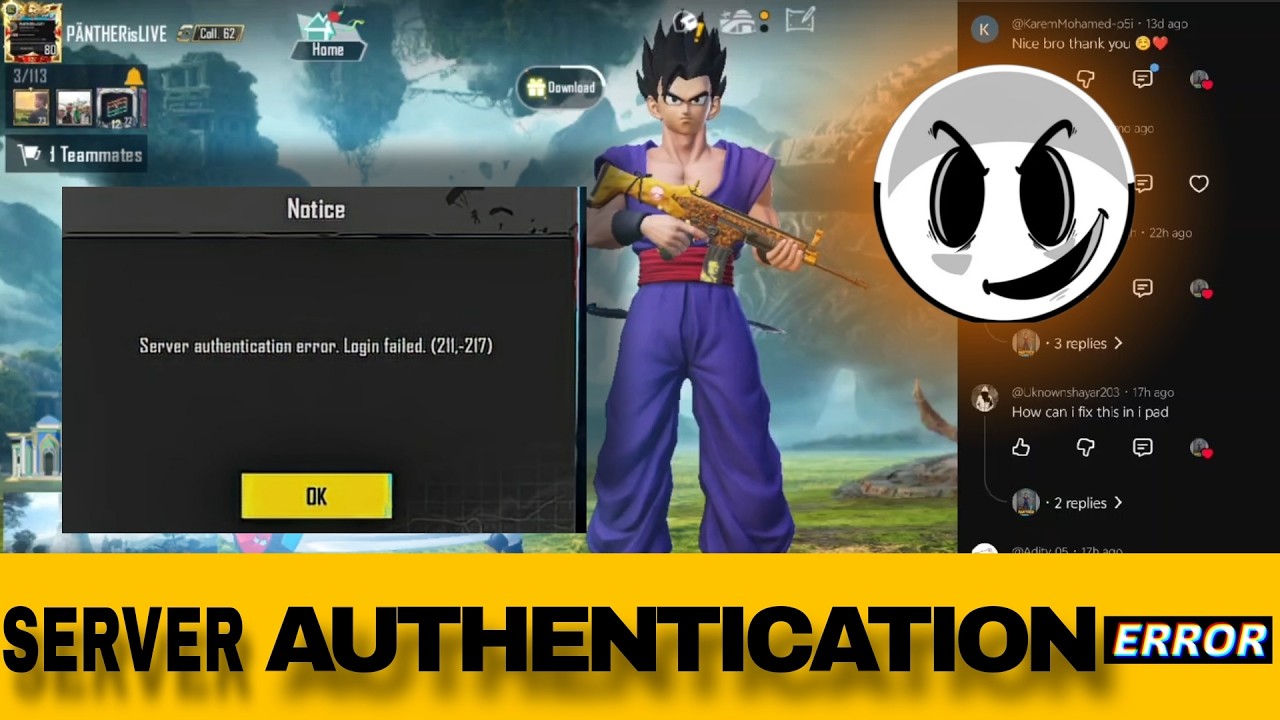
How to fix server authentication error. Login failed.(211-217) BGMI 4.2 ERROR
Автор: AEXY IS LIVE
Загружено: 2026-03-17
Просмотров: 629
Описание:
How to fix Server authentication error. Login failed. (211-217) Just in 1 minutes #PANTHERisLIVE01
this is not a ban don't worry about it how to unban
"Server authentication error. Login failed. (211, -217)"
This usually happens in BGMI / PUBG Mobile when the game cannot verify your account properly due to network or server issues. Here are some ways you can fix it:
SHOTS VEDIO LINK - • How to fix Server authentication error. Lo...
--
🔧 Fixes for Server Authentication Error (211, -217):
1. Check Your Internet Connection
Use a stable WiFi or 4G/5G connection.
Avoid VPN (sometimes VPN causes this error).
If using mobile data, toggle Airplane Mode ON/OFF and retry.
2. Clear Cache & Data
Go to Settings - Apps - BGMI/PUBG -Storage.
Tap Clear Cache (try first).
If not working, also try Clear Data (you will need to log in again).
3. Use the Repair Option
On the login screen (bottom-right), tap Repair.
Select Routine Repair and restart the game.
4. Update the Game
Make sure BGMI/PUBG is updated to the latest version from the Play Store.
5. Re-login Your Account
If logged in with Facebook, Google Play, or Twitter/X, re-check permission access.
Sometimes unlinking and relinking helps.
6. Check Server Status
Sometimes this error happens because the BGMI/PUBG servers are under maintenance.
In that case, you can only wait until servers are back online.
7. Reinstall the Game
If nothing works, uninstall and reinstall the game fresh.
#battlegroundsmobileindia #pubgmobile #bgmi
Повторяем попытку...
Доступные форматы для скачивания:
Скачать видео
-
Информация по загрузке: