Manual Repeater Pipette | Rainin AutoRep E
Автор: МЕТТЛЕР ТОЛЕДО — Лабораторные весы и аналитические приборы
Загружено: 2018-07-24
Просмотров: 3951
Описание:
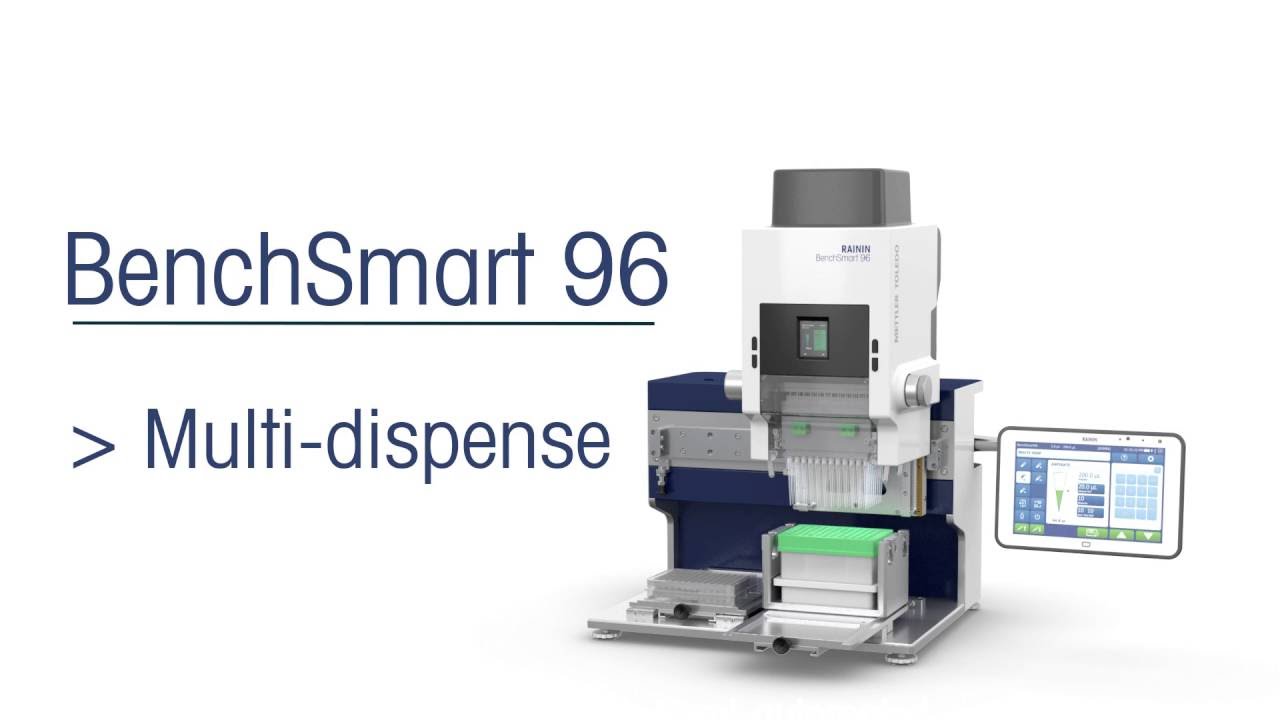
Dispense accurate repeated aliquots with positive-displacement precision using AutoRep E.
https://www.mt.com/us/en/home/product...
Parts:
Tip Loading 00:40 ► Tip Eject 00:51 ► Modes 1:15 ► Set Volume 1:36 ► Set Speed 1:49 ► Manual Multi-Dispense 2:10 ► Auto Multi-Dispense 2:52 ► Pipetting Mode (single dispense) 3:53 ► Errors 4:54 ♥
On the front, the AutoRep E has a screen, a menu button, down and up buttons, an Enter button, and on the back, the Step button.
At the base is the tip locking and unlocking latch.
AutoRep E uses a positive displacement syringe-style tip, each with its own precision piston that's built into the disposable assembly.
Tip Load and Eject
To load a tip, push the locking latch upwards to its top position and insert the tip. Lower the latch to lock the tip in place.
Before removing a tip, press the down key on the front. The screen shows "E" as a reminder to empty out or "purge" residual liquid in the tip. Press the Step key on the back to purge the liquid.
Press the locking latch to the top position and pull out the tip.
Modes
The AutoRep E has 3 modes. Whenever you load a tip, you are in Dispense mode. Dispense mode is how you manually dispense multiple aliquots by repeatedly pushing the Step button. There's also Auto Dispense mode, which dispenses in automated intervals, and Pipetting mode which simply aspirates and dispenses once and does not repeat.
Volume
To adjust volume, press Menu, then press up or down. Press Enter to save.
Speed
To adjust pipetting speed, hold the menu key down for 3 seconds. Use the up or down key to raise or lower the speed. The up-triangle is aspirate speed and down is dispense, and 3 dots indicates the highest speed. You'll want a lower speed if you're pipetting anything viscous. Press Enter to set.
Dispense mode
With the pipette in Dispense mode, I've loaded a 1 Milliliter tip. I've set it to dispense 110 microliter aliquots. That means I'll be able to dispense 9 aliquots. I've set it to aspirate at the maximum speed and dispense at maximum speed as well.
Place the tip in the liquid and press the Step key on the back to aspirate.
Press the Step key once for each dispense.
To refill the tip, just place it in the liquid and press the Step key again.
Auto Dispense mode
Auto Dispense mode does the same thing, but after setting it you only need to push the Step button once to multidispense at automated intervals.
Press the Menu button twice. The screen shows Auto Dispense is off. Press the Up or Down key to turn Auto Dispense on.
Press Enter, and the AutoRep E is now in Auto Dispense mode.
The way Auto Dispense works is the pipette learns your dispensing rhythm, then automates it. It bases its interval of automatic dispensing on the average time between your first 3 manual dispenses using the Step key.
Dispense 3 times using the Step key, then hold the Step key down to continue as the pipette dispenses automatically.
Press the Step key twice to aspirate, and the next dispense and subsequent dispenses are automatically timed until Auto Dispense is turned off.
Pipetting mode
Pipetting mode offers one single dispense. For Pipetting Mode, hold the Menu key down for greater than 3 seconds. When the screen displays S-P-E for Speed, press the menu key again. Use the Down or Up key to move to Pipetting mode and press Enter.
Volume adjustment is the same, using Up or Down keys, and Enter to set.
AutoRep E aspirates slightly more than is dispensed, so a final residual volume must be purged before removing the tip.
To aspirate, press the Step key. To dispense, do the same.
To ready the pipette to purge residual volume, press the down key on the front of the pipette. Then press the Step key to blow out. The tip is now empty and can be removed from the pipette.
Errors
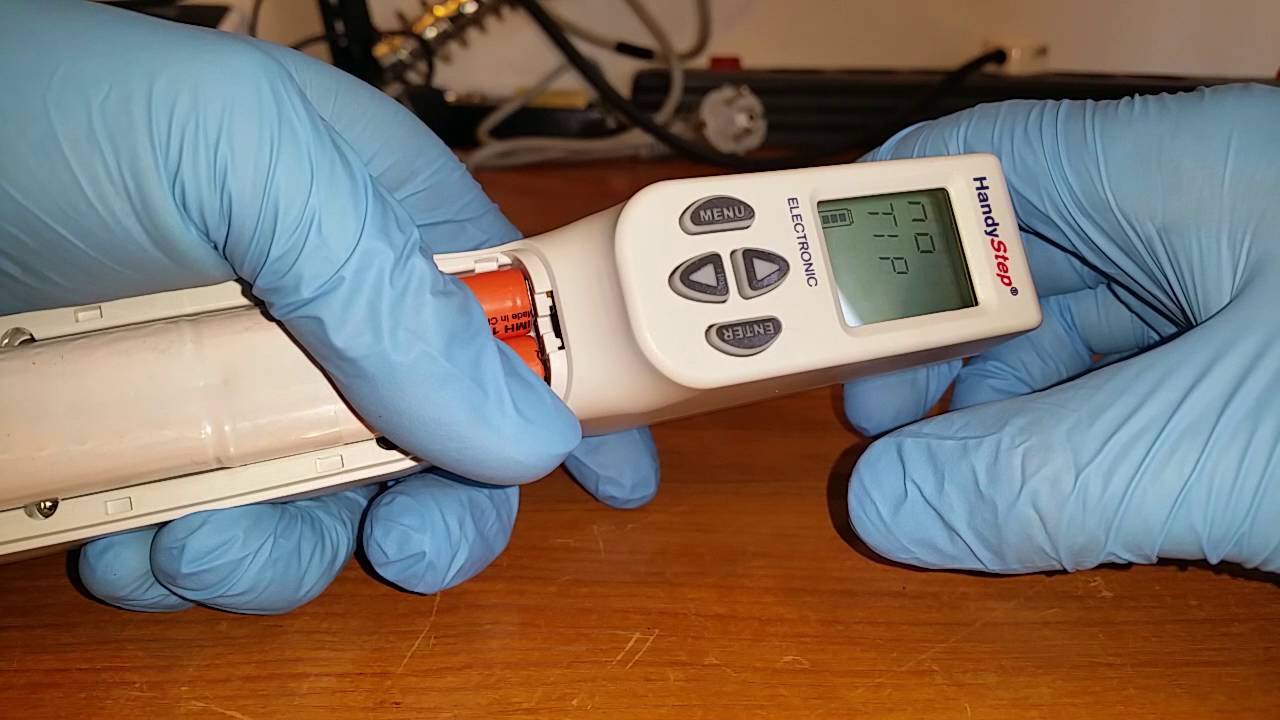
If you lift the latch and pull out a tip that still had residual liquid in it, the motor is not in a ready position for the next tip, and the pipette screen displays Error 1. Clear this by pressing Enter, and closing the locking latch. "REF" on the front screen means the pipette motor needs to return to reference position. Press the Step key to do this. "No Tip" means the pipette is ready for the next tip.
If you have a tip that is still partially filled and you lift the rear latch but do not remove the tip, you'll see the same Error 1. Press Enter to acknowledge the error, and the message on the front of the pipette reads C-L-O for "close." With the latch closed, the pipette shows "REF" for "reference", meaning the motor needs to return to reference position. Press the Step key on the back of the pipette. You now see the error message "Error Tip." To clear this error, open the latch, remove the tip, and close the latch. "No Tip" means the pipette is ready to use.
Повторяем попытку...

Доступные форматы для скачивания:
Скачать видео
-
Информация по загрузке: