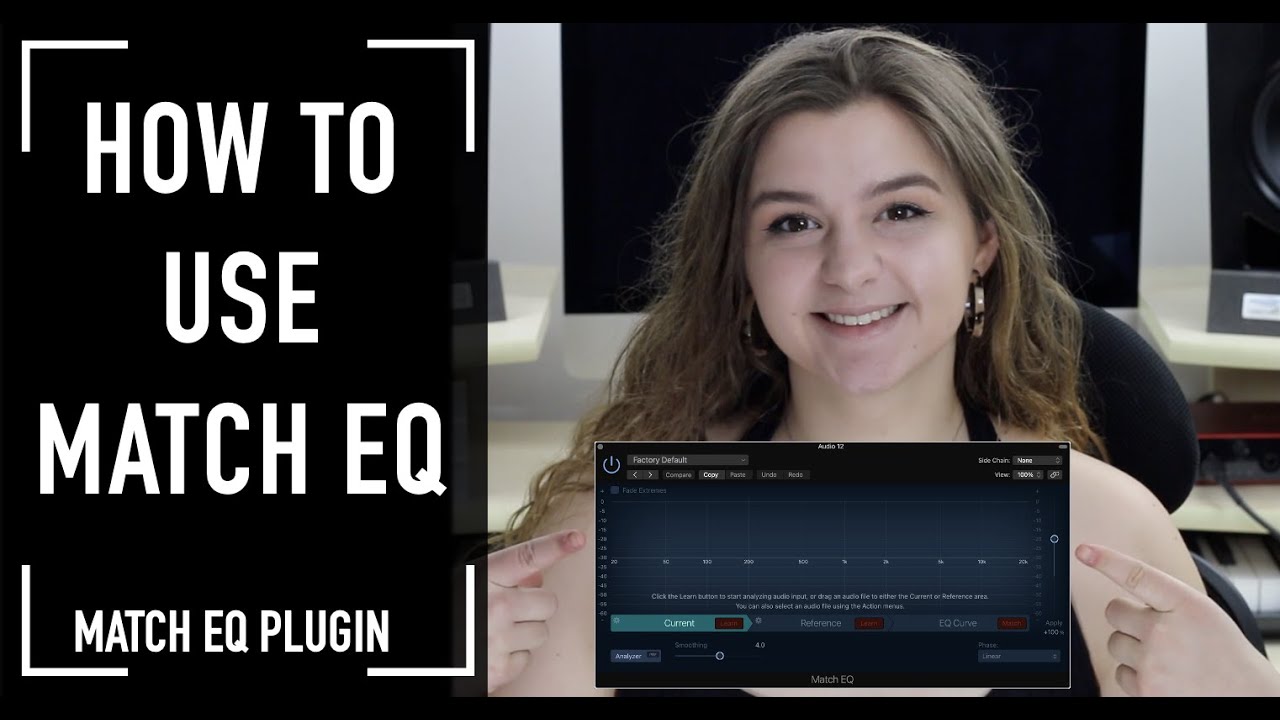
Logic Pro Match EQ Tutorial
Автор: Unders
Загружено: 2019-04-29
Просмотров: 4631
Описание:
Match EQ Logic Pro X
More Logic Pro X Tutorials - http://bit.ly/LogicTuts
Match EQ overview
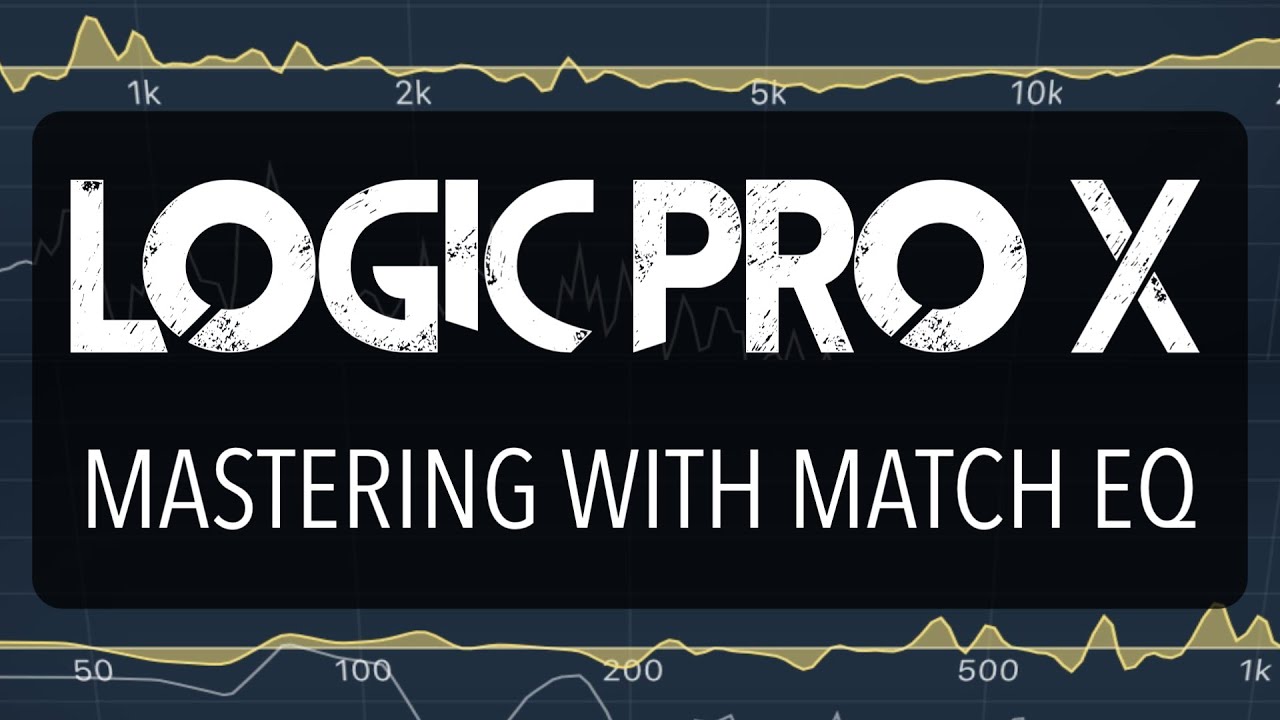
Match EQ allows you to analyze and store the average frequency spectrum of an audio file as a template. You can apply this template to another audio signal so that it matches the spectrum
of the original file. This is also known as a fingerprint EQ, where one sonic fingerprint is applied to another signal.
Match EQ enables you to acoustically match the tonal quality or overall sound of different songs you plan to include on an album, for example, or to impart the color of any source recording to your own projects.
Match EQ is a learning equalizer that analyzes the frequency spectrum of an audio signal such as an audio file, a channel strip input signal, or a template. The average frequency spectrum of the source file (the template) and of the current material (this can be the entire project or individual channel strips within it) is analyzed. These two spectra are then matched, creating a filter curve. This filter curve adapts the frequency response of the current material to match that of the template. Before applying the filter curve, you can modify it by boosting or cutting any number of frequencies or by inverting the curve.
The Analyzer allows you to visually compare the frequency spectrum of the source file and the resulting curve, making it easier to make manual corrections at specific points within the spectrum.
Note: Although Match EQ acoustically matches the frequency curve of two audio signals, it does not match any dynamic differences between the two signals. Hopefully that will all become clear in this Logic Pro Match EQ Tutorial.
Join this channel now.
🚀 For as little as $1 to get access to perks like tutorial files, projects & more
/ @unders
🧠 Learn mastering with Ozone, Hidden 50% Off for Youtube Subs - https://www.warriorsound.courses/mast...
---- FREE STUFF---
✅ FREE SAMPLE PACK - https://www.warriorsound.co.uk/soulfu...
👀 FREE MUSIC STREAMING GUIDE - https://www.warriorsound.courses/pl/2...
—My Studio Set Up—
🔈 Favourite Budget Monitors - http://bit.ly/MTMiLoud
🎚️ ADAT Interface Set Up - https://thmn.to/thocf/lv3lsv64u3
🖥️ Only Place to Get My Desk - https://bit.ly/UndersStudioSetup
🎤 Microphone - http://bit.ly/IKMicstduio
—My Favourite Music Production Software—
🌊 Extra 10% Off at Waves Audio - http://bit.ly/WavesBonus
🎛️ My Most Used Mix Plugin - http://bit.ly/Neutron3
🌎 Ozone 10 - https://shrsl.com/3sah7
🔊 ProQ 3 - https://goo.gl/3tpTBD
🌭 NI Komplete - https://shrsl.com/3qcm0
📼 Tape Plugins - http://bit.ly/IKTAPES
🔍 ADT - https://waves.alzt.net/ReelADT
🖖 Split Up Any Audio - https://www.lalal.ai/?fp_ref=scott38
—My Favourite Business Tools—
📌 Courses and Membership (Kajabi) - https://app.kajabi.com/r/sfcFEMhd
📩 Grow Your Own Email List (Kajabi) - https://app.kajabi.com/r/sfcFEMhd
🌐 Website (Squarespace) https://squarespace.syuh.net/xgEZy
🕸️ Domains (Namecheap) https://namecheap.pxf.io/jYGg6
💸 Unlimited Music Distribution - https://distrokid.com/vip/unders
🎥 Stock Footage (Envato) https://1.envato.market/15AEnB
🏦 Freelancer Banking - https://revolut.ngih.net/JrErGE
▶️ How I Grew Youtube - https://www.tubebuddy.com/unders
—Warrior Sound Courses—
📚 On Warrior Sound - https://www.warriorsound.courses/
📚 On Skillshare - https://bit.ly/WSCOURSE
📚 On Udemy - https://bit.ly/WSUdemy
**Disclaimer: Unders is a participant in the Amazon Services LLC Associates Program, an affiliate advertising program designed to provide a means for sites to earn advertising fees by advertising and linking to www.amazon.com. Some links may be affiliate links but not always.
Disclaimers: all opinions are my own even on paid content, and sponsors are acknowledged. Not financial and or business advice, for entertainment purposes only. Using my own personal experiences.
Повторяем попытку...

Доступные форматы для скачивания:
Скачать видео
-
Информация по загрузке:
![Эквалайзеры в Logic Pro. Урок 5 — Match EQ [Logic Pro Help]](https://imager.clipsaver.ru/DnBqq5F0O7o/max.jpg)