How to Create Game Cover Art for Steam // Indie Game Box Art
Автор: AuroDev
Загружено: 2021-07-14
Просмотров: 7938
Описание:
Are you artistically challenged but now you need to create game cover art for Steam? No worries! In this video I will show you one way how you can do it all for free with zero experience as an artist.
⚔️ Mortal Glory 2: https://store.steampowered.com/app/22...
➤ Chambers of Devious Design: https://store.steampowered.com/app/16...
➤ Mortal Glory: https://store.steampowered.com/app/10...
➤ Follow me on Twitter: / redbeakgames
➤ Patreon - Support to gain perks: / redbeakgames
How to Get a Game on Steam // Creating a Steam Page: • How to Get a Game on Steam // Creating a S...
Music by Harris Heller, StreamBeats.com
0:00 Intro
1:44 Logo
If you take a look at other logos of popular games on Steam, you can notice that most of the logos are actually quite simple. Many times just white text with a few twists. Creating something like that is well within your means.
I recommend using vector art for the logo as that will allow you to make it as big as you want when needed. If you haven’t tried it yet, Inkscape is a great vector art tool that is free to use. Vector art is also very beginner friendly I think. Even with zero skill, you can create something nice by just playing around with the features and putting in some time. Once you have created something with vector art, you can then also very easily enhance it with some ready-made effects in other programs like GIMP or Paint.NET.
2:37 Background
My opinion is that the background image doesn’t really even matter that much. What does matter is the color of that background image. You want your game to pop up from the list of games so that the potential customer is more likely to notice it and then visit your steam page.
When I was recently creating the background for my game’s logo, I was first going to go with just a color gradient background, but I thought it looked quite boring. Luckily, there were still other options I could try even with minimal artistic talent. What you can do is find some free images from the Internet that you can use to easily add some texture to your background.
Then you can just play around with the colors and different filters to see if you can come up with something that looks nice. Having artistic talent and a clear vision in mind will help a lot, but you can still come up with something decent even if you have neither of those and just keep trying different things.
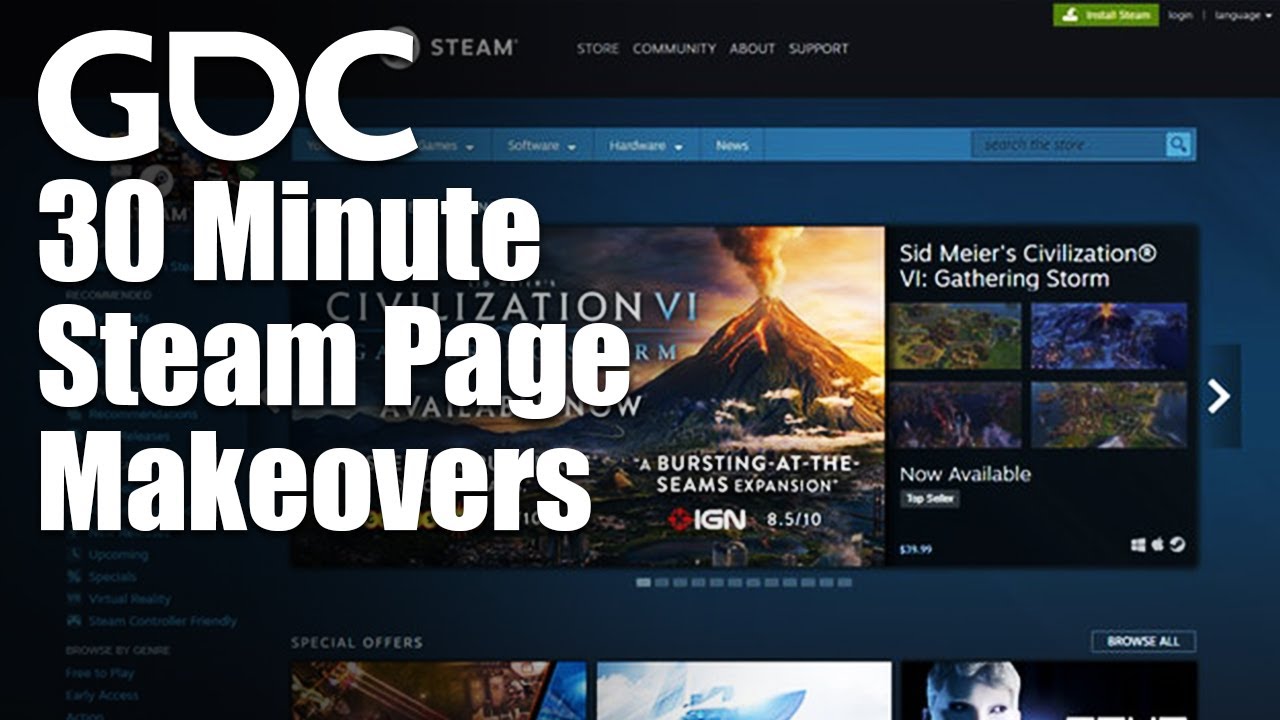
Keep trying them against Steam’s background and you will quickly notice which colors pop up and which don’t. Thinking about the complementary colors might also be helpful. Steam’s background is blue and blue’s complementary color is yellow or orange, depending on which color model you go by. So using those colors should at least in theory make it pop up the most.
4:24 Borders
One trick you can also try out is adding borders to your capsule image and see if that helps it pop up even more. You can see some games employing this tactic, but many don’t so it might help direct wandering eyes to your capsule image.
4:40 Illustrations
Many capsule images on Steam might also feature character illustrations or some special objects. Those will be hard to make yourself without artistic talent, but if you have some cool existing illustrations in your game, it’s a good idea to use those. You can also try searching the internet if you can find some free assets that could be relevant to your game and look nice next to the logo.
5:05 Preparing the Steam capsules
Once you have these different parts ready, then creating all the needed Steam assets is basically just a matter of moving the different pieces to fit all the needed dimensions. Feel free to also customize some of the capsules if you feel like it. Especially with the bigger images there’s more room to add some extra illustrations on them. By the way, when you are working on the graphics, it’s a good idea to keep them in very high resolution and then just make them smaller in the final step when you are creating the different capsule images.
5:52 Localizing the images
You can also localize each of these images on Steam. It can potentially be a lot of work though so you should first think if it’s worth it in your case. I think usually just the English versions should be enough. In my case though, when I localized Mortal Glory, I noticed a lot of new sales were coming from China so I decided to also localize the game’s name and Steam graphics to Chinese. I don’t really have any data to say if it was worth it or not, but I would like to think that it makes the game seem more attractive to potential Chinese customers. Which is why I also did the same now with my new game.
6:50 Few tips
Повторяем попытку...

Доступные форматы для скачивания:
Скачать видео
-
Информация по загрузке: