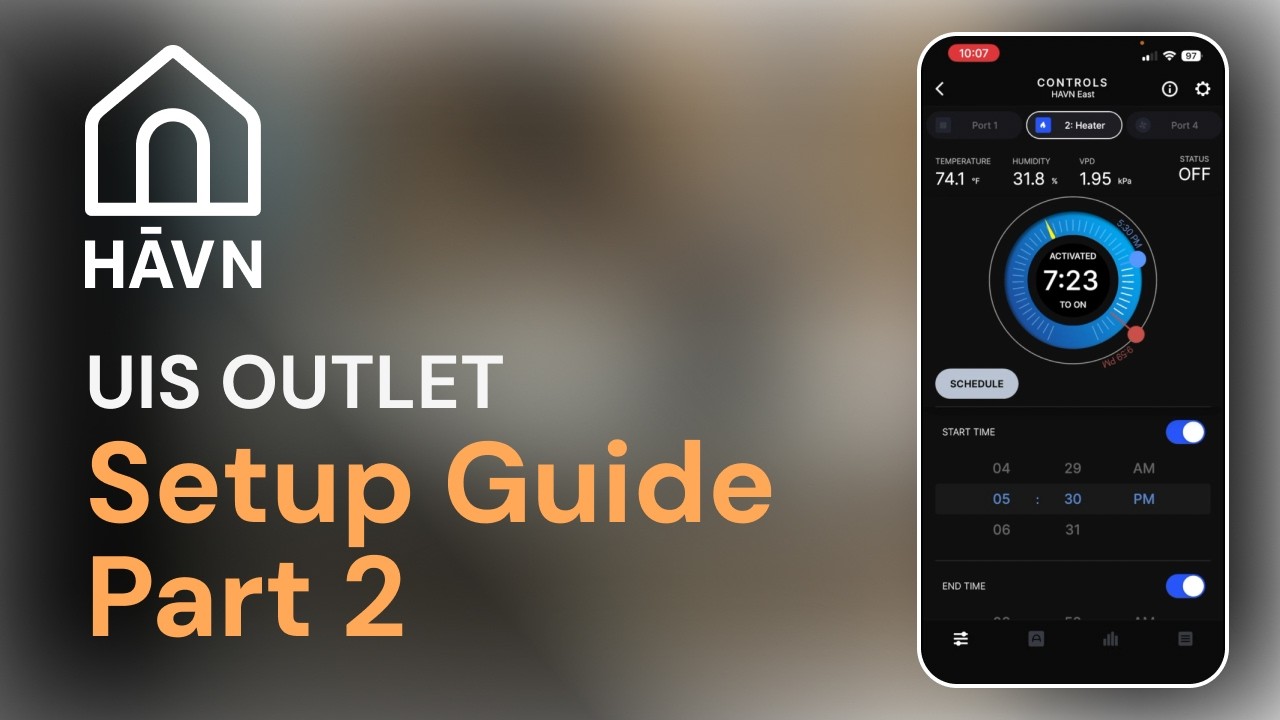
How to Program a UIS Outlet for Heater Control (AC Infinity Controller Setup) - Part 2
Автор: HAVN Outdoor
Загружено: 2026-02-13
Просмотров: 33
Описание:
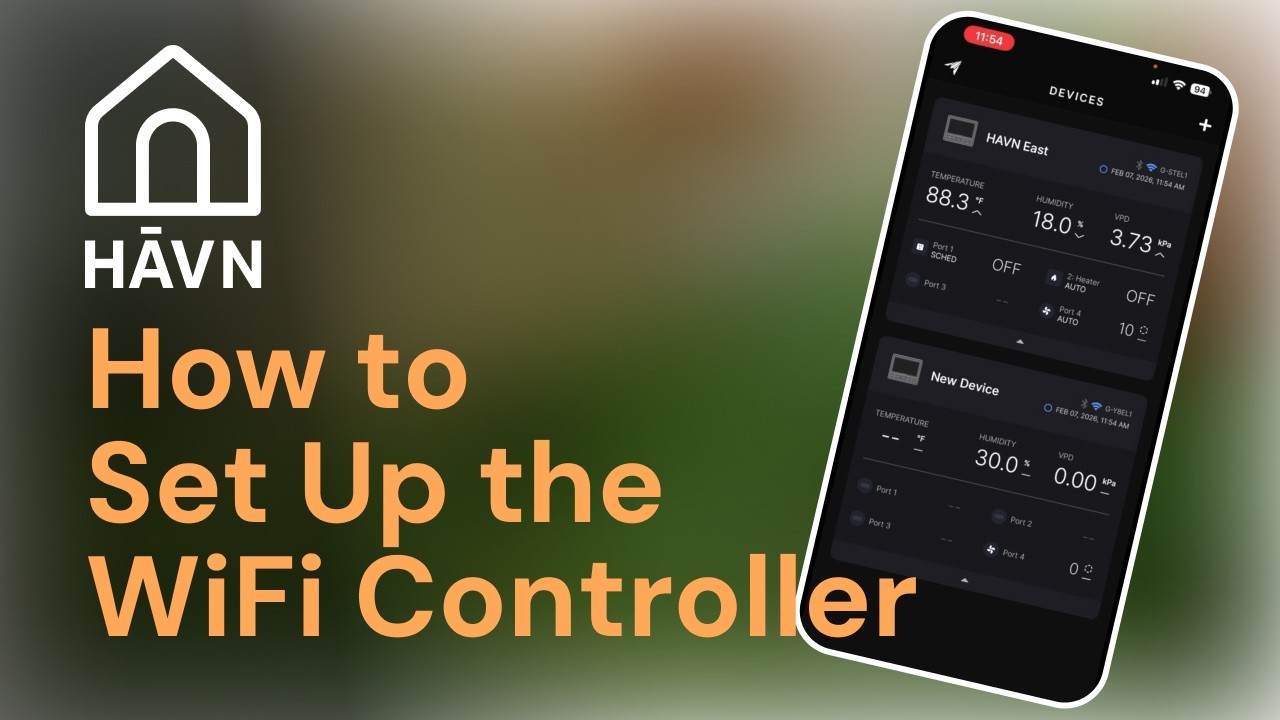
Learn how to program a UIS outlet to control a heater using the AC Infinity controller app.
In this episode of HĀVN Deep Dives with Dirk, we walk through the full setup process inside the controller — including selecting the correct port, assigning the device type, setting temperature triggers, and configuring a proper buffer to prevent constant cycling.
You’ll learn how to:
• Assign a heater to the correct UIS port
• Configure winter settings for outside temperature
• Set a buffer temperature (and why it matters)
• Choose between auto, timer, manual, or schedule modes
• Use the graph tab to analyze heater performance
• Understand real-world temperature cycling inside the greenhouse
One of the most important steps in this setup is configuring a buffer temperature. Without a buffer, your heater can cycle on and off constantly. Setting a 6–10° buffer allows stable greenhouse temperatures and protects your equipment from unnecessary wear.
In this example, the HĀVN greenhouse maintained temperatures between 36° and 43° overnight — even when outside temperatures dropped to 12°.
HĀVN inflatable greenhouses are designed to integrate seamlessly with AC Infinity controllers for automated climate control and reliable winter performance.
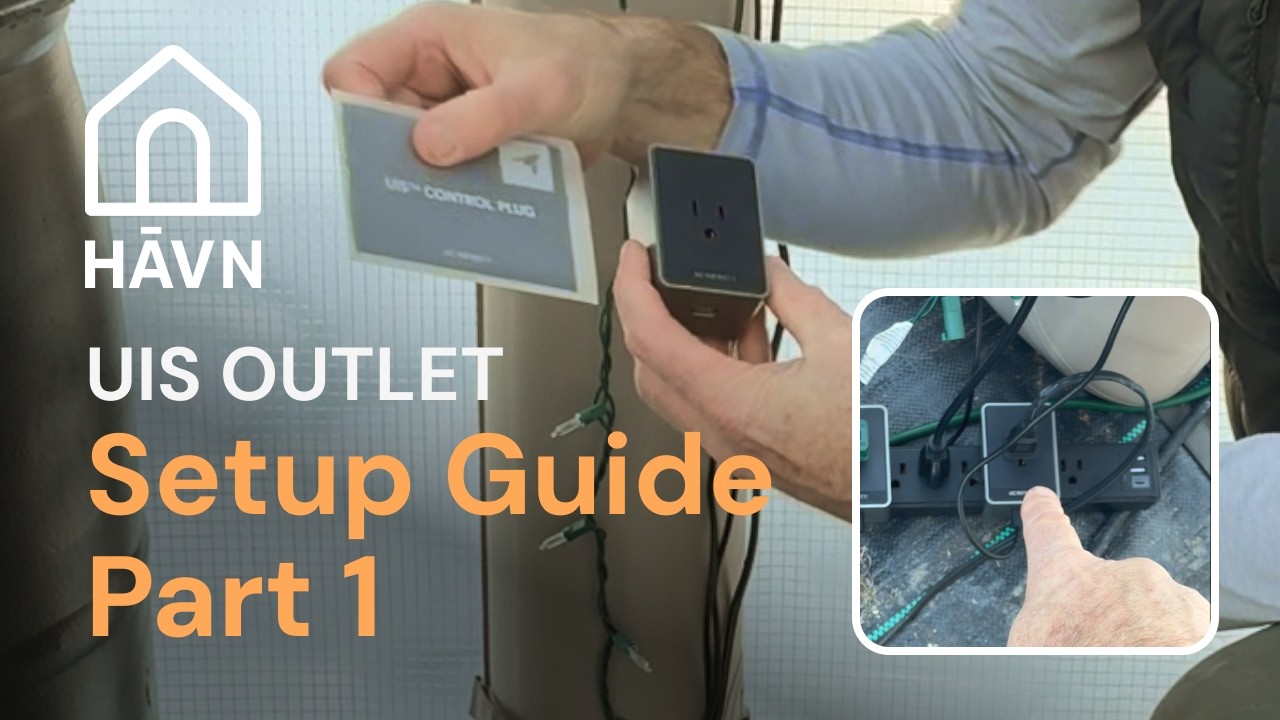
Watch Part 1 for physical wiring instructions, and explore the full HĀVN Deep Dives series for more setup tutorials.
Need assistance? Contact [email protected]
#HAVN #InflatableGreenhouse #ACInfinity #GreenhouseAutomation #HeaterSetup
Повторяем попытку...
Доступные форматы для скачивания:
Скачать видео
-
Информация по загрузке: