How to use the Sound Devices MixPre-6 II with outboard gear
Автор: 227
Загружено: 2021-10-15
Просмотров: 999
Описание:
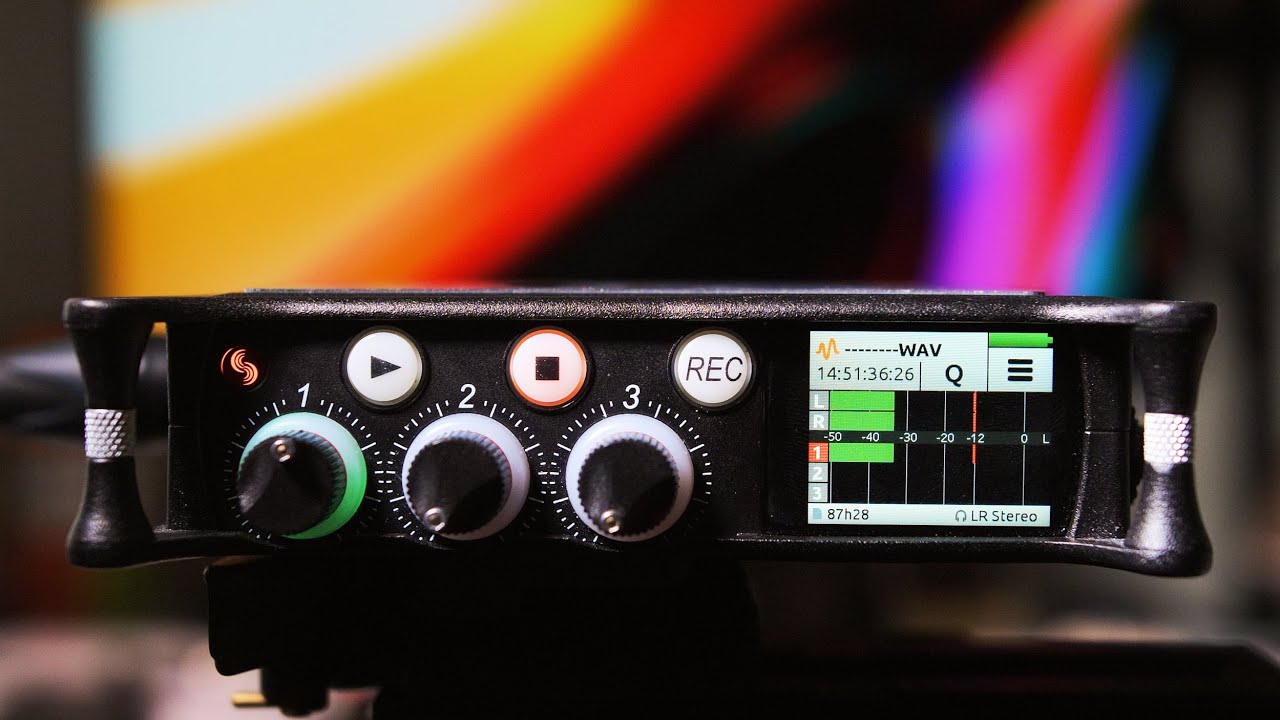
I've been exploring field recording lately, and I finally settled on a field recorder: the Sound Devices MixPre-6 II: https://amzn.to/2YV8h09
... which is sort of a "best of all worlds" recorder where the few cons aren't that big of a deal. And best of all, it can be used as an audio interface on my computer using just a USB-C to USB-A cord, which operates it in low-power mode (and while this mode has a couple of limitations, they're non-issues unless you need to power three or more condenser mics at the same time).
But I couldn't find any information about whether it could be used with outboard gear. Both of my other audio interfaces (an Audient iD44 and a PreSonus StudioLive 16.4.2) can do this, and it's a pretty big deal to me.
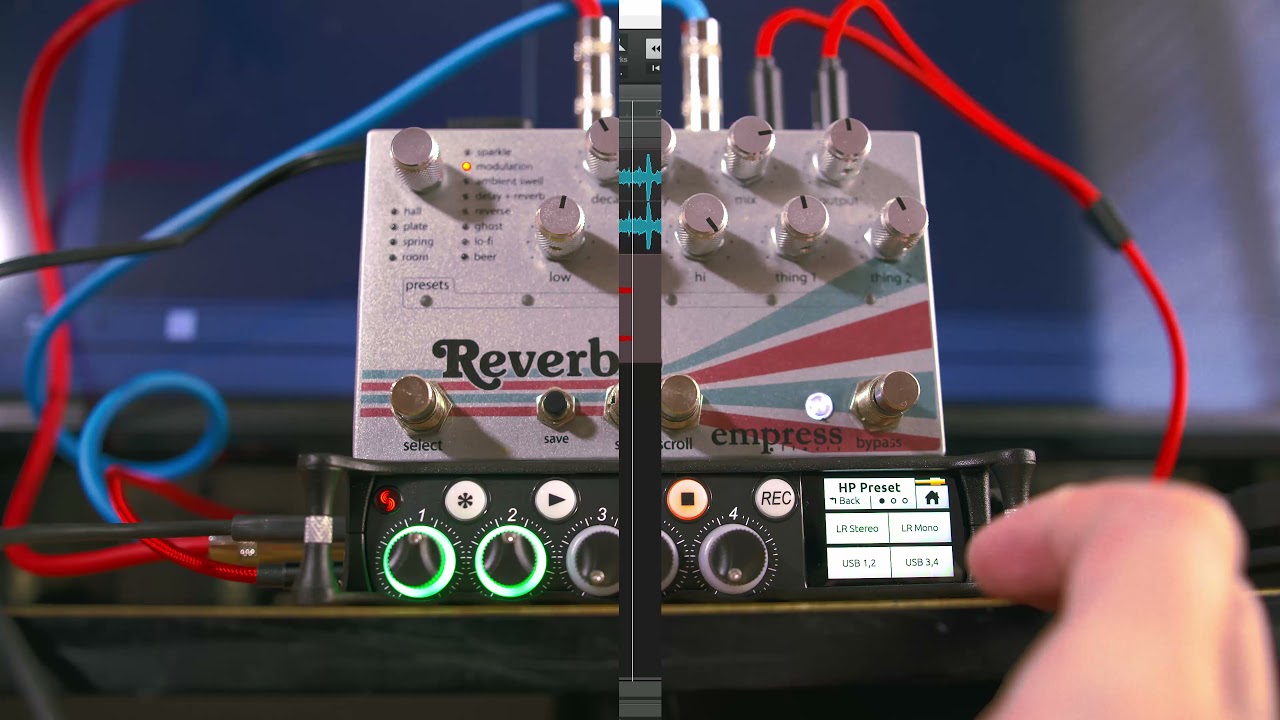
It turns out that it CAN technically do this. The method is a little annoying and requires a 3.5mm to dual 1/4 TS cable: https://amzn.to/2XfCir8
This also uses up the stereo out, forcing you to use headphones exclusively (though you could conceivably use another 3.5mm to dual 1/4 TS cable to send the headphone output into speakers), but hey. At least it's doable without creating an effect-drowning feedback loop.
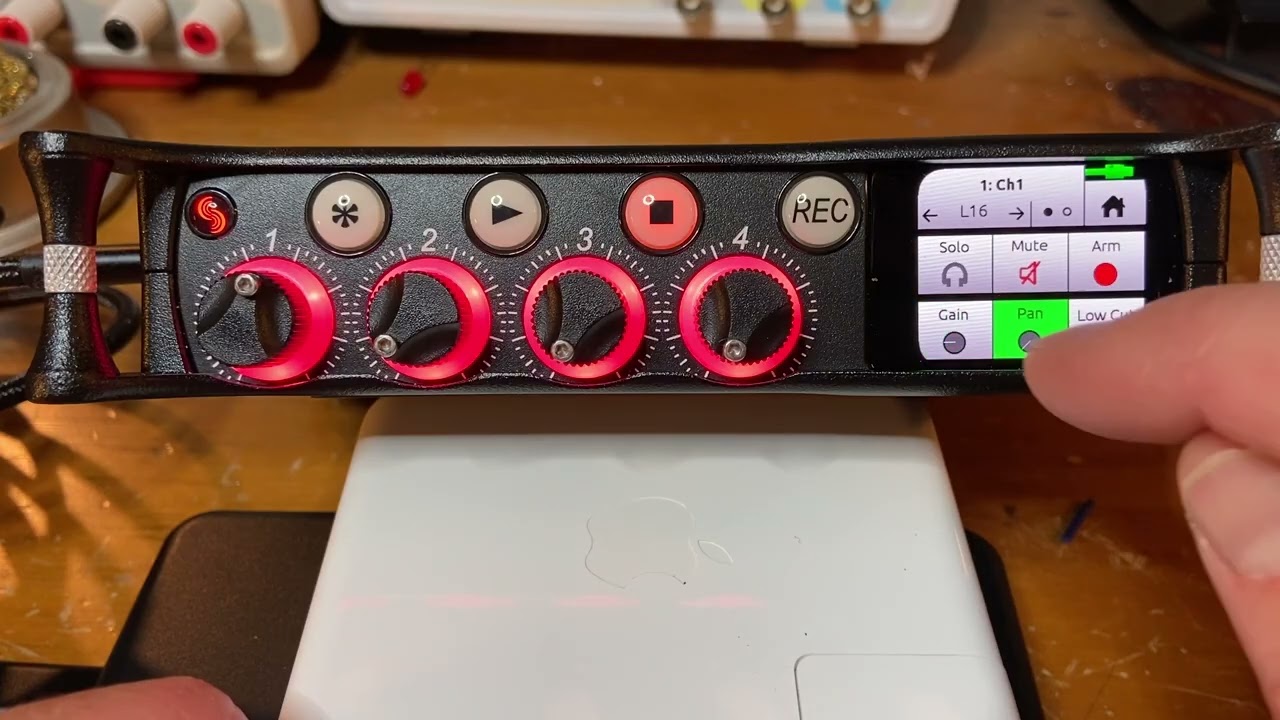
Side note: I have the MixPre-6 II in Custom mode, with everything set to advanced except for the way the input knobs work, which is set to basic so that they function like normal gain controls. Otherwise, you have to adjust the initial levels ahead of time and then work the knobs as faders, which doesn't feel intuitive when using it as an audio interface. Doing it this way means that cranking the knobs up turns up the volume (though I linked inputs 1 and 2, so the first knob is gain and the second is actually the left/right balance). That's a much more natural way of working.
I practically grew up in a studio, so I have no idea what a baseline amount of audio knowledge is. Hopefully, I don't come across as too patronizing or throw anyone in the deep end by rushing along too fast, but I had no script and virtually no experience with speaking into a microphone.
So! Why would you want to send audio to outboard gear? For one thing, the Empress Reverb sounds better than any software reverb I've ever tried, and my only regret is that I've spent so many years without its warm touch caressing every crevice of my tracks: https://amzn.to/3lJpFOu
Recording a full-wet track to mix under the original also gives you a lot of flexibility. You could sidechain it so that you only hear the reverb when the original sound isn't playing, for example, or pull it in and out to create contrast between different sections. And that's just reverb. Other effects can obviously be used in similarly fun ways. And having buttons to press and knobs to twirl haphazardly is just a more fun way of making music.
Originally, I recorded an additional six minutes of ranting about sidechaining and how dumb all field recorders are for not including it as a feature. I stand by that, and my opinion now and forever is that sidechaining is practically an audio holy grail, but the rambling sort of took the focus away from the topic at hand.
The video was recorded on a Black Magic Pocket Cinema Camera 6K (the original, not the Pro version): https://amzn.to/3lKZGGw
... with a Sigma 18-35mm f1.8 lens: https://amzn.to/3BTSCx6
If things look kind of wobbly when I'm touching the MixPre-6 II, it's because my desk is just that wobbly. I like to live dangerously.
TIMESTAMPS IN YOUR FACE:
0:00 - Words saying what the video's about
0:16 - Pictures of how everything's connected
0:32 - Switching the headphone output to hear stuff
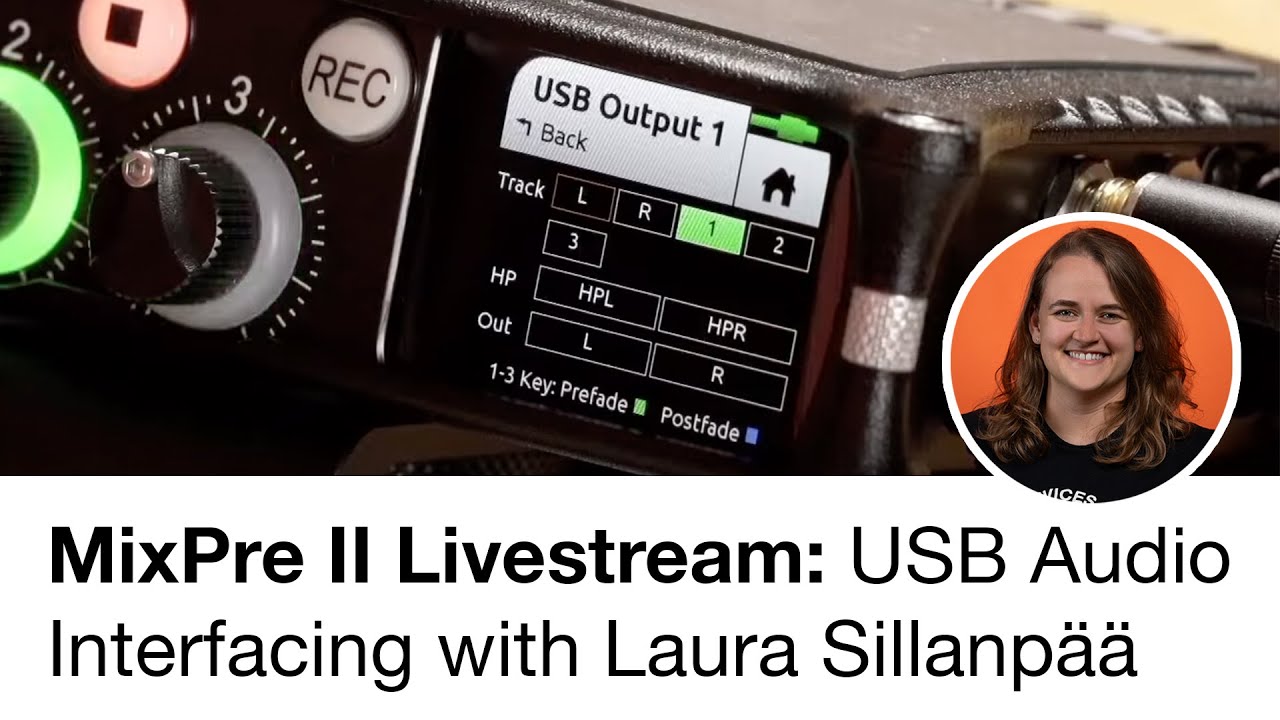
0:53 - Changing the stereo outputs to send audio to the gear
1:16 - Setting up the inputs coming back from the gear
1:35 - Turning the dials so that you can hear the audio coming back
2:19 - Struggling with my mouse while recording the wet signal in a DAW
3:50 - Pros and cons, low power mode, and some extraordinarily sexy final thoughts
Повторяем попытку...
Доступные форматы для скачивания:
Скачать видео
-
Информация по загрузке: