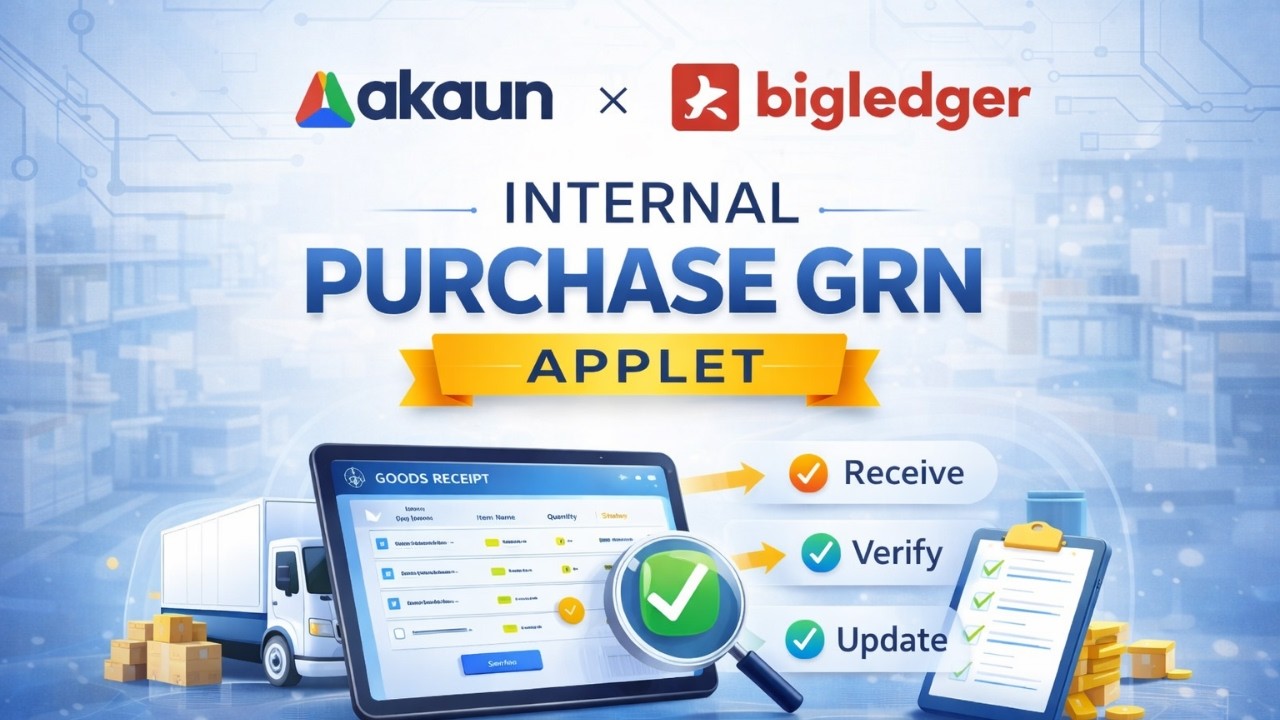
Purchase GRN Applet (Goods Received Note) in BigLedger – Full Receiving Workflow Guide
Автор: BigLedger
Загружено: 2026-02-23
Просмотров: 7
Описание:
In this video, we explain how to use the Purchase GRN Applet (Goods Received Note) in BigLedger.
The Purchase GRN Applet is used when you receive stock from a supplier. Once finalized, the system will automatically generate a Purchase Invoice, and the stock will become available in the system.
This tutorial covers:
✔️ Overview of the Purchase GRN Applet interface
✔️ Creating a new GRN manually or loading from PO
✔️ Main Details, Account, and Line tab explanation
✔️ Selecting supplier and receiving items
✔️ Draft vs Final status
✔️ What can and cannot be edited after Final
✔️ Contra function (knocking off deposit/payment voucher)
✔️ Document Link (GRN → Purchase Invoice auto creation)
✔️ Advanced Filter and listing view
✔️ Document-level vs Line-item view
✔️ Export to PDF / Excel
✔️ Toggle screen view
✔️ Column customization
✔️ Application Settings (hide/show tabs)
✔️ Default selection & personalization
✔️ Void vs Discard rules
You will also learn:
• How stock becomes available after GRN finalization
• Why voiding GRN requires Purchase Return instead
• How to configure tabs and printable settings
If you are directly receiving stock from suppliers, the Purchase GRN Applet is an essential part of your purchasing workflow.
For configuration or customization, please contact your BigLedger admin.
⏱️ Timestamps
0:00 Introduction
0:37 Create GRN
1:05 Main Details
1:23 Supplier
1:40 Line Items
2:32 Draft Status
3:01 Delivery/Payment
3:31 Contra
4:20 Doc Link
5:07 Final Status
6:03 Auto Invoice
6:54 Stock Available
7:09 Listing View
7:49 Advanced Filter
8:28 Void vs Discard
9:05 Line Item View
10:10 Toggle View
10:41 Column Setting
11:30 App Settings
14:01 Default Setting
15:20 Summary
Повторяем попытку...
Доступные форматы для скачивания:
Скачать видео
-
Информация по загрузке: