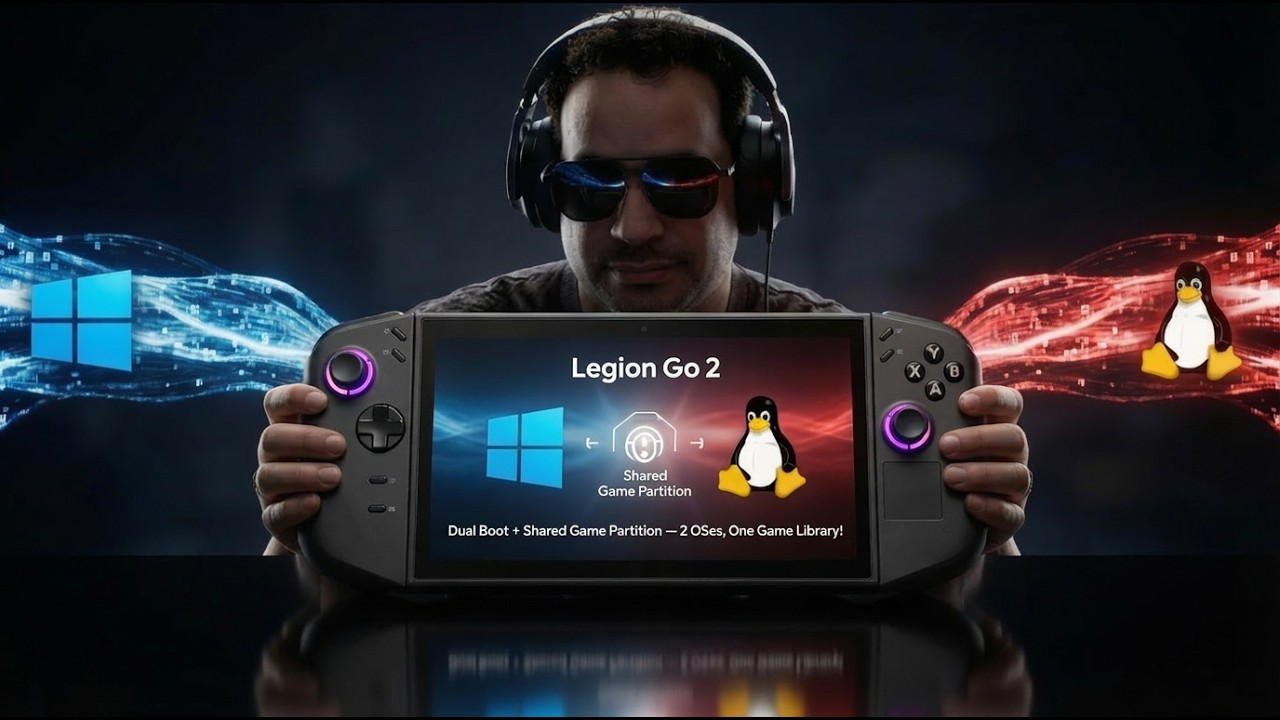
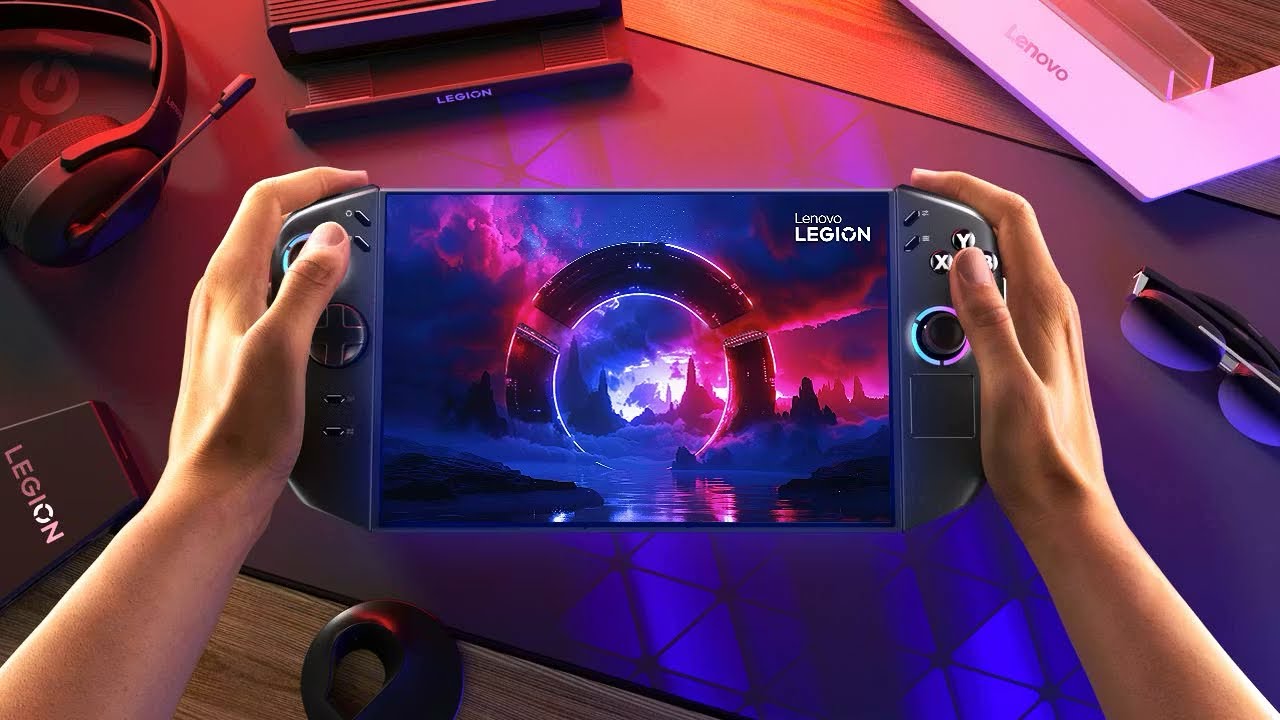
The Ultimate Legion Go 2 Tips-N-Trick for New Users - This is a Beefy video
Автор: DarkDragonAn Gaming
Загружено: 2026-01-19
Просмотров: 643
Описание:
Ultimate Legion Go 2 Tips & Tricks (2026) — Beefy Guide for New Users! 🚀🎮Just got a Legion Go 2? This is the no-nonsense, ultra-packed tips-n-tricks video you need for 2026. I’m walking you through everything that actually makes this handheld sing — from quality-of-life tweaks to performance hacks.
Enable Xbox Full Screen Experience for a cleaner, console-like feel
Remap shortcuts to work perfectly with the new Xbox Game Bar — faster navigation, less fiddling
Add more VRAM in the BIOS to boost gaming performance (steps + safety tips)
Power/performance tuning, battery-saving tricks, and thermal management
Handy UI tweaks, controller mapping, and must-have system settings
Bonus pro tips and common pitfalls to avoid
Quick, practical — I’ll show you how to do each tweak step-by-step so you can get the most out of your Legion Go 2 today. Like the video? Hit Like, Subscribe, and drop your questions or favorite tweaks in the comments — I’ll try them out in the next video! ✨
#legiongo2 #tipsandtricks #lenovo #pcgaming #handheldgaming
Xbox Full Screen Experience App Link: https://github.com/8bit2qubit/XboxFul...
Re-Mapping Shortcut for the Steam app in big picture mode to open the right side menu - Ctrl + 1 or to get the left side bar - Ctrl + 2
The Xbox Game Bar shortcut - win+G
GameWallpaper Link: https://www.gamewallpapers.com/
Prime Game Link (Free Games every Thursday with an Amazon Prime subscription): https://luna.amazon.com/claims/home?g=s
Additionally, subscribe to my YouTube channel to stay updated on all my Twitch / Kick streams and shorts as I upload them, and please follow me on my other social media platforms listed below.
►Twitch - / darkdragonan
►Kick - https://www.kick.com/darkdragonan
►TikTok - / darkdragonan
►Instagram - / darkdragonan
►Twitter - https://x.com/DarkDragonAnGG
►Facebook - / 61573273103724
Timecodes
0:00 – Intro
01:25 – Enable Xbox Full Screen Experience
09:16 – Re-Mapping Buttons for XFSE
13:50 – Battery Health
15:25 – Performance Settings
19:20 – Updating the VRam in the Bios
22:03 – Steam Boot-Up Automatically and Customize Steam Boot Screen
24:48 – Customizing Controller Ting Light
27:32 – Where I get all my Wallpapers
29:53 – Free PC Games Every Thursday
32:39 – Game Assist or Game CoPilot
35:15 – How to Set Up a Windows Version of Quick Resume or Sleep Wake
39:29 – Widget Recommendation (Suspended N Time)
44:52 – One Game Launcher
47:13 – SteamGridDB
49:09 – Outro
Повторяем попытку...
Доступные форматы для скачивания:
Скачать видео
-
Информация по загрузке: