OpenCPI - Framework Installation - Zedboard
Автор: Aaron Olivarez
Загружено: 2021-10-06
Просмотров: 948
Описание:
This video will demonstrate installation of OpenCPI on a freshly minted Ubuntu 18.04 virtual machine. The goal is to setup environment to develop on the supported ZedBoard platform. These same steps can be applied to other supported OpenCPI platforms. This will walk you through the steps from beginning to end. Be sure to jump around as they may be long periods between steps.
For detailed instructions refer to: https://opencpi.gitlab.io/releases/la...
OpenCPI develop (v2.3.0+)
[VM Configuration]
hypervisor: virtualbox
ram: 8GB
dis: 160 GB
os: ubuntu18_04 bionic beaver
[Ubuntu Installation Options]
normal installation
checkbox selected to download updates while installing ubuntu
only thing installed pre-video is virtual box guest additions
when you first log in install latest updates
[OpenCPI Installation Steps]
apt install git
git clone opencpi.git
run opencpi install script
install Xilinx Vitis tools
download ZynqReleases
download linux-xln xlnx-u-boot
ocpiadmin install platform xilinx19_2_aarch32
ocpiadmin install zed --minimal
ocpiadmin deploy platform xilinx19_2_aarch32 zed
load artifacts onto sdcard
[Optional Steps]
boot zedboard
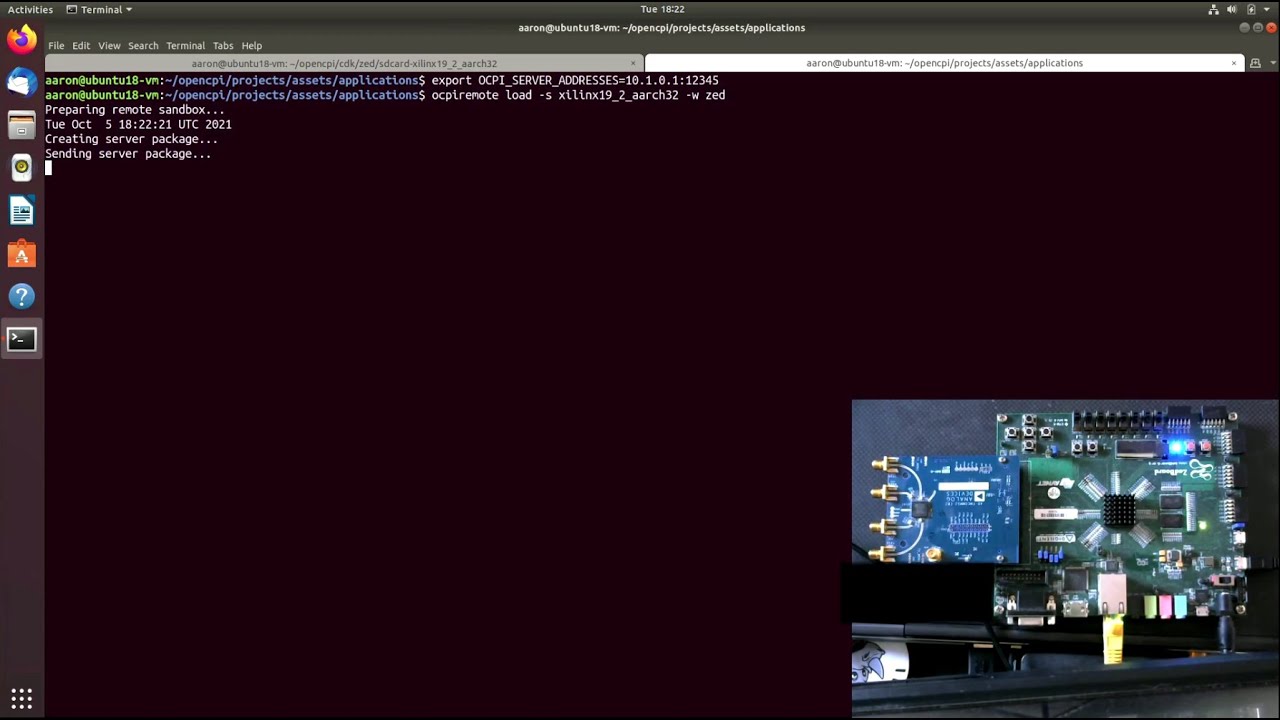
ocpiremote load -s xilinx19_2_aarch32
ocpiremote start -b
export OCPI_LIBRARY_PATH=../artifacts:../../core/artifacts
run testbias application
0:00 intro
0:38 install git
1:05 clone opencpi
1:59 install opencpi
6:20 install vitis
16:45 download ZynqReleases
19:04 clone xilinx git repositories
21:05 install xilinx19_2_aarch32
24:40 install zed
26:08 deploy platfrom
27:10 load sdcard
28:15 boot zedboard
29:40 ocpiremote load
30:20 ocpiremote start
30:38 execute opencpi application
Повторяем попытку...
Доступные форматы для скачивания:
Скачать видео
-
Информация по загрузке: