🛠️ How to FIX Resident Evil 4 Remake on Windows 11 24H2 Update (amd_ags_x64.dll METHOD)
Автор: modsgamer77
Загружено: 2025-06-06
Просмотров: 16154
Описание:
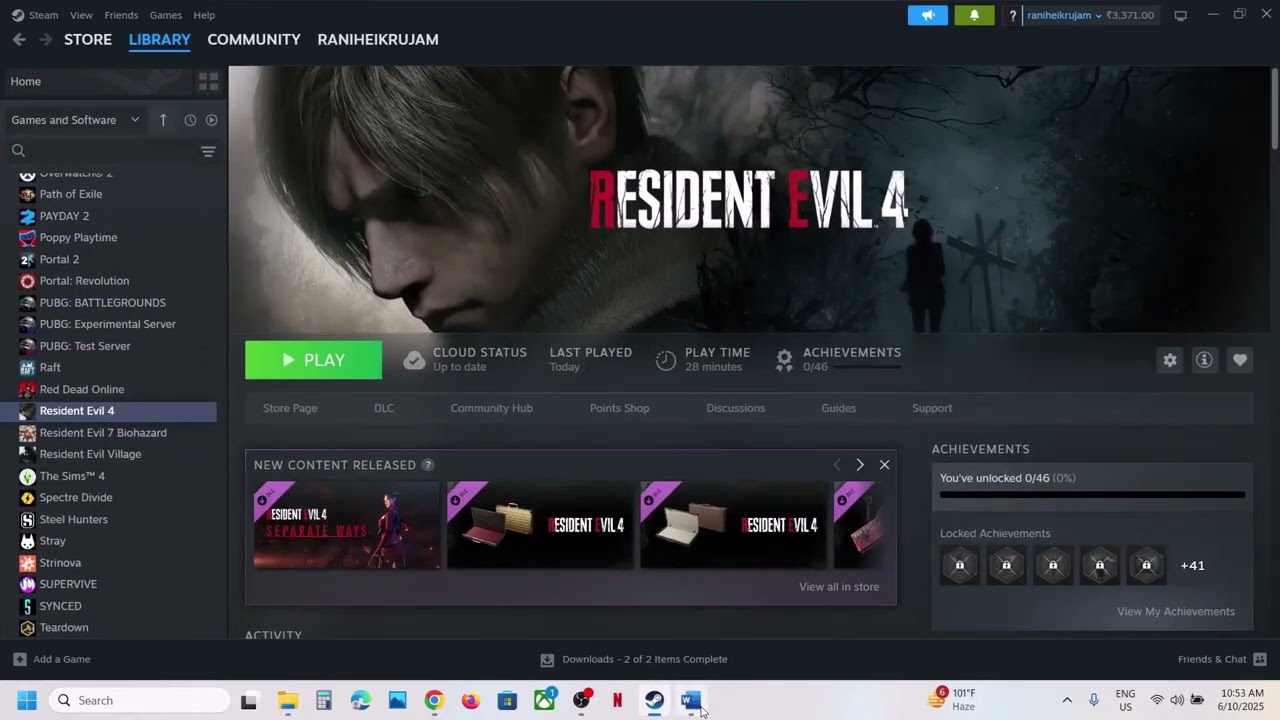
If your Resident Evil 4 Remake stopped working after installing the Windows 11 24H2 update, this video will help you fix the problem easily using the amd_ags_x64.dll file.
✅ Issues Fixed in This Video:
Game not launching
Black screen on startup
Crashes after update
🔥 Tested and Working on:
Windows 11 24H2
RE4 Remake (both Steam & cracked versions)
📁 How to Fix:
Download the working amd_ags_x64.dll file
Paste it into your RE4 Remake installation folder
Launch and enjoy the game!
📌 Download Link:
👉 https://www.nexusmods.com/residentevi...
https://dai.ly/x9ky4sg
https://drive.google.com/drive/folder...
For people who don't get it working, don't open the game from the desktop but from the game folder,
⚠️ Always back up your files before replacing any DLLs.
💬 Drop a comment if it worked for you or if you need help!
👍 Like this video and Follow for more game fixes and mods.
#ResidentEvil4Remake #Windows1124H2 #GameFix #amd_ags_x64 #RE4CrashFix #RumbleGaming #FixRE4 #PlayWithNisha #modsgamer77 🛑 DISCLAIMER:
This video does NOT promote hacking, piracy, or any illegal activity.
All content shown is safe and compliant with fair use and community guidelines.
Повторяем попытку...

Доступные форматы для скачивания:
Скачать видео
-
Информация по загрузке:













![Resident Evil 4 👨🏻🌾 [ Часть 5 ] - Замок Салазара 🏰 Босс-Файт С Мелким Графом 🤜 Два Слуги Мутанта 🧬](https://imager.clipsaver.ru/W0tzGeEXrcE/max.jpg)