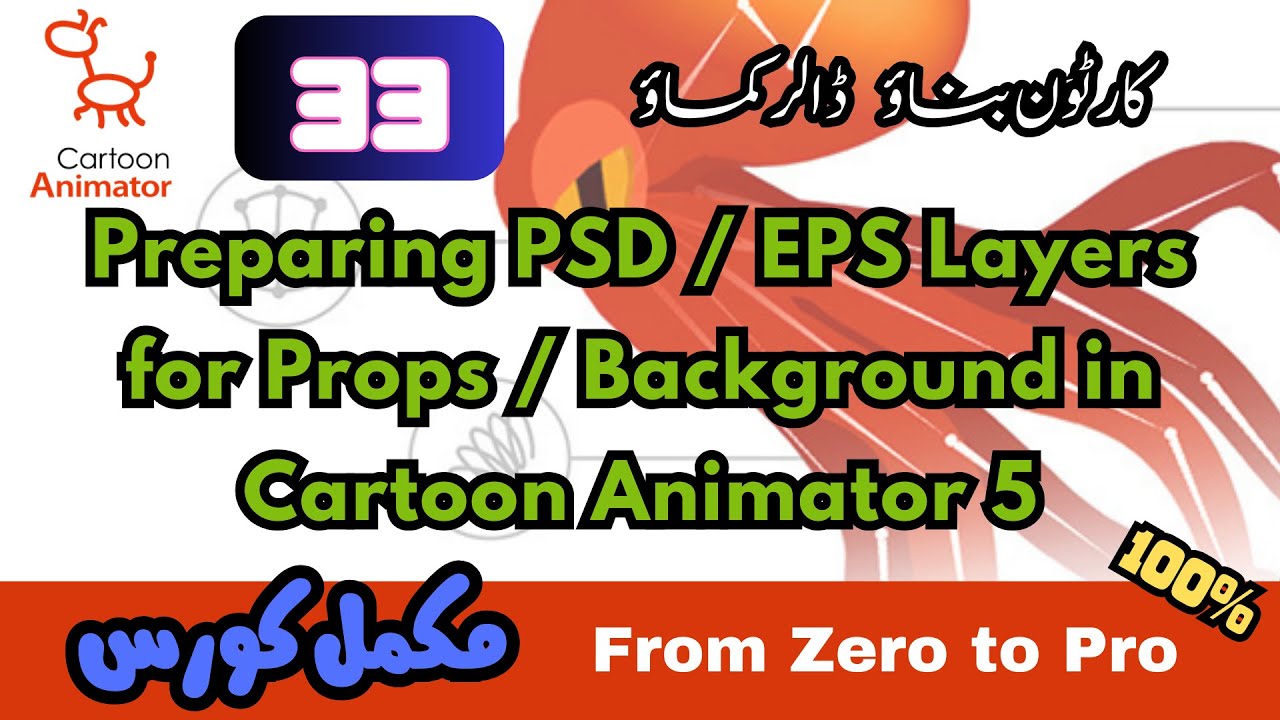
Preparing PSD / EPS Layers for Props / Background in Cartoon Animator | Complete 2D Animation Course
Автор: The Learner's Paradise
Загружено: 2023-10-14
Просмотров: 896
Описание:
click this link for the entire playlist • Introduction to Cartoon Animator 5 | Compl...
For more tips and trick click this: • What is Key Frame in Cartoon Animator | Ca...
To join the FB Group: https://shorturl.at/bcpB7
Preparing PSD / EPS Layers for Props / Background in Cartoon Animator 5
"Mastering Backgrounds in Cartoon Animator 5: Converting EPS / PSD to SVG"
"Unlocking Cartoon Animator 5: A Guide to Perfect Vector / Raster Images"
"Customizing Layers for Cartoon Animator: From EPS / PSD to SVG"
"Creating Animated Backgrounds: The Cartoon Animator 5 Way"
"SVG / PSD Magic: Seamless Props for Cartoon Animator 5"
Complete Course / Training (Urdu / Hindi)
Cartoon Animator Complete Course / Training (Urdu / Hindi)
2D Animation Complete Course / Training (Urdu / Hindi)
Complete 2D Animation Training in Urdu / Hindi From Zero to Hero
In the video tutorial about Cartoon Animator 5 that I created for YouTube, I covered a common issue many people face when trying to use vector images for their backgrounds. When we download vector images in EPS format, they often come with layers that aren't quite suitable for Cartoon Animator.
In the tutorial, I explained how to address this problem by adjusting the layers of the downloaded EPS file to meet the specific requirements of Cartoon Animator. This step is essential to ensure that the image works properly within the software.
Once we've sorted out the layers, the video goes on to show how to export the image in SVG format. This is a critical step because Cartoon Animator works best with SVG files, which can be imported as props. By doing this, each part of the image becomes a separate prop on its own layer within Cartoon Animator. This separation is crucial for animating the image effectively in the software.
In a nutshell, the video demonstrates how to download a vector image in EPS format, fix the layers to match Cartoon Animator's needs, and then export the image as SVG files. This entire process enables users to import and work with the image as individual props on separate layers within Cartoon Animator, making it easier to create animations using these props.
#CartoonAnimator5 #VectorImages #EPSFiles #LayerAdjustment #SVGExport #AnimationProps #YouTubeTutorial #AnimationSoftware #GraphicDesign #VectorGraphics #AnimationTips #VideoTutorial #CreateAnimations #CartoonAnimatorTips #VectorArt #DigitalArt #AnimationLayers #BackgroundProps
Cartoon Animator 5, Vector images, ESP files, Layer adjustment, SVG export, Animation props, YouTube tutorial, Animation software, Graphic design, Vector graphics, Animation tips, Video tutorial, Create animations, Cartoon Animator tips, Vector art, Digital art, Animation layers, Background props, Vector illustration, Vector design, Vector conversion, Animation tools, Animation process, Artistic software, Animation workflow, Drawing software, Vector format, Vector drawing, Graphic design tools, SVG format, Animation techniques, Vector editing, Vector assets, Vector modification, Cartoon animation, Animated props, Animated backgrounds, Vector manipulation, Cartoon creation, Digital animation, Character animation, Animated characters, Animation resources, Animation design, Cartoon design, Vector graphics editing, Cartoon artwork, Animation assets, Artistic creations, Vector layers, Animation projects, Animated elements.
Повторяем попытку...
Доступные форматы для скачивания:
Скачать видео
-
Информация по загрузке: