How To Use Online Picture In Microsoft Power Point
Автор: pndtechzone
Загружено: 2024-10-27
Просмотров: 22
Описание:
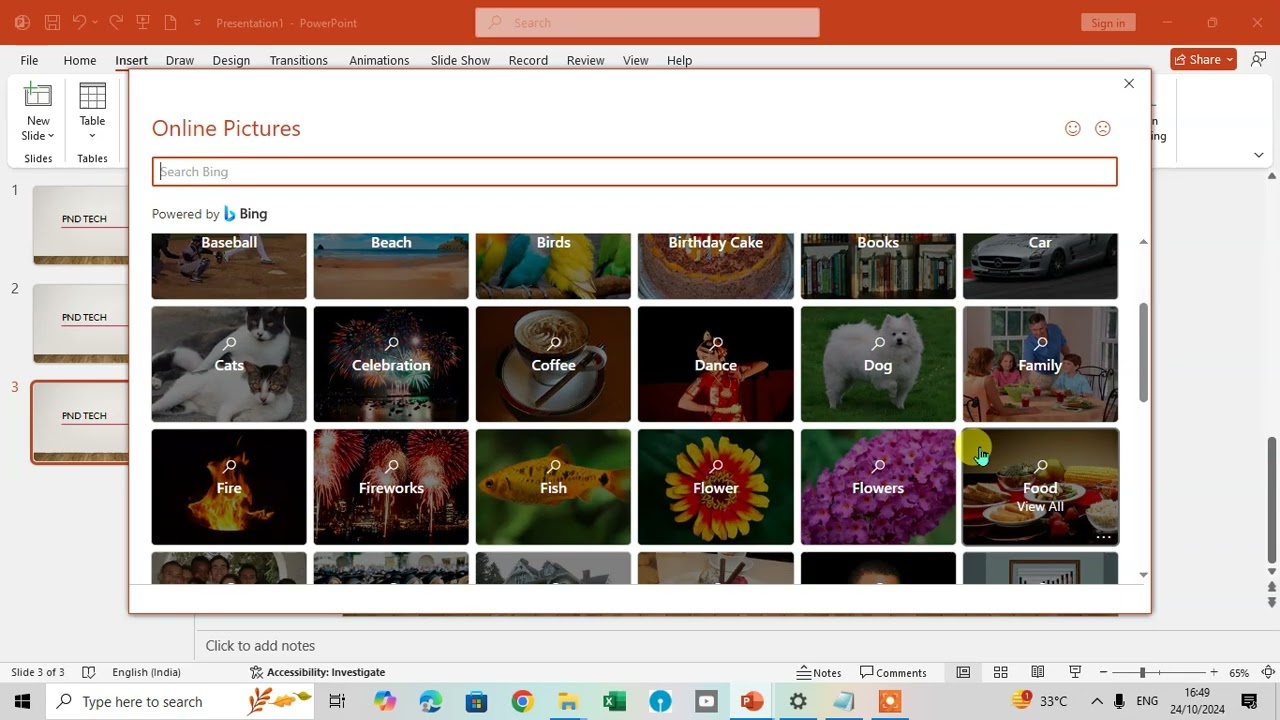
In this video, we’ll explore how to insert online pictures in Microsoft PowerPoint. Start by opening PowerPoint, going to the Insert tab, and selecting "Pictures" from the Images group. Then choose "Online Pictures" to access a dialog box powered by Bing. From here, search for any image, such as “dog,” and quickly insert it into your slide.
Once inserted, we’ll show how to resize and format the image using the Picture Format tab for easy adjustments. Follow along to learn this straightforward method for enhancing your slides with online images. If you found this guide useful, please subscribe for more PowerPoint tips.
Повторяем попытку...
Доступные форматы для скачивания:
Скачать видео
-
Информация по загрузке: