Add Custom Data to Shopify Orders Without an App (Line Item Properties)
Автор: EcomDevX
Загружено: 2026-08-05
Просмотров: 35
Описание:
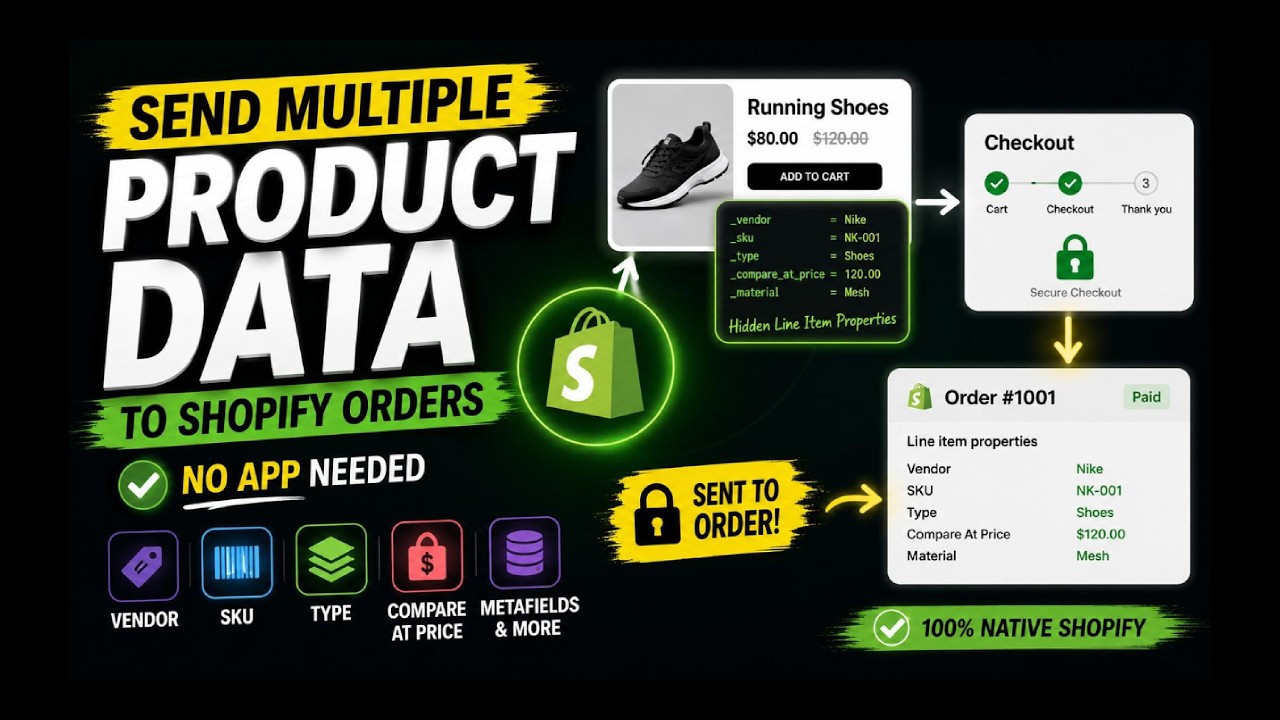
Need to send extra product data into your Shopify orders, like product type, compare-at price, or metafield values? You don't need an app or a custom backend. Shopify supports this natively with line item properties.
In this tutorial, you'll learn how to:
• Add hidden line item properties to the product form
• Pull values from Liquid (vendor, SKU, product type, compare-at price, metafields)
• Update the values with JavaScript when the customer changes variants
• Verify the data on the order in Shopify Admin
⚠️ Important update: prefix your property names with an underscore, like properties[_sku]. Properties without the underscore are visible to customers in the cart, at checkout, and in order emails. Underscore properties are hidden at checkout, and Dawn's cart hides them too (other themes may differ). Details are in the pinned comment.
Also note: line item properties come from the browser, so customers can edit them. Use them for informational data, not for pricing or fulfillment logic.
Chapters
0:00 The problem
0:27 Final result
0:56 Cart attributes vs line item properties
1:22 Find the product form
1:34 Add hidden inputs
2:00 Update values on variant change
2:24 Test the full flow
2:53 Bonus: send more product data
3:28 Recap
Related: watch my Cart Attributes tutorial for order-level data.
Subscribe for practical Shopify developer tutorials:
/ @ecomdev-x
Follow EcomDevX on Facebook:
https://www.facebook.com/profile.php?...
#Shopify #ShopifyDevelopment #Liquid
Повторяем попытку...
Доступные форматы для скачивания:
Скачать видео
-
Информация по загрузке: