Скачать
JobCannon - Deleting Job Alert Sources
Автор: JobCannon
Загружено: 2010-07-14
Просмотров: 79
Описание:
If you have added a job alert that you are no longer interested in, removing it from JobCannon is simple.
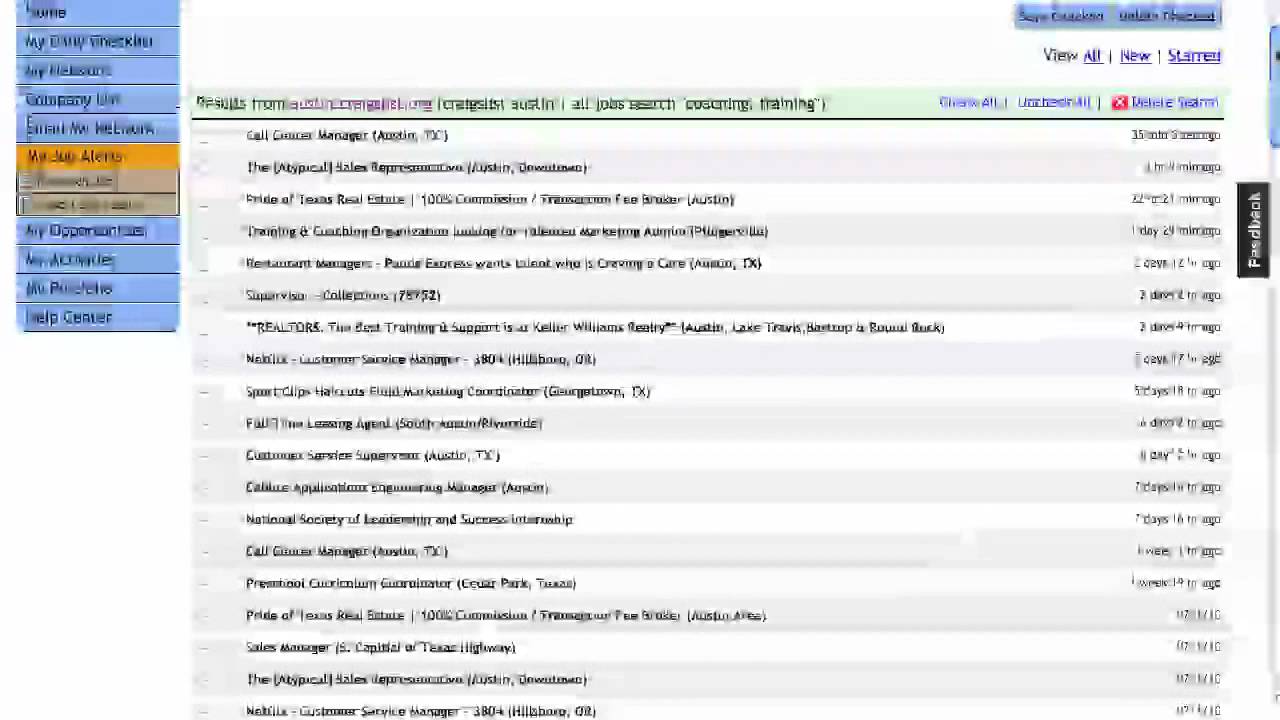
From your home page click on "My Job Alerts" on the menu bar.
Confirm the Job Alert source that you would like to remove by reviewing the keywords and search engine used as noted in the shaded "Results" bar.
When ready, locate the "Delete Search" button with the "red x" directly to the right of the Job Alert you are no longer interested in. Click there to delete.
Confirm the deletion on the pop-up message and the page will reload with that Job Alert Source removed.
Не удается загрузить Youtube-плеер. Проверьте блокировку Youtube в вашей сети.
Повторяем попытку...
Повторяем попытку...
Доступные форматы для скачивания:
Скачать видео
-
Информация по загрузке: