How to Add an AI Chatbot to WordPress (No Code) | YourGPT AI
Автор: YourGPT
Загружено: 2026-09-29
Просмотров: 2019
Описание:
A complete, start-to-finish walkthrough: by the end of this video your WordPress site will answer every visitor on its own, from your own documents, in any language, and book them in. No code.
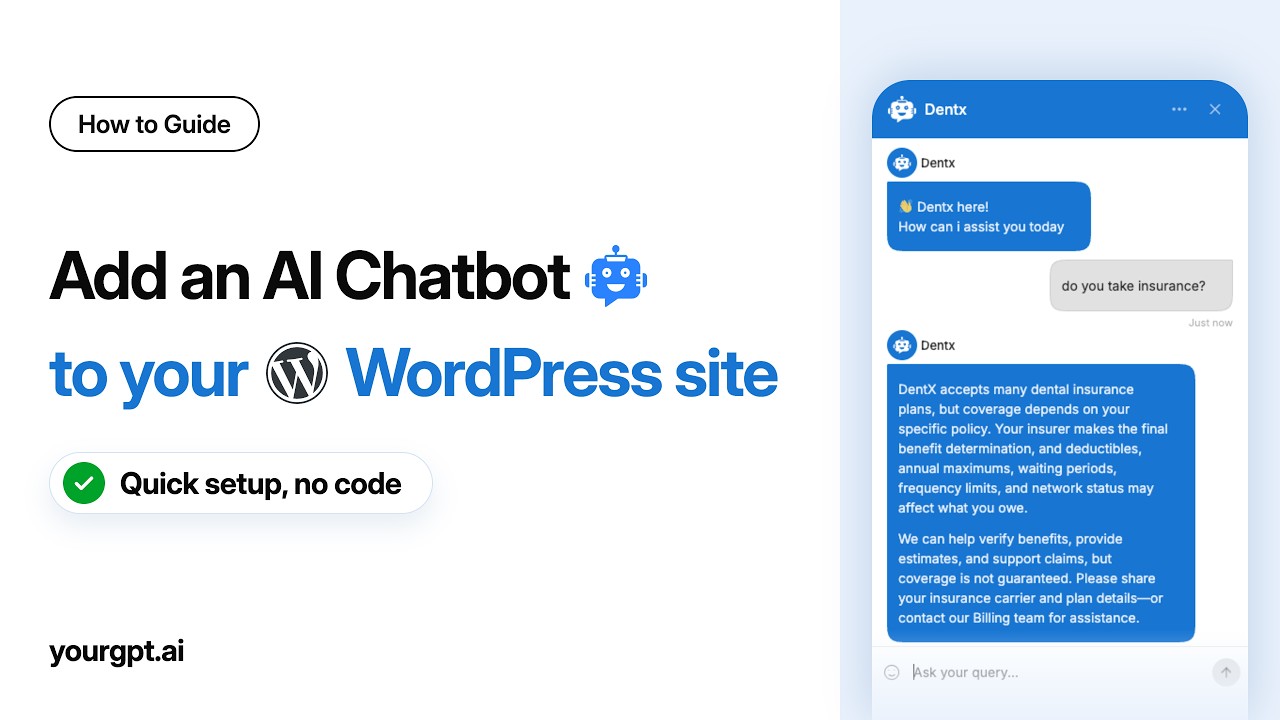
We build it end to end on a real dental practice site so you see every screen: creating the agent, training it on the practice's own files, installing the official WordPress plugin, writing the persona, switching on automatic language detection, styling the widget, connecting a calendar in Studio so it can actually book, and opening the shared inbox so your team can step in whenever they want. The video opens with the finished agent handling three real questions, so you know exactly what you are building before you build it.
The plugin goes in at step three, not last. Once the widget is live on the site, every step after it visibly improves something already running.
What you'll learn
✅ Step 1 · Create the agent (theme, color, name, done in under a minute)
✅ Step 2 · Train it on your own documents, the files your front desk already has, rather than crawling your site (crawl, FAQs and plain text are all there too)
✅ Step 3 · Install the official WordPress plugin, paste one Widget ID, and the agent is live on every page
✅ Step 4 · Give it a persona so it stops sounding like a generic chatbot, and write the rules it must not break
✅ Step 5 · Turn on Auto Detect so it answers in the visitor's own language
✅ Step 6 · Match the widget to your site (themes, layout, logo, the name it answers under, the greeting, and the one question you are tired of answering)
✅ Step 7 · Connect your calendar in Studio with the ready-made scheduling template, so it offers what is genuinely free, takes the booking, and moves it when somebody asks
✅ Step 8 · Take over any chat from the shared inbox: start typing and the agent stands down, stop and it picks back up
Chapters
0:00 The problem: the questions nobody answers
0:19 See it first: insurance, prices and an appointment, in chat
0:38 Step 1 · Create the agent
0:55 Step 2 · Train it on your own documents
1:23 Step 3 · Install the WordPress plugin
2:06 Step 4 · Give it a persona
2:30 Step 5 · Answer in any language
2:56 Step 6 · Match it to your site
3:24 Step 7 · Let it book appointments
4:32 Step 8 · Take over any chat
4:47 Recap
🚀 Get Started with YourGPT AI
https://yourgpt.ai
📖 WordPress Integration Documentation
https://docs.yourgpt.ai/chatbot/integ...
📖 Studio (flows, tools and templates)
https://docs.yourgpt.ai/chatbot/studi...
📚 Explore the Complete Documentation
https://docs.yourgpt.ai
Need help? Leave a comment below or contact our support team, we're happy to help!
⸻
#wordpress #wordpressplugin #aichatbot #aiagent #wordpresstutorial #customersupport #appointmentbooking #nocode #dentalmarketing #smallbusiness #yourgpt
Повторяем попытку...
Доступные форматы для скачивания:
Скачать видео
-
Информация по загрузке: