How To Fix Safari History Not Showing On iPhone iOS 26 (2026)
Автор: Tinkr
Загружено: 2026-03-02
Просмотров: 0
Описание:
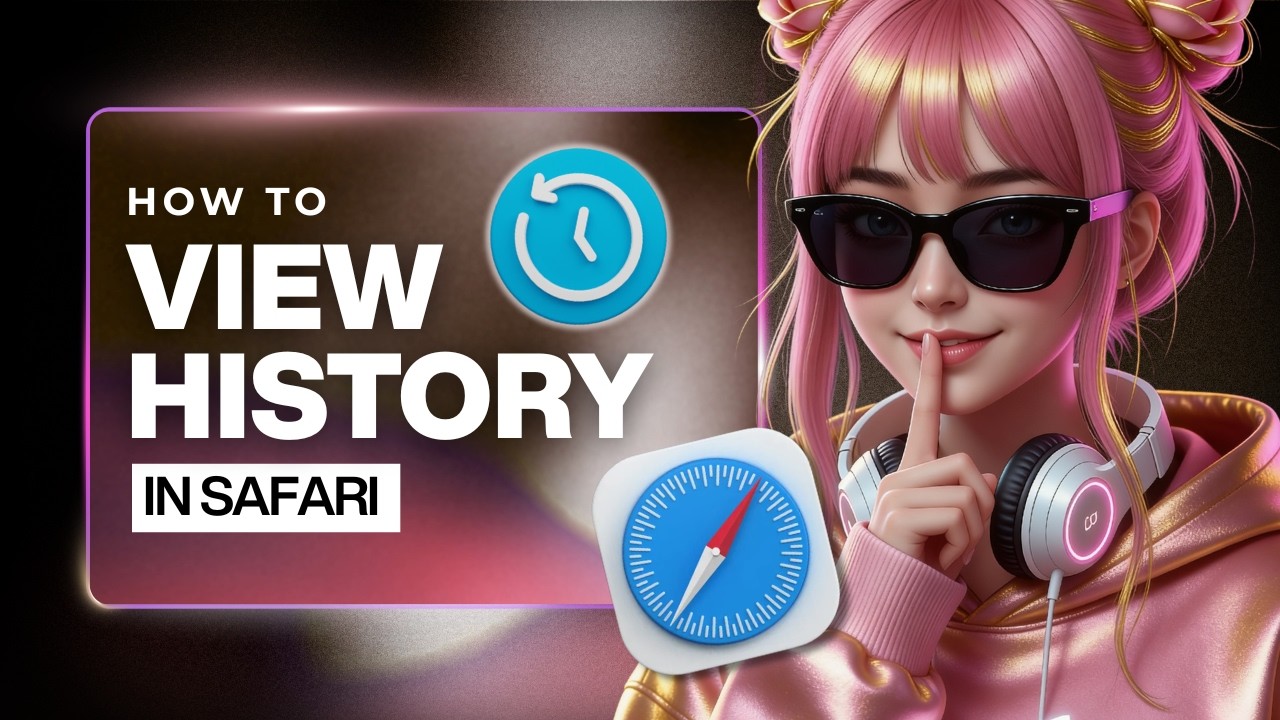
Can't find your Safari browsing history after updating to iOS 26? You're not alone — Apple moved it to a completely different spot. In this quick tutorial, I'll show you exactly where your history went and how to get to it in seconds.
In this tutorial, I'll show you:
✅ How to access your full Safari browsing history on iPhone running iOS 26 — Open Safari, tap the URL bar, tap the three dots, go to Bookmarks, then tap History
⚙️ How to delete individual history entries by swiping left and tapping the trash icon
⚠️ This only applies to iPhones updated to iOS 26 or later — older versions still have the history option in its original location
💡 To clear everything at once, go to Settings → Safari → Clear History and Website Data → choose All Time and All Profiles → tap Clear
🔍 If your history isn't showing up at all, go to Settings → Screen Time → Content and Privacy Restrictions — if it's turned on, switch it off and restart your iPhone
Once you follow these steps, your full browsing history will be right where you need it. No more guessing where Apple hid it.
What other Safari feature has been driving you crazy after the update?
👍 If this helped, drop a comment with what you want to learn next.
About Tinkr
Tinkr is your go-to channel for clear, no-fluff tutorials on apps, AI tools, and software. We break down the steps so you can solve problems fast and get back to what matters.
🎨 Cyberpunk visuals that pop off the screen
⚡ Hosted by Tinkr — tech tutorials with zero BS
🌙 Dark mode forever (because light mode is a crime)
Disclosures & Disclaimer
🧠 Educational Content: This video is for informational and educational purposes only. Instructions are based on the current version of Safari and iOS 26 as of 2026. Software updates may change these steps.
🎙️ AI Voice Disclosure: The voiceover in this video is generated using AI text-to-speech technology.
✅ Accuracy: I strive for accuracy in every tutorial, but platforms and apps update frequently. If something doesn't match, check for recent updates or leave a comment and I'll help troubleshoot.
⚠️ Use at Your Own Risk: Follow these steps carefully. I'm not responsible for any unintended changes to your device or account. Always back up important data before making system changes.
🔗 Affiliate Links: Some links may be affiliate links. If you purchase through them, I may earn a small commission at no extra cost to you. This helps support the channel and more free tutorials.
©️ Fair Use & Copyright: Clips, screenshots, and app interfaces shown are used for educational commentary and tutorial purposes under Section 107 of the U.S. Copyright Act (fair use). All trademarks belong to their respective owners.
#Safari #SafariHistory #iPhoneTutorial #HowToViewHistory #iOS26 #SafariBrowserHistory #iPhoneTips #AppleTutorial #StepByStep #SafariGuide #iPhoneGuide #TechTutorial #2026 #HistoryNotShowing #TechHelp
Повторяем попытку...
Доступные форматы для скачивания:
Скачать видео
-
Информация по загрузке: