BEGINNER'S GUIDE TO AUTODESK 3DS MAX - EASY TUTORIAL 2025
Автор: Learn 3d Tutorials
Загружено: 2025-01-22
Просмотров: 722
Описание:
AUTODESK 3DS MAX TUTORIAL FOR BEGINNERS - STEP BY STEP GUIDE 2025
Most used shortcuts
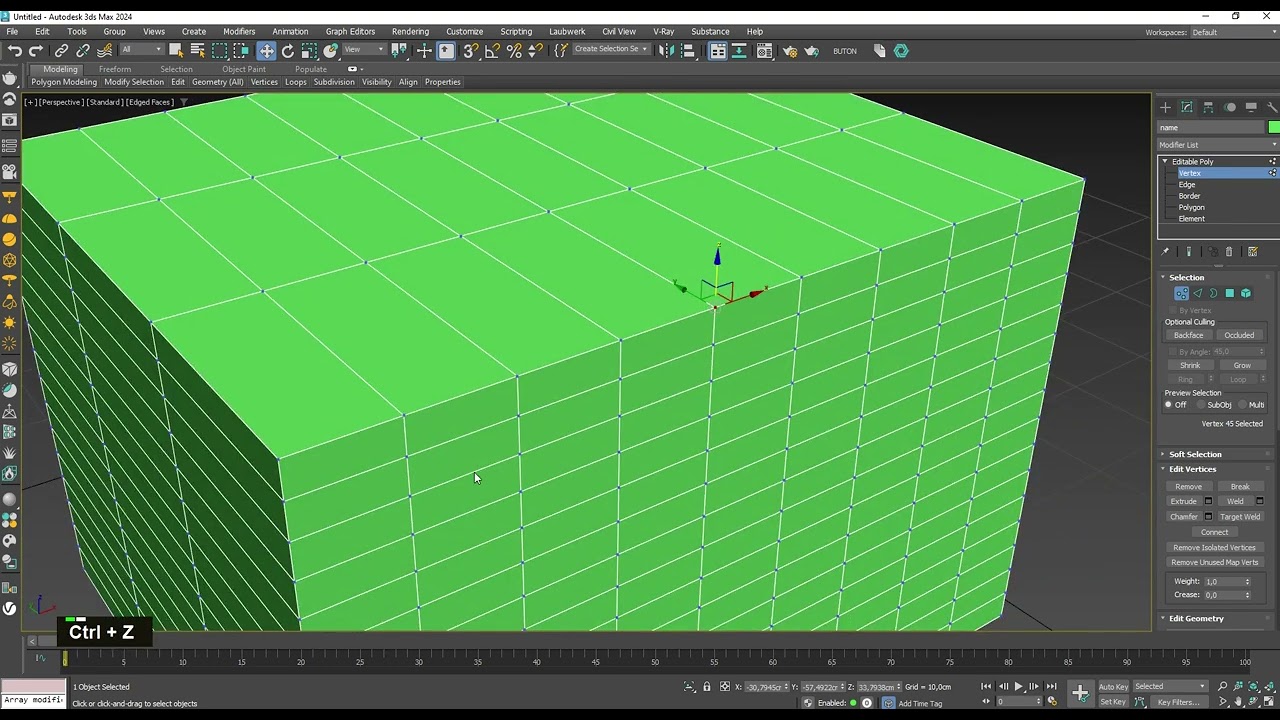
Ctrl + Z (Undo)
Ctrl + C (Add camera)
Ctrl + A (Select all)
Ctrl + S (Save)
Ctrl + Left Click (Add to selection)
Alt + Left Click (Remove from selection)
Alt + MMB (Rotate View)
Alt + LMD (Remove from selection)
Alt + X (X-ray vision mode)
Alt + Q (Isolating selected item)
Shift + Q (Take render)
M (Material editor),
P (Perspective view),
Z (Zoom),
S (Snap toggle),
F3 / F4 (Wireframe/Edge face)
Alt + W (Maximize Viewport Toggle)
All shurtcust
https://help.autodesk.com/view/3DSMAX...
https://www.learn3dtutorials.com/blog...
If you enjoyed my video, make sure to subscribe and click the notification bell to stay updated with our latest content. Your support means a lot to me!
#autodesk3dsmaxtutorialforbeginners #3dsmaxtutorialforbeginners #3dsmaxtutorial #3dsmaxbeginners #3dsmax #tutorial #beginners #3dsmaxbeginnerstutorial
Повторяем попытку...
Доступные форматы для скачивания:
Скачать видео
-
Информация по загрузке: