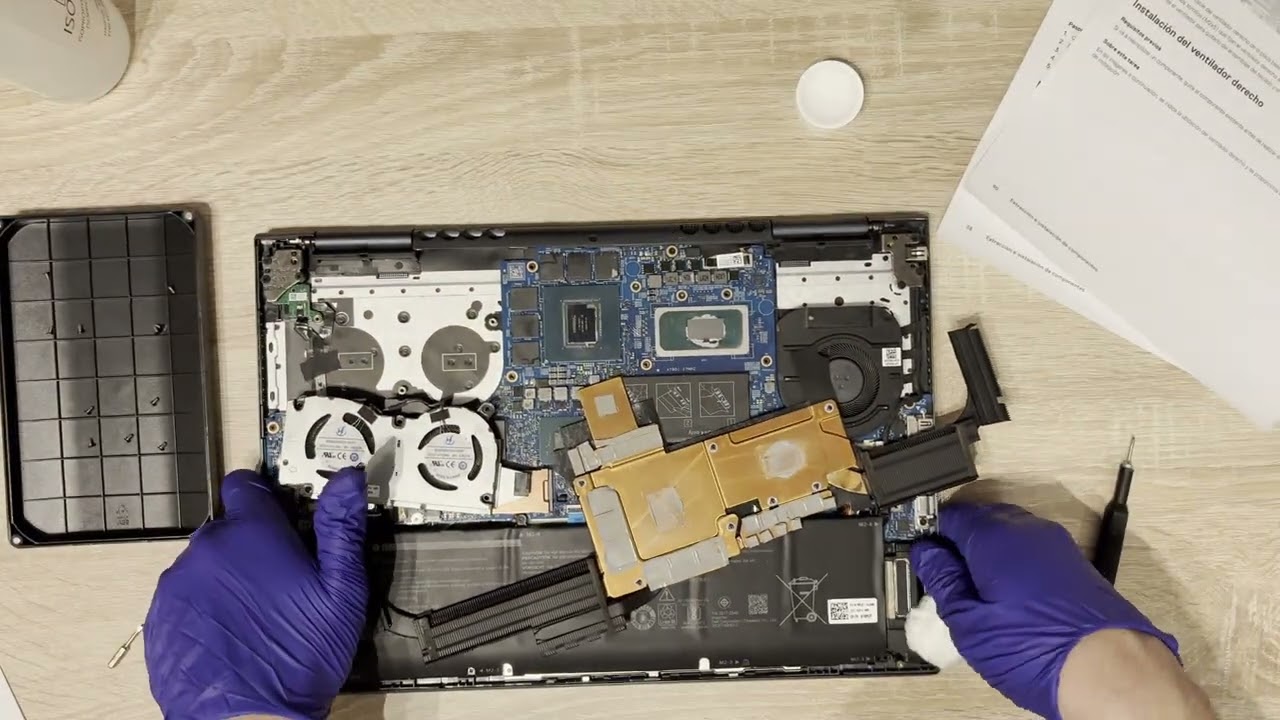
Dell Inspiron 16 7610 (three fan version) thermal paste replacement
Автор: 2ManyScrews
Загружено: 2024-11-06
Просмотров: 1082
Описание:
The laptop was shutting down randomly during gaming, and the temperatures were 90+ ºC even after cleaning the fans and doing everything I could to improve airflow, so I concluded it was necessary to change the thermal paste. This video shows me figuring out how to do it, and hopefully it will be useful for you.
Chapters:
0:00 Disclaimer
0:15 Intro and Service Mode
2:20 Lid removal
3:55 Left fans removal
5:35 Heat spreader removal
8:30 Cleaning the old thermal paste
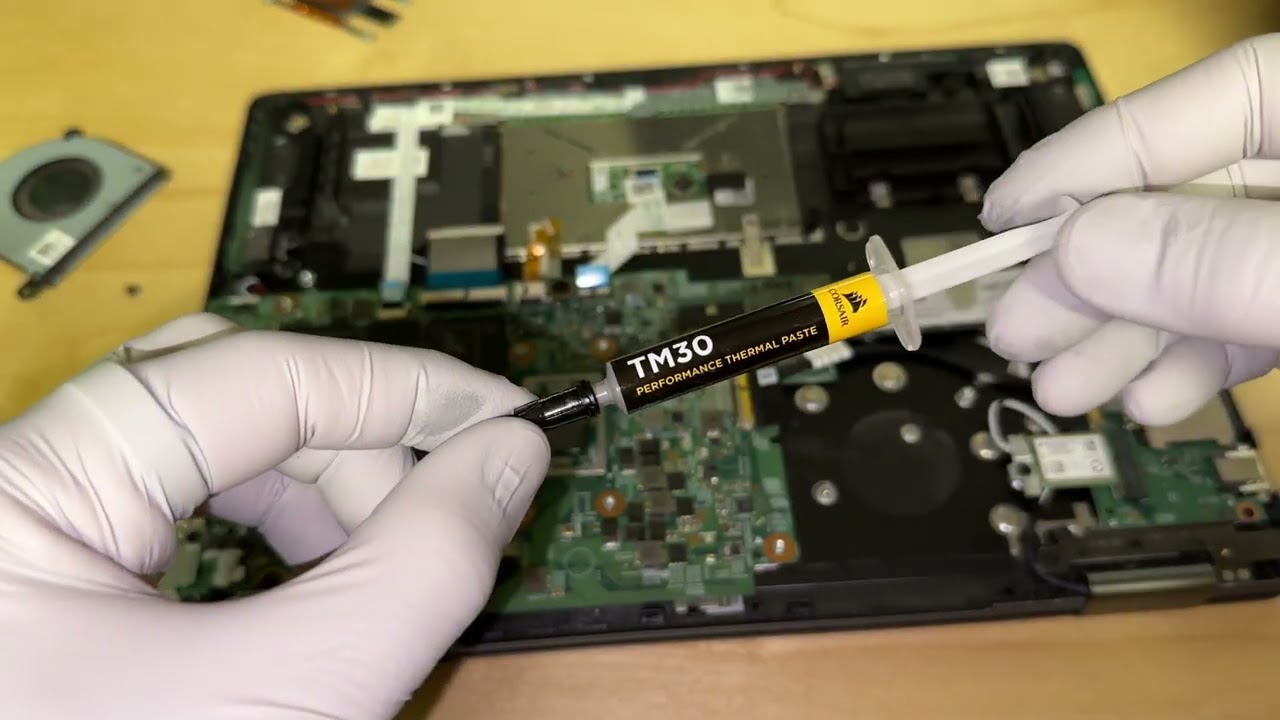
11:15 Applying the new thermal paste
13:45 Mounting the heat spreader
15:55 Mounting the left fans
16:55 Mounting the lid and thoughts about the laptop
19:35 Exit Service Mode and stress test
Повторяем попытку...
Доступные форматы для скачивания:
Скачать видео
-
Информация по загрузке: