Скачать
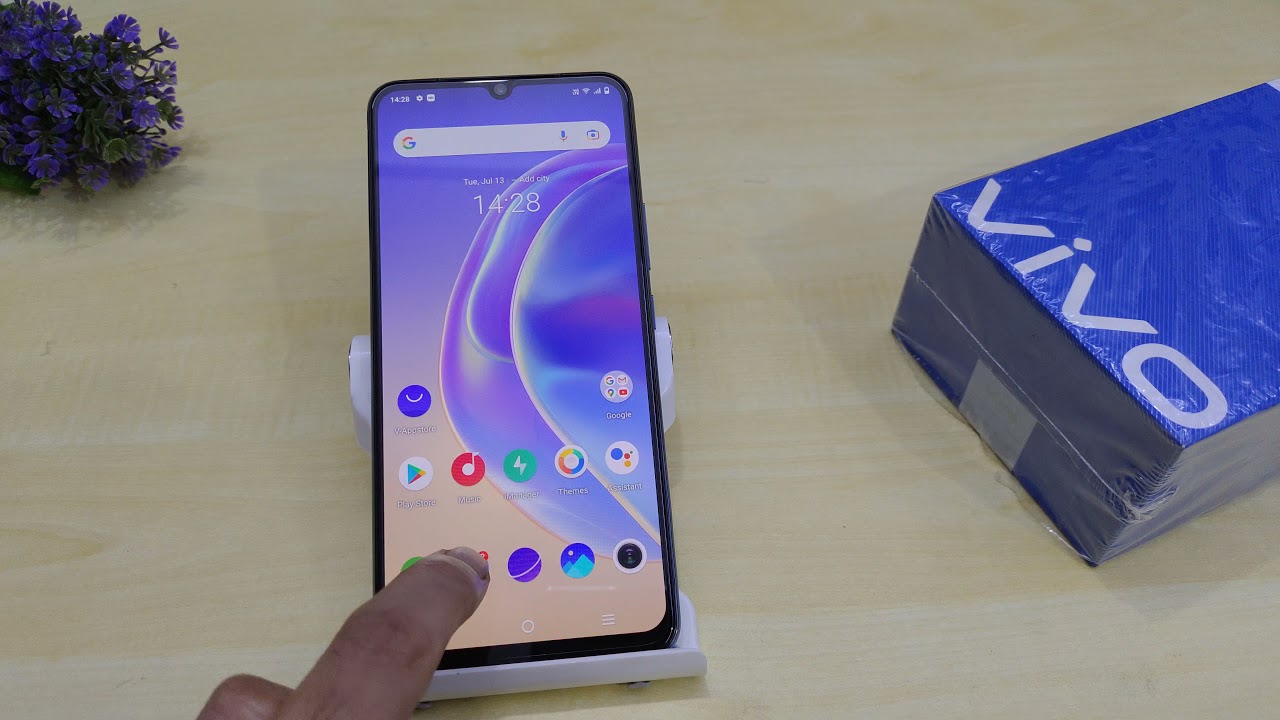
How to Edit Message Signature on Vivo
Автор: pc shastra
Загружено: 2020-06-25
Просмотров: 2291
Описание:
Display and Set the Signature along with the Message on Vivo Android Devices: You can edit/change by default "vivo smartphone" signature on text messages.
For Funtouch OS 3.0 and higher version: Go to Settings ➤Messages ➤turn on Signature, then you can edit your custom signature.
For Funtouch OS 2.6 and lower version: Go to Messages ➤press Menu button on the left of Home button ➤More ➤Settings ➤turn on Signature, then you can edit your custom signature.
Не удается загрузить Youtube-плеер. Проверьте блокировку Youtube в вашей сети.
Повторяем попытку...
Повторяем попытку...
Доступные форматы для скачивания:
Скачать видео
-
Информация по загрузке: