Google FORCED Gemini On You? Here are 4 Ways to REMOVE It!
Автор: Explaining Android
Загружено: 2025-07-11
Просмотров: 28222
Описание:
If you're not a fan of Google Gemini on your phone, then I can show you a few ways that you can remove it.
~~~~~
Hi! Don't forget to like the video, subscribe to the channel, and hit the "Thanks" button on this video, if you can, and join our channel community here - / @explainingandroid
Links
~~~~~
uninstall with adb - • How to Uninstall an Android App with ADB?
Canta for Android - • Canta for Android Can Uninstall Bloatware ...
Shizuku Wireless Setup - • How to Install & Setup Shizuku Using Wirel...
Uninstall with ADB - • How to Disable and Uninstall Google Pixel ...
Video Description
~~~~~~
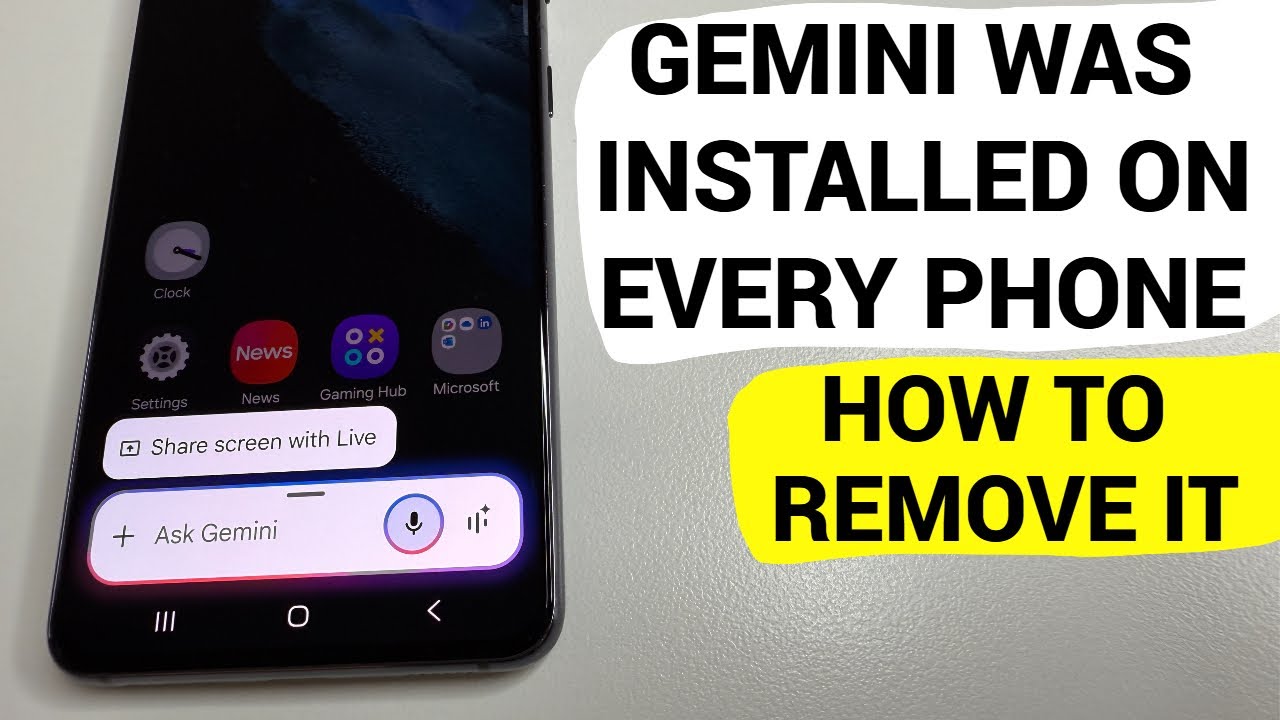
Lately, we've seen Google injecting Gemini into various parts of the Android operating system. About a year ago we noticed Gemini had begun to show up within the Google Message app. And recently, Google has decided to give Gemini access to a plethora of apps on your device even if you had previously blocked this type of access.
#android #geminiai #googlegemini #googlegeminiai
So today, I wanted to create a dedicated video showing you a number of ways that you can actually remove Gemini from your Android device.
Disable or Uninstall Gemini
I'm going to assume you can see the Gemini application icon somewhere on your Home Screen or in your app drawer.
So the first methods I want to cover start by you finding that icon.
And then you're going to perform a long-press gesture on the icon itself.
From here, look for the little "i" icon so that you can bring up the App Info page for Google Gemini.
Now, this is where it will probably look different than what you see here.
Some of you will have a disable button up here.
Some of you will have an uninstall button.
Either of these are good options to choose if you're wanting to remove Gemini from your device.
Yes, disabling the app isn't going to uninstall it. But you can't re-use the storage from pre-installed apps anyway. . .which is how it's done if you're only seeing a Disable button here.
But either option you go with, disabling it or uninstalling it, it will result in the same thing.
The Gemini application will no longer be able to run as a service on your device.
Removing with Canta or ADB
If you want to take this a step further, you can actually remove Gemini from the default account of your Android smartphone or tablet with canta or ADB.
The easiest way to do this is by using the Shizuku Canta combo.
But the process of getting Shizuku up and running is not something that everyone is familiar with.
So, in an attempt to prevent this video from being longer than it needs to be, I'll include a link in the video description below for a dedicated guide that I've already done on the subject.
It walks you through installing the app, using Wireless Debugging to get the service up and running.
And then you can install the Canta app and grant it access to Shizuku
But again, don't worry if you aren't sure of how this is done. I'll be sure to have these guides linked in the pinned comment here too, so that it's easy for everyone to find them.
Then, we just need to go into the Canta application
Search for the word "bard" so that it will pull up the full package that it uses.
And then we can uninstall it from here by tapping on the trash can icon here.
If you would like to do this manually, you're more than welcome to with the adb shell pm uninstall command.
I've got videos on the channel that show this manual method as well.
So I'll have those linked down below too.
You'll just want to use the full package name as
com.google.android.apps.bard
When you use the pm uninstall command that I show you in those videos.
That method only require you to have USB Debugging enabled along with ADB & Fastboot tools installed on your desktop or laptop PC.
conclusion
Google sees Gemini as its next big service. . .with people using search engines less and less. So I'm expecting to see the company go to extreme lengths to keep this app or service on your Android device.
This means you will want to aware of an upcoming OTA firmware update possibly re-enabling the Gemini app in the background.
Step by Step Tutorial
~~~~~
1. Intro [00:00]
2. How to Disable or Uninstall Google Gemini on Android? [00:55]
3. How to Remove Google Gemini with Canta or with the ADB PM Uninstall Command? [02:46]
4. Conclusion [06:47]
As an Amazon associate, I may earn a commission on sales from the links below.
The Gear I Use
~~~~~
5W "Slow" Charger - https://amzn.to/2OaUMV8
Fast Charger - https://amzn.to/3rtBsC6
MicroUSB Cable - https://amzn.to/38dkpeM
USB-C Cable - https://amzn.to/2OqlTvi
TPU Cases - https://amzn.to/38g9b9w
USB-C to 3.5mm Dongle - https://amzn.to/3rVt7c3
USB-C to 3.5mm DAC - https://amzn.to/3CyksSJ
NVIDIA Shield TV - https://amzn.to/4cZFaJz
Telescopic Controller - https://amzn.to/3uDrvY9
Повторяем попытку...
Доступные форматы для скачивания:
Скачать видео
-
Информация по загрузке: