4. Creating your Virtual Bar - Adding Bottles
Автор: Support Barsociety
Загружено: 2019-07-08
Просмотров: 33
Описание:
After setting up your inventory list, bar areas, and bar sections, you can now add bottles into your digital inventory.
Select "Bars"
Select "Inventory"
Select the Bar Area & Bar Section that you want to add bottles into
Click "Add Bottle" at the bottom left
Scroll through your inventory list or use the search bar to look for
your bottles in your inventory
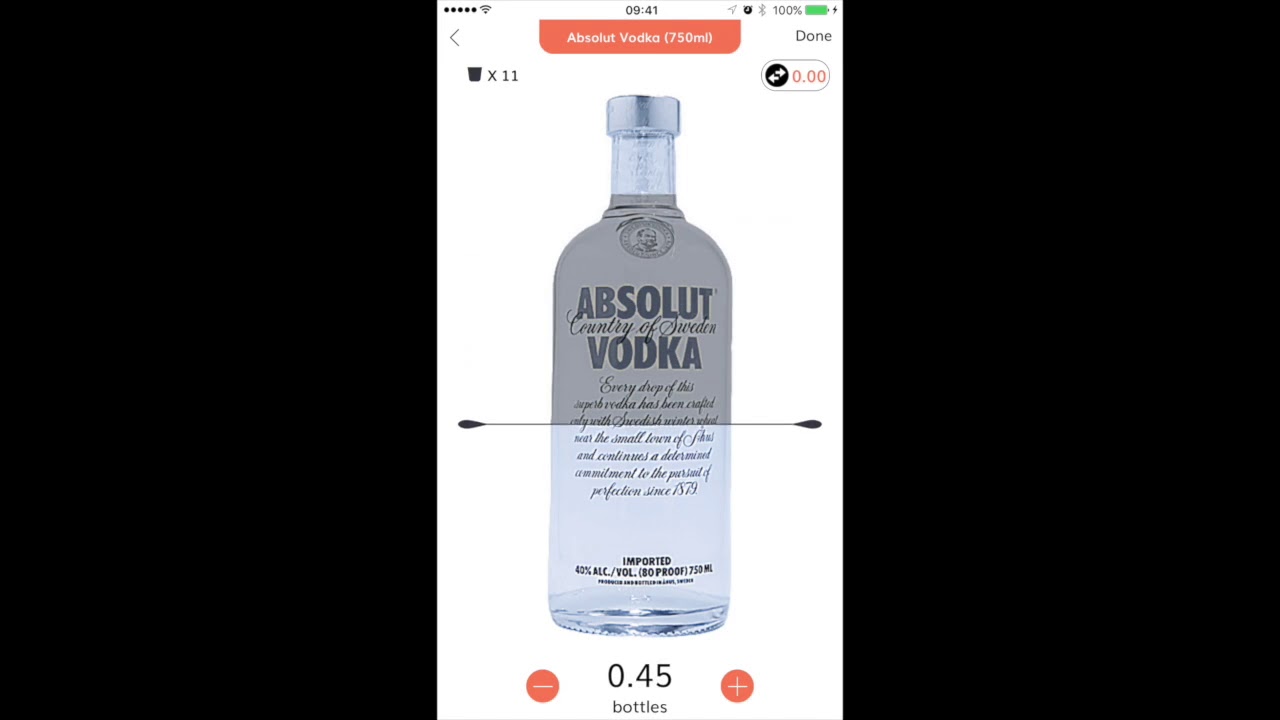
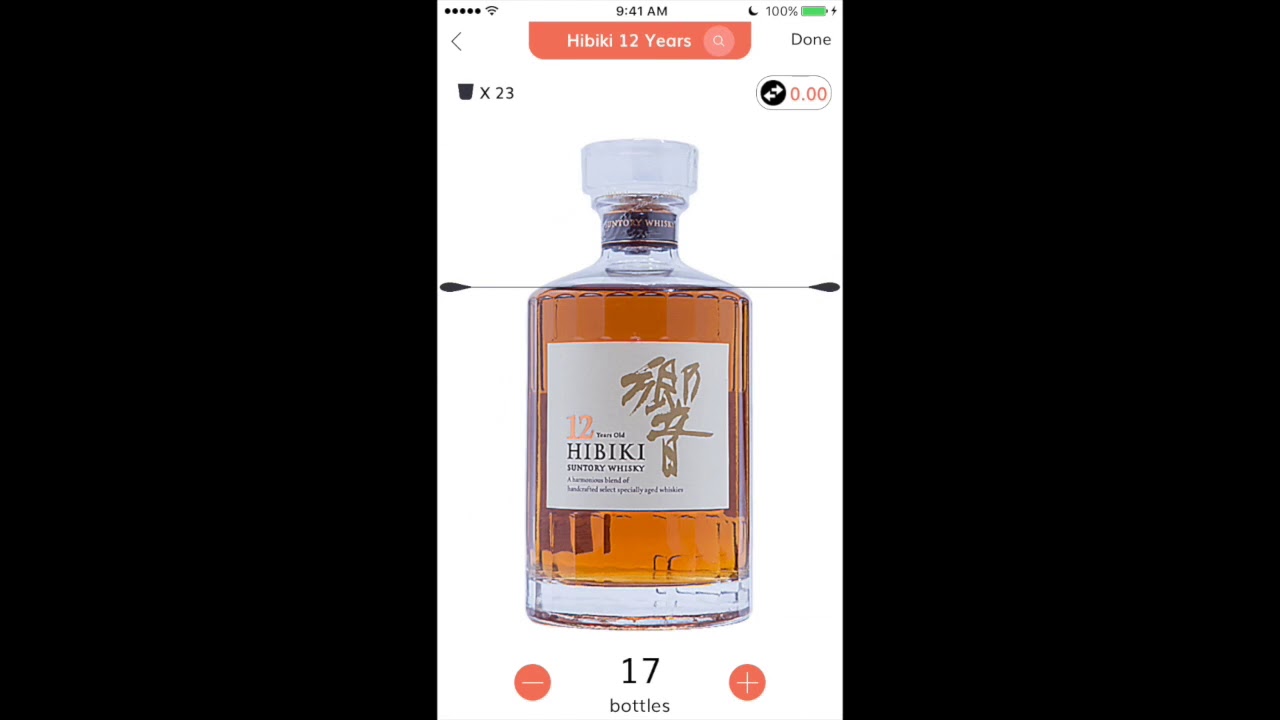
Once you have chosen the bottle to add, you can...
a) adjust the volume left in your bottles with the liquid level indicator, and
b) adjust the quantity by tapping on the "+"/"-" buttons, or tap on the number to input the quantity manually
Select "Done"
If you cannot find your preferred bottle in your inventory, we will prompt you to "Click here to add new bottle into the bar inventory list", where you can search our liquid database. If you are still unable to find your preferred bottle, please refer to Step 2 on how to add custom bottles.
Повторяем попытку...
Доступные форматы для скачивания:
Скачать видео
-
Информация по загрузке:













![Best of Deep House [2026] | Melodic House & Progressive Flow](https://imager.clipsaver.ru/Il-ZpBuC8tA/max.jpg)