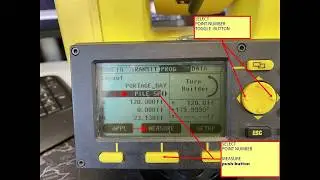
Layout by coordinating with lieca builder 405 total station
Автор: Daily Survey gets
Загружено: 2020-01-21
Просмотров: 7037
Описание:
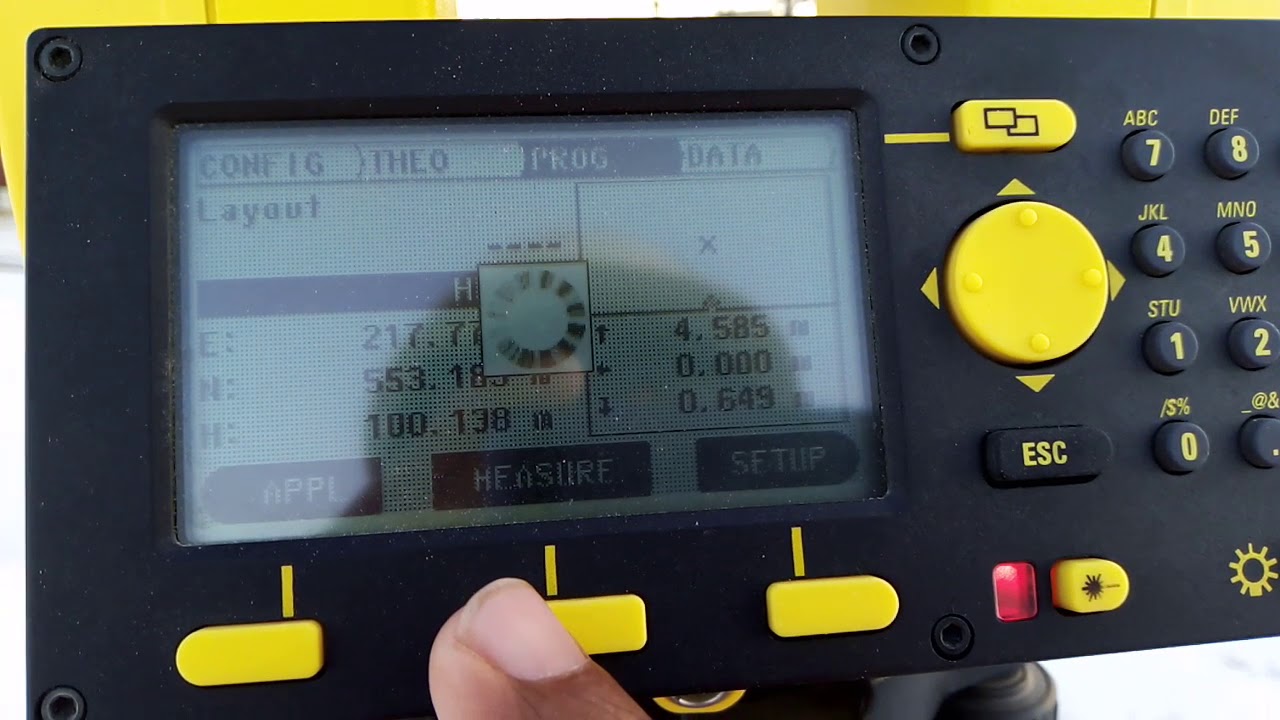
Layout of single coordinates by leica builder 405 total station in Urdu.
Creating a layout using the Leica Builder 405 total station involves several steps that include preparation, setup, and execution. The process typically aims to ensure precise measurements for construction projects, land surveying, or other related applications. Here’s a detailed guide on how to coordinate and execute a layout using the Leica Builder 405 total station:
1. Preparation
a. Equipment Check:
Total Station: Ensure the Leica Builder 405 is fully charged and functioning correctly. Check for any software updates or calibration needs.
Prism/Targets: Confirm that the correct prism type (e.g., TrueZero) is available, and the prism constant is set accurately.
Surveying Accessories: Gather necessary accessories such as a tripod, measuring tape, level, and reflective targets if needed.
b. Site Assessment:
Evaluate the job site to understand the terrain and any obstacles that could affect measurements.
Identify control points (reference points) for your layout.
c. Plan the Layout:
Prepare a layout plan that specifies the coordinates or distances needed for the project. This could involve creating a scaled drawing of the area to be worked on.
2. Setup
a. Station Setup:
Position the Total Station: Set up the total station on a stable tripod at a known control point or a point where measurements can be made easily.
Level the Instrument: Use the built-in leveling bubble to ensure the instrument is level. Fine-tune with the foot screws to achieve perfect leveling.
b. Enter Coordinates:
Input the coordinates of the control points into the total station. You can do this manually or by uploading from a pre-prepared file.
c. Measure Reference Points:
Measure the known control points using the total station to establish your reference for future measurements. This step ensures your measurements will be accurate.
3. Layout Execution
a. Setting Up Points:
Select a Point to Layout: Using the coordinates you entered, select the first point you want to lay out.
Target the Prism: Position the prism at the target point location. If using a surveyor’s rod or other reflective targets, ensure they are visible to the total station.
b. Measuring:
Use the STG (Stationary Tracking) feature to keep the total station aimed at the prism or reflective target as you move it.
The total station will display the distance and angle to the target, allowing you to determine if the prism is in the correct position according to your layout plan.
c. Adjustment:
If the prism is not at the desired location, make adjustments based on the measurements displayed on the total station. Repeat measurements as necessary until the prism is correctly positioned.
d. Documenting:
Record all measurements and adjustments made during the layout process for future reference. This may involve taking notes or using the total station's data collection features.
4. Final Verification
a. Confirm Points:
Once all points are laid out, double-check their positions by measuring them again with the total station. This ensures that everything is accurate and aligns with the original layout plan.
b. Final Adjustments:
If any discrepancies are found, make the necessary adjustments and recheck the measurements.
5. Reporting
a. Generate Reports:
After completing the layout, use the total station’s software features to generate a report that includes all measurements, adjustments, and coordinates of laid-out points.
b. Share Results:
Share the layout data with your team or clients as needed, ensuring everyone involved has access to the necessary information.
Tips for Effective Layout with Leica Builder 405
Familiarity with Software: Get acquainted with the total station's software interface for easier navigation and data entry.
Use of the Correct Prism Constant: Make sure the prism constant is correctly set to minimize measurement errors.
Regular Calibration: Regularly check the calibration of the total station, especially before significant projects.
Site Safety: Ensure that the working area is safe for all personnel involved in the layout process.
Conclusion
Using the Leica Builder 405 total station for layout requires careful planning, precise execution, and thorough documentation. By following these detailed steps and tips, you can achieve accurate and reliable layout results for your surveying or construction projects. This method not only enhances efficiency but also contributes to the overall success of the project.
Повторяем попытку...
Доступные форматы для скачивания:
Скачать видео
-
Информация по загрузке: