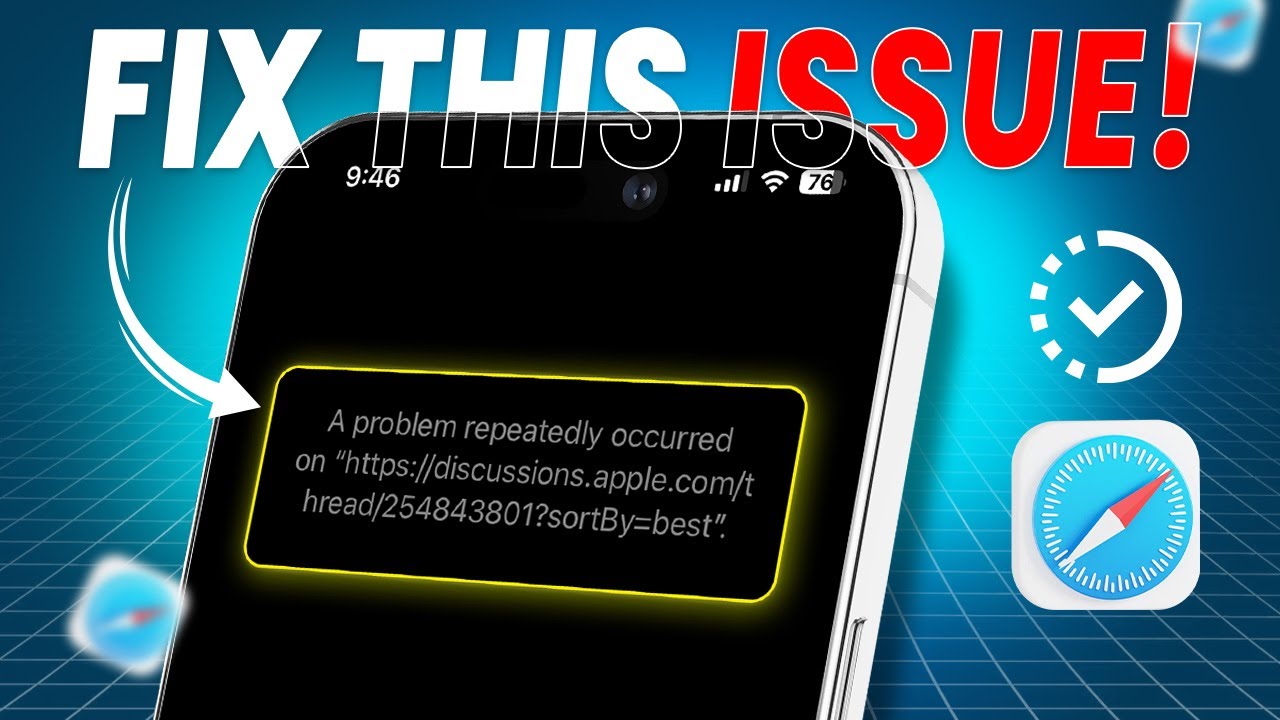
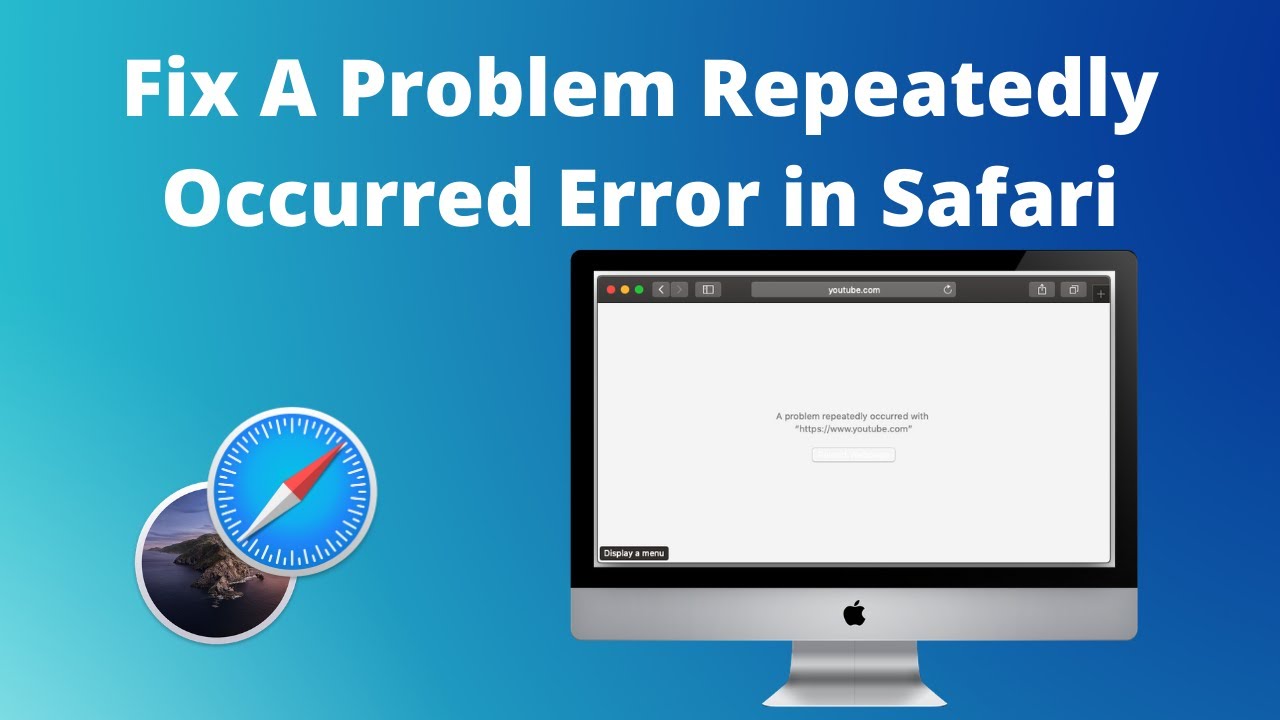
How to Fix a Problem Repeatedly Occurred on Safari From iPhone | Safari Cannot Open Sites
Автор: DeviceCare+
Загружено: 2024-10-23
Просмотров: 2388
Описание:
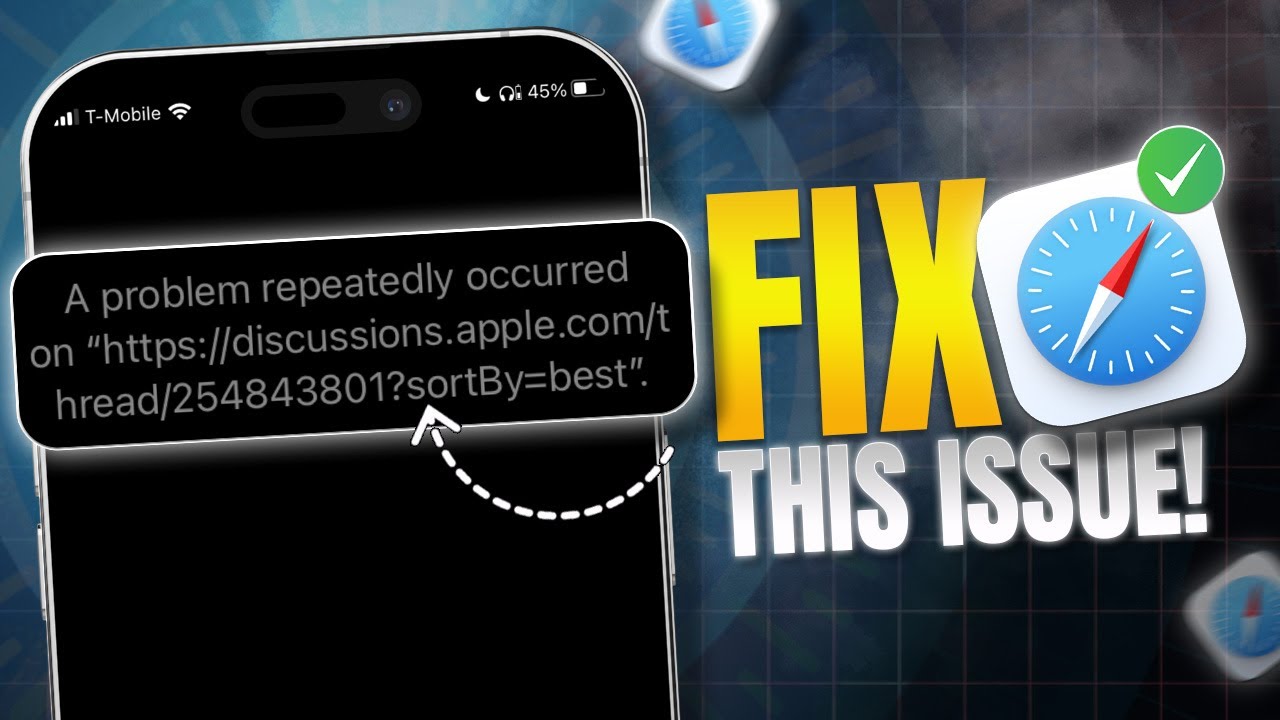
If you wanna solve your Safari's 'a problem repeatedly occurred' error on your iPhone, Then you should watch this video till the end! This error usually comes when some sites don't open on Safari and the webpage gets reloaded on your iPhone. This results in iPhone considering the site to be a problematic script or web content and thus Safari won't load those sites.
But if you Resolve this repeatedly occurring problem on your Safari browser, Then this problem will only be a thing of the past. You can follow my fixes to do that! I know not all of them will work out for you but I'm certain that at least one of them would do the trick! So Good luck fellow users!
00:01- Video Intro
00:18- Solution 1: Check Internet
00:33- Solution 2: Clear Cache
00:52- Solution 3: Restart Safari
01:12- Solution 4: Disable Extensions
01:29- Solution 5: Update iOS
01:46- Solution 6: Reset All Settings
02:13- Solution End
#iPhone
#Safari
#ProblemRepeatedlyOccured
#SiteNotOpening
#Webpage
#NotLoading
Повторяем попытку...
Доступные форматы для скачивания:
Скачать видео
-
Информация по загрузке: