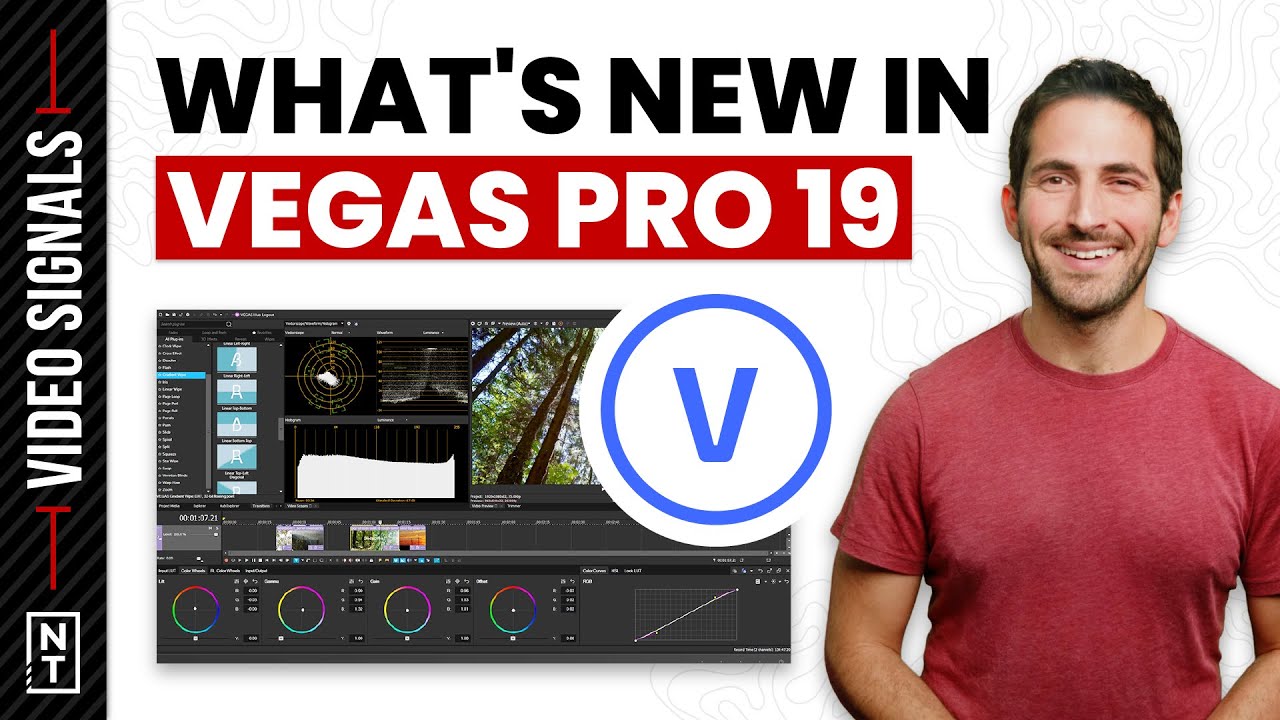
What's New in VEGAS Pro 19
Автор: Joey /// VP Land
Загружено: 2022-09-08
Просмотров: 134
Описание:
From AI video tools to cloud-based collaboration, let's break down what's new in VEGAS Pro 19.
🔔 Subscribe for weekly videos to level up your video strategy and marketing
► https://ntm.link/subscribe
///
📺 MORE VIDEOS
Fixing Video Flicker - Flicker Free Plug-in Review
• Fixing Video Flicker - Flicker Free Plug-i...
How to Set iMovie Project Resolution [4K & 1080 HD]
• How to Set iMovie Project Resolution [4K &...
Panasonic's LUMIX Tether App: In-Depth Breakdown
• Panasonic's LUMIX Tether App: In-Depth Bre...
///
🛠 TOOLS & RESOURCES
More on VEGAS Pro → https://ntm.link/vegas
Remember VEGAS, the other editing program? You might still call it Sony Vegas (Sony doesn't own it anymore, Magix does).
Well, they haven't been idle. They just release VEGAS Pro 19, a brand new version of the VEGAS editing software.
They also offer three pricing tiers. Each higher tier includes more software in the Vegas Creative Software ecosystem (like the new VEGAS Stream), more access to online storage, and better stock footage options.
If you prefer buying the software for a one-time cost, that's also an option.
If you're looking for another editing option that isn't Premiere or Resolve, VEGAS Post might be a great choice for you.
Similar workflow and features but with lots of extra abilities built right into the software, no extra third-party tools are needed.
One important thing to note - VEGAS is PC only.
Here's a breakdown of some of the new features in VEGAS Pro 19
Cloud-Based Media Management and Collaboration:
VEGAS Hub Window: VEGAS Pro 19 offers a central location for accessing cloud storage, royalty-free stock footage, tutorials, and more;
VEGAS Content: A database of royalty-free stock footage users can download and import directly into VEGAS projects (available with subscription plans);
VEGAS Hub mobile app: Upload media files directly from mobile devices into the VEGAS Hub cloud storage (storage available with subscription plans);
Hub Explorer Window: Explore media uploaded from the VEGAS Hub mobile app and downloaded from VEGAS Content; synchronize VEGAS Hub cloud storage with local drives, and add footage directly to the VEGAS Pro timeline for editing (storage available with subscription plans)
Color Tools:
New Color Grading interface: The Color Grading Panel has been redesigned with a more intuitive and accessible workflow;
Range-limited Color Wheels: Precise controls to allow for better targeting of specific color grading adjustments;
40 professionally developed camera and look LUT presets
Intelligent, Multilingual Text-to-Speech Features:
Text to Speech: A powerful speech generator that transforms text from any source into realistic, synthesized narration in a variety of languages with natural-sounding voices, including automatic translation (available In VEGAS Pro and VEGAS Post with subscription plans).
AI and Technology-Driven Workflows:
AI-based Upscale and Zoom Plugin : State-of-the-art Upscaling plugin to take SD and HD footage and upconvert it to 4k;
Automatic Scene Detection: Detect scene breaks and transitions in a rendered file and automatically create splits, sub-clips or keyframes at those breaks in order to work with individual scenes for re-editing.
New Codec Support:
Blackmagic RAW (BRAW) (In Beta at time of launch)
Fresh, Efficient User Interface:
Improvements to the VEGAS user interface provide users the flexibility they want and easy access to the controls they need most;
Timecode Tagging for Project Notes: Project notes now have a timecode field that aligns the notes with an exact location on the project timeline. Users may also click on notes to navigate through the timeline;
Project Notes Color and Label Tagging: Each note can now have a color and unique label associated with them, allowing for multiple users to collaborate and comment on a project.
///
⏱ TIMESTAMPS
00:00 - VEGAS Pro 19
00:47 - Cloud Based Storage and Stock Footage
01:14 - Built In Text-to-Speech
01:33 - AI Video Features
02:28 - 40 LUT Presets
02:48 - Project Notes and Collaboration
03:32 - VEGAS Pro Pricing
///
🔔 Subscribe for weekly videos to level up your video marketing ► https://ntm.link/subscribe
🧠 Boost your knowledge, check out our Skillshare courses on iPhone video production, video podcasting, and editing with iMovie. Get 2 weeks free with this link https://ntm.link/skillshare
New Territory Media ► https://ntm.link/home
TikTok ► https://ntm.link/tiktok
Instagram ► https://ntm.link/instagram
Facebook ► https://ntm.link/facebook
Twitter ► https://ntm.link/twitter
LinkedIn ► https://ntm.link/linkedin
Some links go to affiliate programs where we earn a small commission
Повторяем попытку...
Доступные форматы для скачивания:
Скачать видео
-
Информация по загрузке: