Chess.com Play on Mephisto Phoenix with ChessConnect
Автор: Chess House
Загружено: 2024-12-07
Просмотров: 2804
Описание:
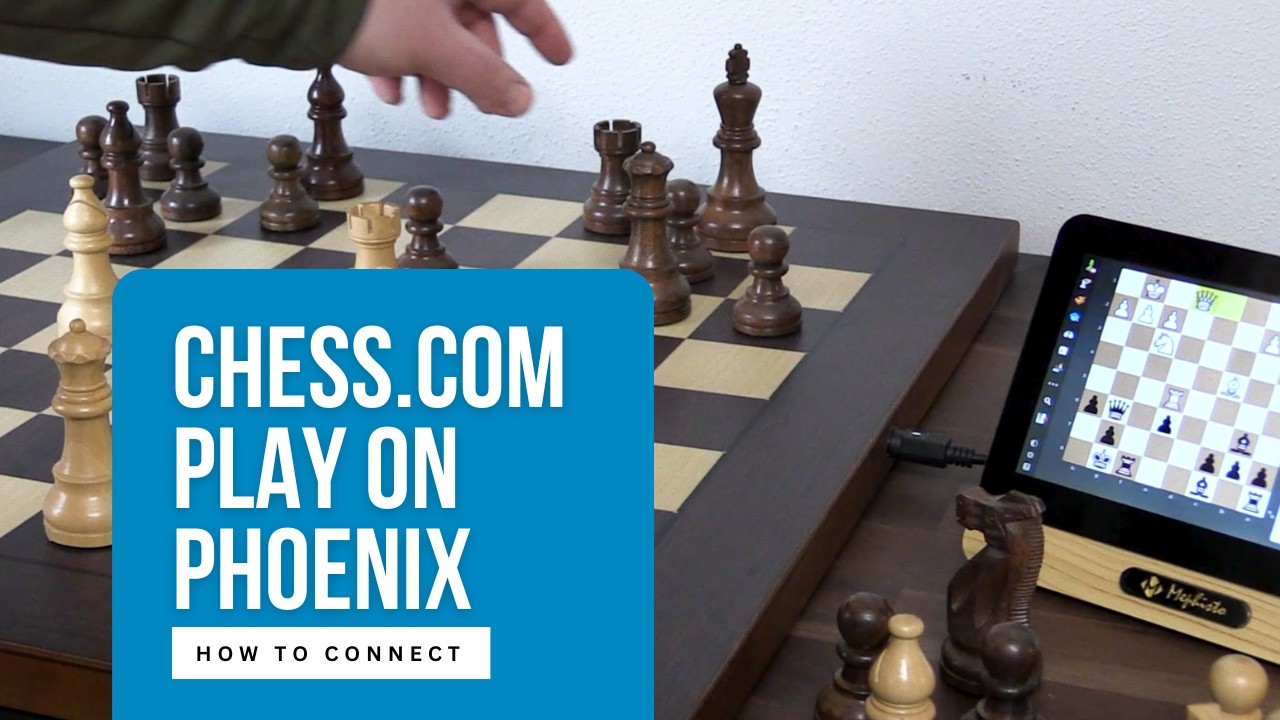
With Chess Connect integration for Phoenix, you can access nearly everything Chess.com offers right on the Mephisto Phoenix Computer Device's touch screen.
Here's how this integration works and how to obtain the app integration as well as Download and Upgrade your Phoenix Device.
Where to obtain the Phoenix Chess Computer:
https://www.chesshouse.com/search?q=p...
How to Upgrade after you have the Phoenix.
1. Watch the video for how to get your serial number / check code from the device itself. It is circled in red and you'll use the code from your device once you receive it.
2. Buy the App ChessConnect for Phoenix and obtain the VOUCHER code starting with M912-XXXXX
https://www.chesshouse.com/products/c...
3. Activate the App at the Millennium Store. (Use the Voucher code you received from Chess House to go complete this checkout as well) IMPORTANT: CHECKOUT must also be completed here. Once you have the confirmation, in a few minutes, you can download to the device.
https://computerchess.com/licenses/Ch...
4. Down the update to your Phoenix and Select the version. It will restart and add the ChessConnect to your Phoenix.
Повторяем попытку...
Доступные форматы для скачивания:
Скачать видео
-
Информация по загрузке: