How To Fix File Access Denied By Security Policy on Windows
Автор: Edmund Mindaros
Загружено: 2025-06-29
Просмотров: 836
Описание:
How To Fix File Access Denied By Security Policy on Windows
In this step-by-step tutorial, we'll show you exactly how to resolve the Blocked by Security Policy error on Windows 10 and Windows 11. We'll cover several effective methods, starting with the simplest solutions and moving to more advanced ones, so you can get back to what you were doing without any hassle. This file was blocked by your security policy error message when trying to open or download a file on your Windows PC?
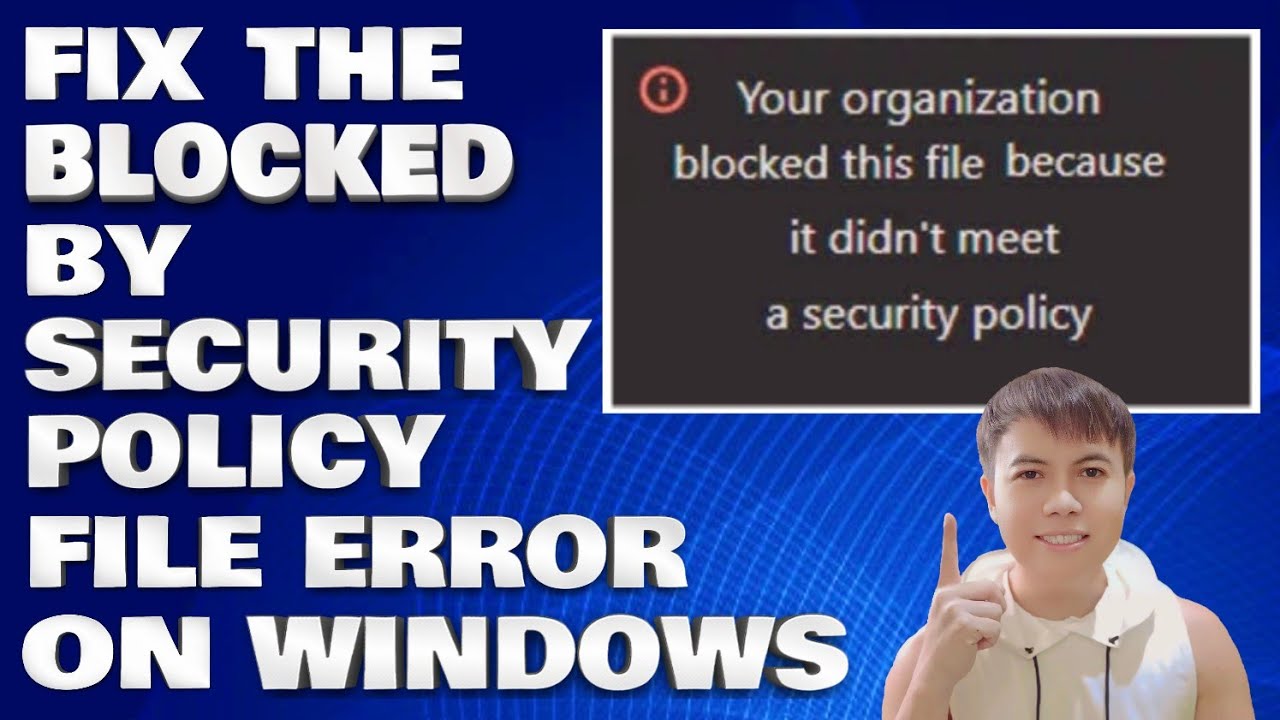
If you are getting the Your organisation blocked this file because it didn’t meet a security policy error message on Windows 11, including the browsers that you are using. Your system is more than likely being managed by your IT team or your local school administrator. Which means you probably don't want to bypass it. However, if you are getting this for any other reason, here are a few things you can do to fix the issue.
Disable Browser Extensions:
1. To check if this is the cause, disable any non-essential extensions in your browser settings. After turning them off, try downloading the file again. You can also try switching to a different browser without any extensions installed. If you use Chrome, consider testing the download in Microsoft Edge or Firefox to see if the behaviour changes.
Temporarily Disable Antivirus Software:
1. If your antivirus includes features like web protection, download scanning, or real-time file inspection, try turning them off temporarily.
Adjust Group Policy Settings:
1. Press the Windows key + R to open the Run dialogue.
2. Type gpedit.msc and press Enter
3. Go to: User Configuration / Administrative Templates / Windows Components / Attachment Manager
4. Locate the setting called Do not preserve zone information in file attachments\
Double-click it and set it to Enabled
Use my referral code to get instant CashBack From ShopBack: XCXldM
Use My Referral Code To Get Rewards From Shopee: 4QH3VHJ
Use My Referral Code To Get Free Rewards From SeaBank: EM386930
Thank you for watching this tutorial! I hope you found the information valuable and that it helps you on your journey. If you have any questions or suggestions, please leave them in the comments below. Don't forget to like and subscribe for more content like this. Stay curious, keep learning, and we'll see you in the next video!
Disclaimer: This channel doesn't promote any illegal contents, all content are provided by this channel is meant for educational purposes only and share my knowledge with everyone that is totally Legal, informational. And followed all the YouTube community guideline rules. The videos are completely for Legal.
Join this channel to get access to perks:
/ @edmundmindaroschannel
#windows #windowserror #howto
Повторяем попытку...
Доступные форматы для скачивания:
Скачать видео
-
Информация по загрузке: