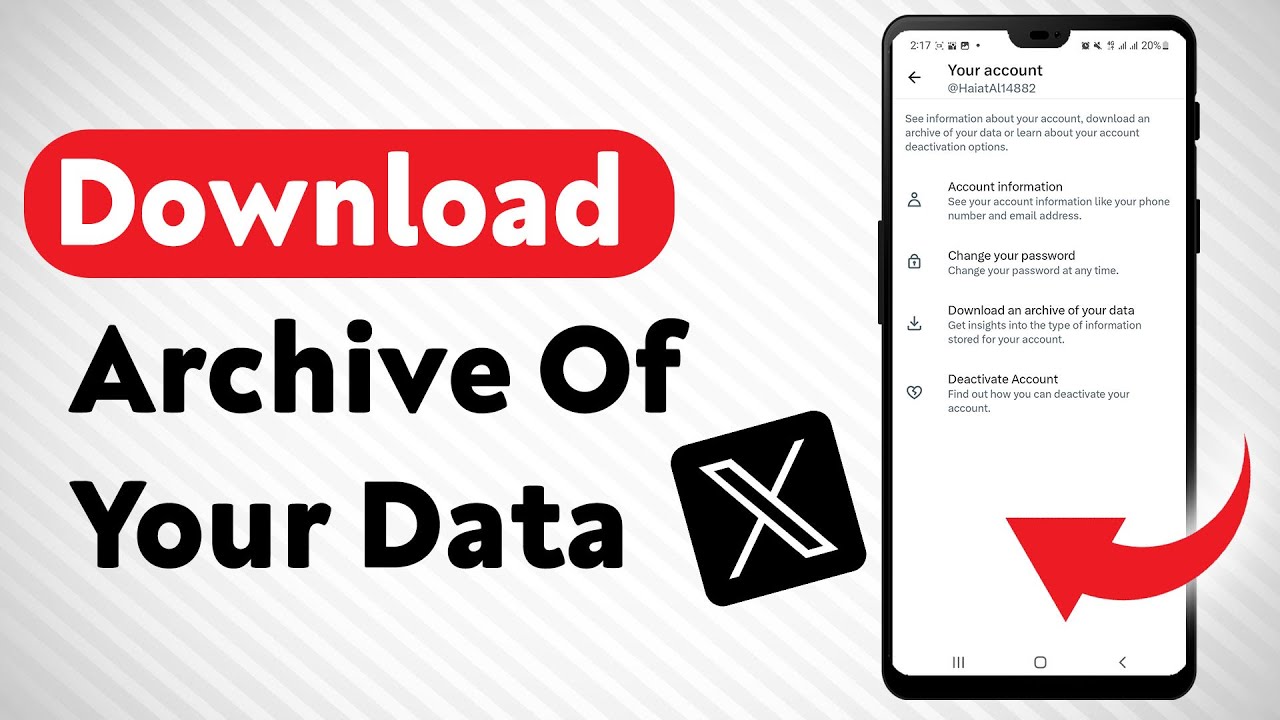
How To Download An Archive Of Your X's Data - Full Guide
Автор: Smart Fixer
Загружено: 2023-12-11
Просмотров: 668
Описание:
Discover how to view your watch history in X with our comprehensive guide. Follow these steps to easily access and review the content you've previously watched:
1. Open X
2. Tap on the profile icon from the top right corner
3. Go to your Settings
4. Tap on "Download An Archive Of Your Data"
5. Then type in the password
6. Verify your identity by typing in the code you get on your email
7. Tap on "Request Archive" and X will prepare a copy for you
8. Uncompress the zip file and search for your watch history between the files
Watch the full guide now to learn how to view your watch history in X and revisit your favorite content.
For advertiser contact us via email : [email protected]
Повторяем попытку...
Доступные форматы для скачивания:
Скачать видео
-
Информация по загрузке: