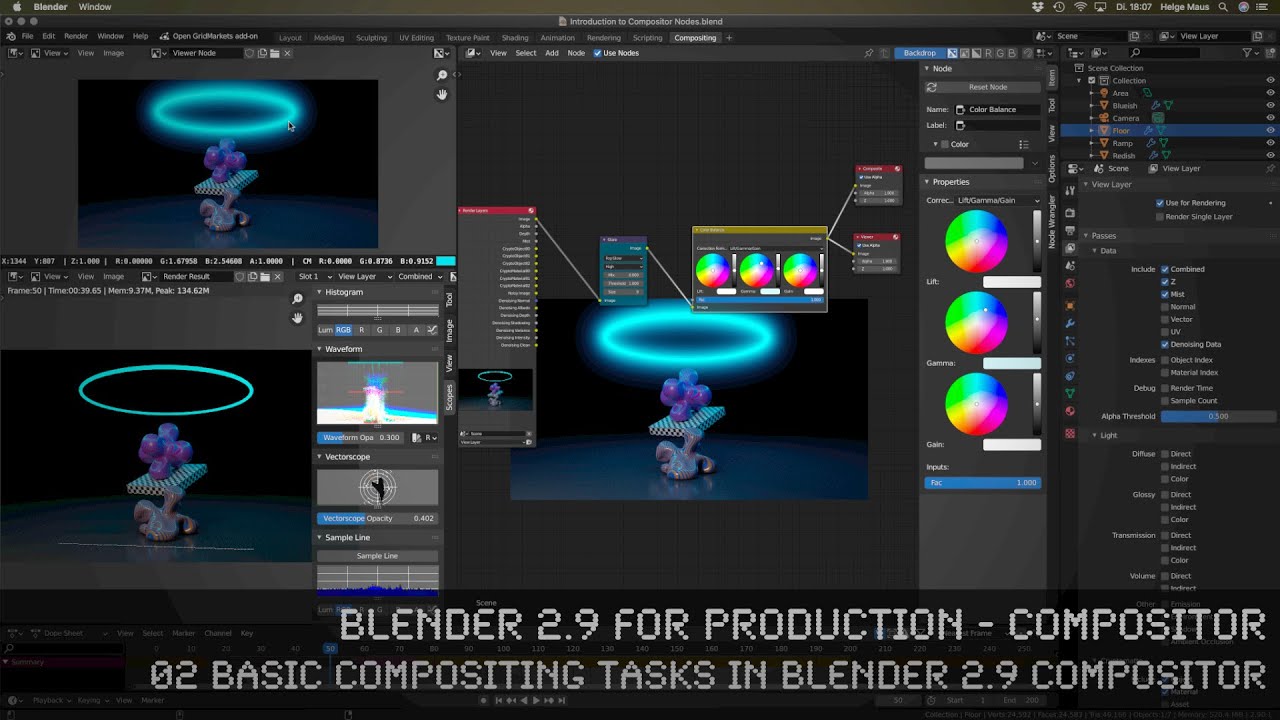
Blender 2.9 for Production - 02 Basic Compositing Tasks in Blender 2.9 Compositor
Автор: pixeltrain - 3D & VFX Trainings
Загружено: 2020-10-02
Просмотров: 15945
Описание:
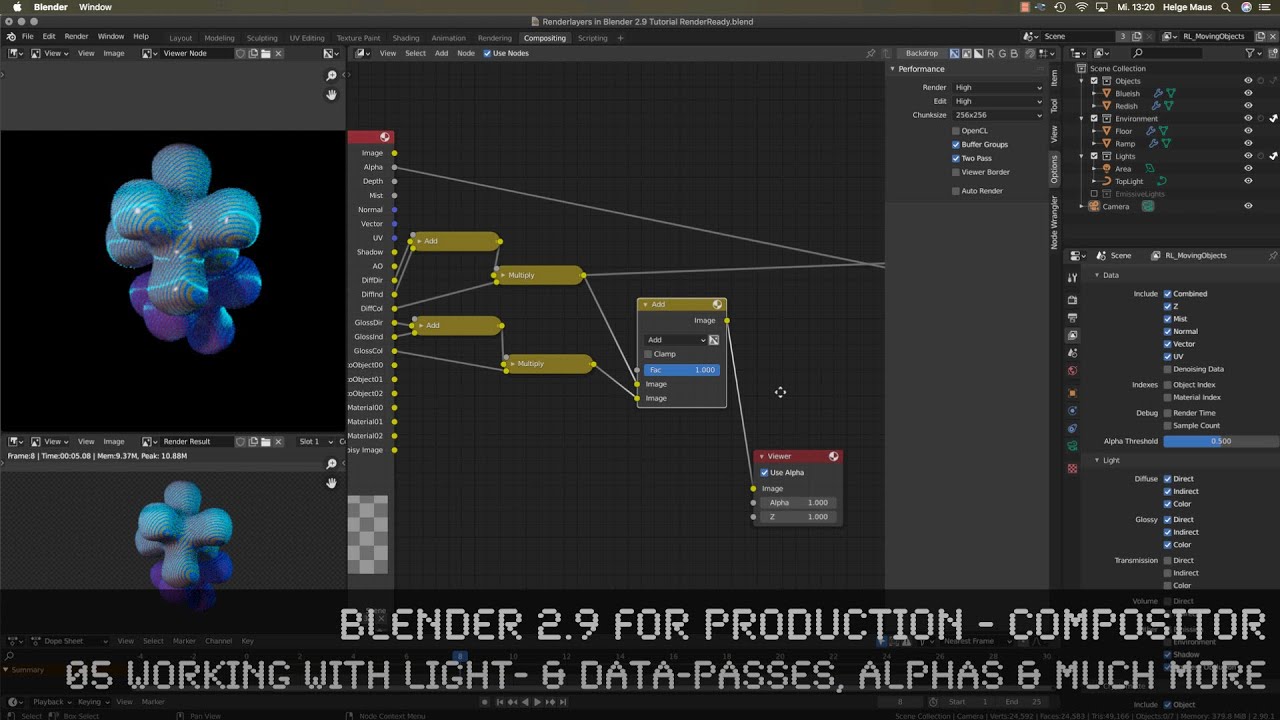
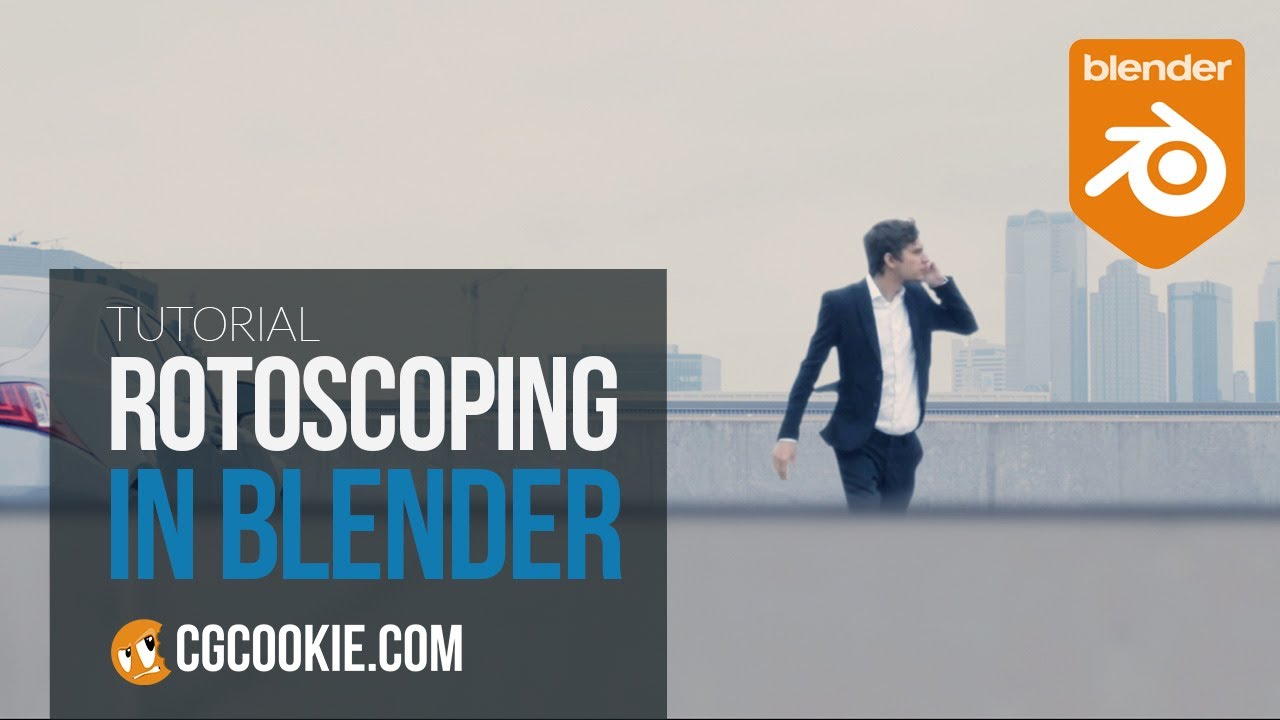
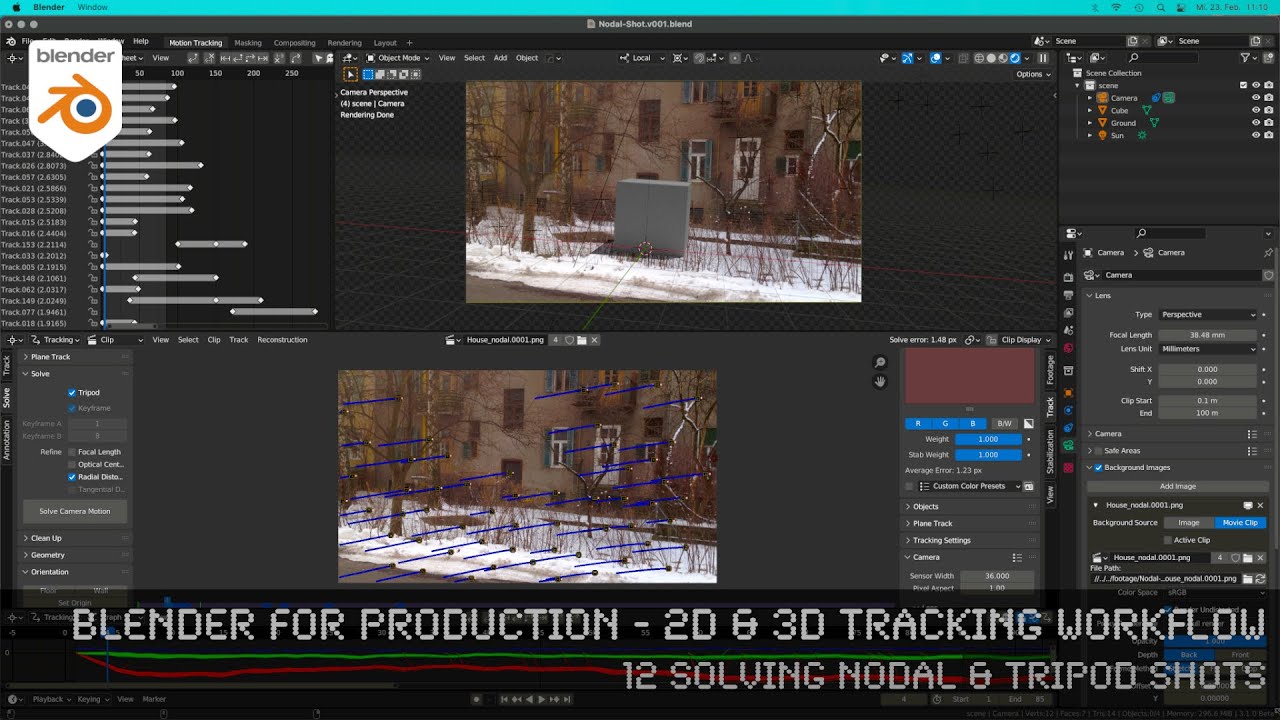
In this tutorial, we will talk about the basic tasks, you normally do in a node-based compositor: Importing, Comping, Setting Colorspaces, Working with straight and premult Alphas, external Multi-Channel EXRs, Plate Transformations, Denoising, Masking, Rotoscoping, Working with Renderpasses (AOVs), using Object- & Material-IDs, Cryptomatte and so on. Also we will take a short look into the Movie Clip Editor for Masking / Rotoscopting. So if you come from other Compositors like NUKE, Fusion or After Effects, you will get a quick overview about the most important areas of your compositing work.
If you have questions or topics, which should be added, please let me know.
If you want to support me for publishing more free tutorials you could join my Patreons:
👉 / pixeltrain3d
or give me a fast Coffee time Tip:
👉 PayPal: https://paypal.me/pixeltrain
Want to start learning Blender Fundamentals with Helge?
👉 • Publication Trailer - pixeltrain Blender F...
These topics are covered:
Overview over the content of this tutorial
Comparison between Blender 2.9 Compositor with NUKE or Fusion
Pros & Cons of the Blender 2.9 Compositor
Renderlayers Node & Scenes
Working with the File Browser
Adding Multi-Channel EXRs to the Comp
Configuring Color Space & Alpha Type
Premult-Alpha vs. Straight Alpha
Adding multiple Viewers
Working with different plate sizes
Naming & Coloring Nodes
Split View for Comparison
Merging with Alpha Over & Mix Nodes
Understanding plate sizes and output size
Scale Node for re-format
Tricks for working with Nodes
Post Denoising Workflow with Intel Open Image Denoiser
Activating Passes in ViewLayer Properties
Exporting a denoised BeautyPass
Masking, Mattes & Rotoscoping Toolset
Combining Masks
Animate Mask properties
Set Alpha Node / Alpha Convert Node
Movie Clip Editor / Mask Editor
Creating a Mask Shape
Using the Mask Input Node
Importing MovieClips from the Movie Clip Editor
Using Cryptomattes
Setting up ID Masks
Object ID Masks / Material ID Masks
This tutorial series „Blender 2.9 for Production“ focuses on Blender 2.9 as a full Production Suite for (Indie) 3D- & VFX Productions. In these tutorials, I will explain how to work with the different Modules of Blender 2.9 and how they are connected to each other. I will give you an introduction to the specific functionalities, but also the production context and workflows, which can help you to use Blender in your productions.
Helge Maus teaches 3D- & VFX Applications for 20 years. His focus lies on VFX, but he also works with many studios and agencies from different visualization areas.
If you have questions or topics, which should be added, please let us know.
If you want to support me for publishing more free tutorials you could join my Patreons: / pixeltrain3d
Or simply buy me a Cappuccino: https://paypal.me/pixeltrain
Find more information on www.pixeltrain.net
YouTube: / pixeltrain3dvfxtrainings
Twitter: / pixeltrain
Mastodon: https://mastodon.art/web/@pixeltrain3d
Instagram: / pixeltrain3d
LinkedIn: / pixeltrain
Artstation: https://www.artstation.com/pixeltrain
Повторяем попытку...
Доступные форматы для скачивания:
Скачать видео
-
Информация по загрузке:



![Blender 2.8 Render Passes and VERY Basic Compositing [Old School but Beginner Friendly]](https://imager.clipsaver.ru/Sdaj9Y_1mOY/max.jpg)