How to remove unwanted paragraphs and line breaks in Microsoft Word
Автор: Cristi Cotovan
Загружено: 2020-05-20
Просмотров: 209409
Описание:
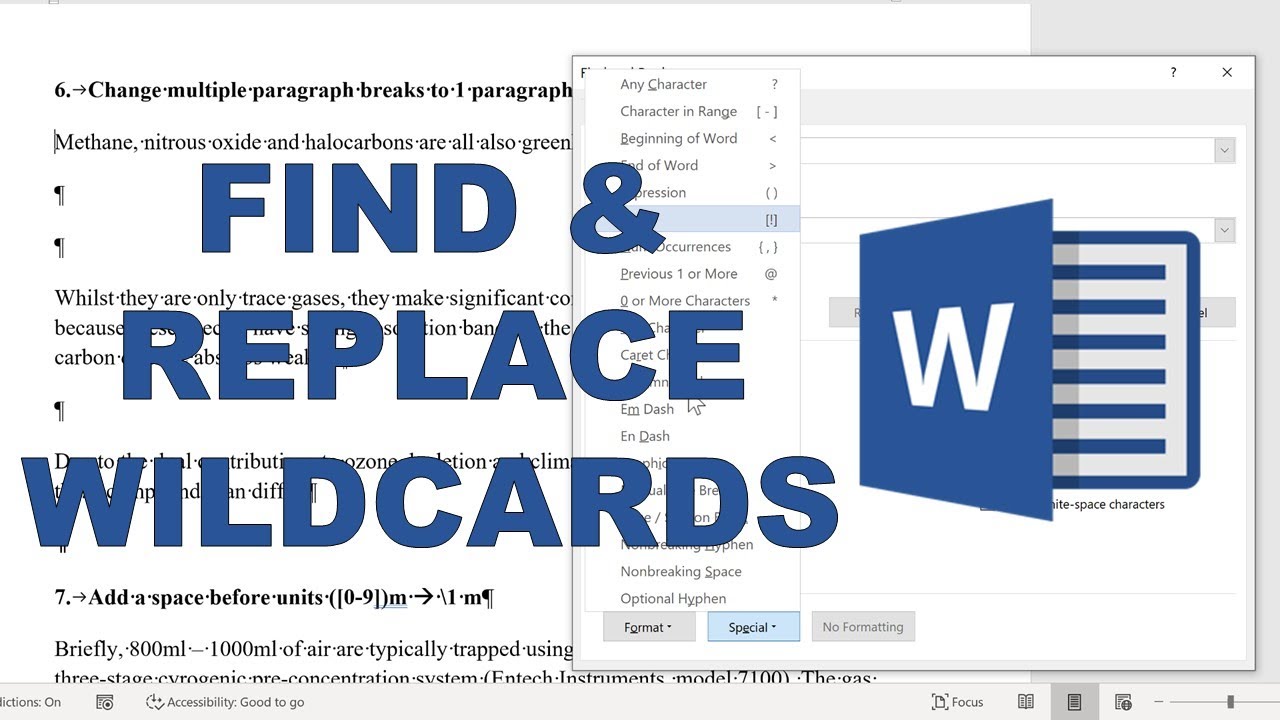
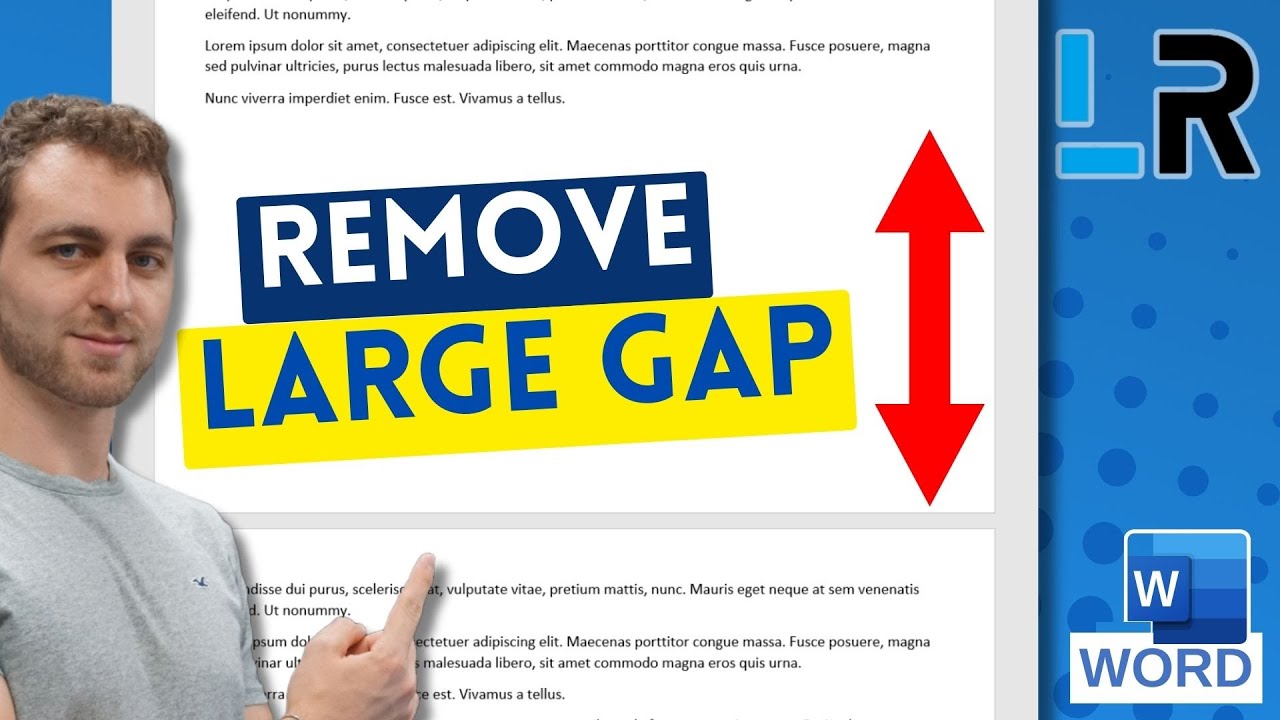
You can very easily remove unwanted line breaks and paragraph marks from a Word document using the tips in this video. It takes a few seconds but saves a lot of time having to delete the breaks at the end of the lines for long documents.
Microsoft Word's Search and Replace tool can replace more than text - it can also find and replace special characters, hidden characters, such as line breaks, paragraph marks, etc. All the special characters can be conveniently found in the Special menu, inside the Search and Replace function (CTRL + H). This also should work on Microsoft Word for Mac.
Thank you to my friend @ChrisMenardTraining for this tip!
Are my tutorials useful? Buy me a coffee! I LOVE coffee:
https://www.buymeacoffee.com/cristi
Cristi's website and blog:
https://cotovan.com
-- SOFTWARE I use and recommend * --
Camtasia (includes 10% OFF coupon: CRISTI10): https://cotovan.com/camtasia
Snagit (includes 10% OFF discount code CRISTI10): https://cotovan.com/snagit
Transcription and Captions: https://cotovan.com/descript
Remote recording: https://cotovan.com/riverside
Audio clean up and processing: https://cotovan.com/auphonic
My newsletter platform: https://cotovan.com/convertkit
Create blogs from videos: https://cotovan.com/video2blog
Disclosure: Some of these links take you to my website and some of them are affiliate links where I will learn a small commission if you make a purchase. This is at no additional cost to you and they help support my work. Thank you!
#microsoftword #wordtips #wordtimesaving
Повторяем попытку...

Доступные форматы для скачивания:
Скачать видео
-
Информация по загрузке: