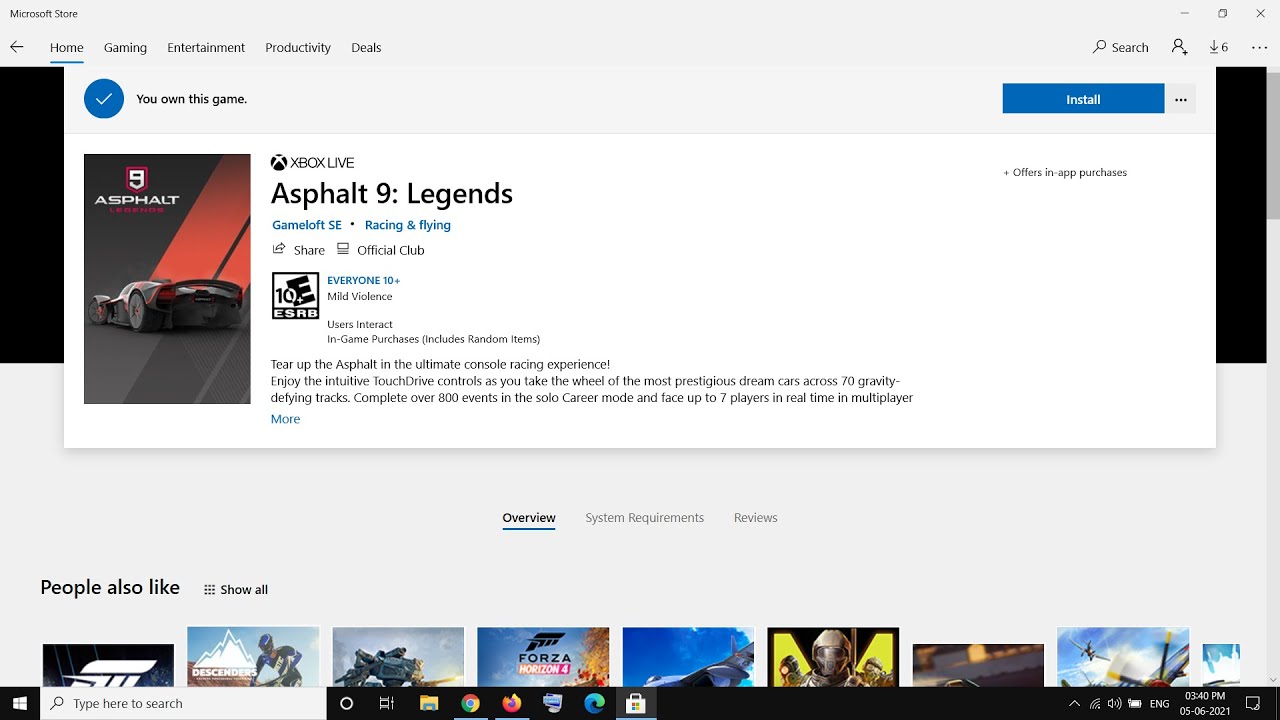
Fix Asphalt 9 Legends Not Installing From Microsoft Store
Автор: MenakaTechWorld
Загружено: 2021-06-05
Просмотров: 27268
Описание:
Fix Can't Install Asphalt 9: Legends Due to Microsoft Store Errors
1) Sign out and Sign in again on Microsoft Store. Make sure date and time/Zone is correct
2) Run Windows Store Troubleshooter
3) Clear store cache Using wsreset command
4) Update Windows 10
5) Update Apps
6) Reset Store app
7) Restart Windows Update, Microsoft Store Install and background intelligence service
8) Run these commands for network related error while installing game
ipconfig /flushdns
ipconfig /release
ipconfig /renew
netsh winsock reset
netsh int ip reset
9) Run Powershell command to re-register store
Get-AppXPackage WindowsStore -AllUsers | Foreach {Add-AppxPackage -DisableDevelopmentMode -Register "$($_.InstallLocation)\AppXManifest.xml"}
Get-AppXPackage -AllUsers -Name Microsoft.WindowsStore | Foreach {Add-AppxPackage -DisableDevelopmentMode -Register "$($_.InstallLocation)\AppXManifest.xml" -Verbose}
10) Uninstall & Reinstall Store
Get-AppxPackage -allusers WindowsStore | Remove-AppxPackage
Reboot your computer
Get-AppxPackage -allusers WindowsStore | Foreach {Add-AppxPackage -DisableDevelopmentMode -Register “$($_.InstallLocation)\AppXManifest.xml”}
11) Run DISM Command
sfc /scannow
Dism /Online /Cleanup-Image /RestoreHealth
12) Run inetcpl.cpl command
In Advanced Tab
Tick Use TLS 1.2
13) Update Windows 10 using Media Creation Tool: https://www.microsoft.com/en-in/softw...
Повторяем попытку...
Доступные форматы для скачивания:
Скачать видео
-
Информация по загрузке: