How to run the isle on the phone | the isle mobile
Автор: O W A I S
Загружено: 2025-08-31
Просмотров: 2687
Описание:
🎮 How to Play The Isle on Mobile | Full Guide 📱
Welcome to this in-depth tutorial on how to play The Isle on your mobile device! If you're a fan of dinosaur survival games and have always wanted to experience the thrill of The Isle on your phone, you're in the right place. In this video, I'll walk you through the full step-by-step process of setting up and playing The Isle on Android or iOS.
👉 What is The Isle?
The Isle is a multiplayer dinosaur survival game that offers realistic environments, intense gameplay, and detailed dinosaur mechanics. Originally available only on PC via Steam, it has become one of the most popular survival simulators for dinosaur enthusiasts.
🔧 What You’ll Need:
A stable internet connection
A smartphone (Android or iOS)
A cloud gaming platform (such as GeForce NOW, Boosteroid, or Xbox Cloud Gaming)
A Steam account with The Isle purchased
Optional: A Bluetooth controller for better controls
📲 Steps Covered in This Video:
How to create and set up a Steam account
How to purchase and install The Isle
How to register for a cloud gaming service that supports The Isle
How to connect your Steam library to the cloud gaming service
How to stream The Isle on your mobile device
Tips for optimizing performance and reducing lag
How to connect a controller for smoother gameplay
Troubleshooting common issues
🎮 Gameplay Preview:
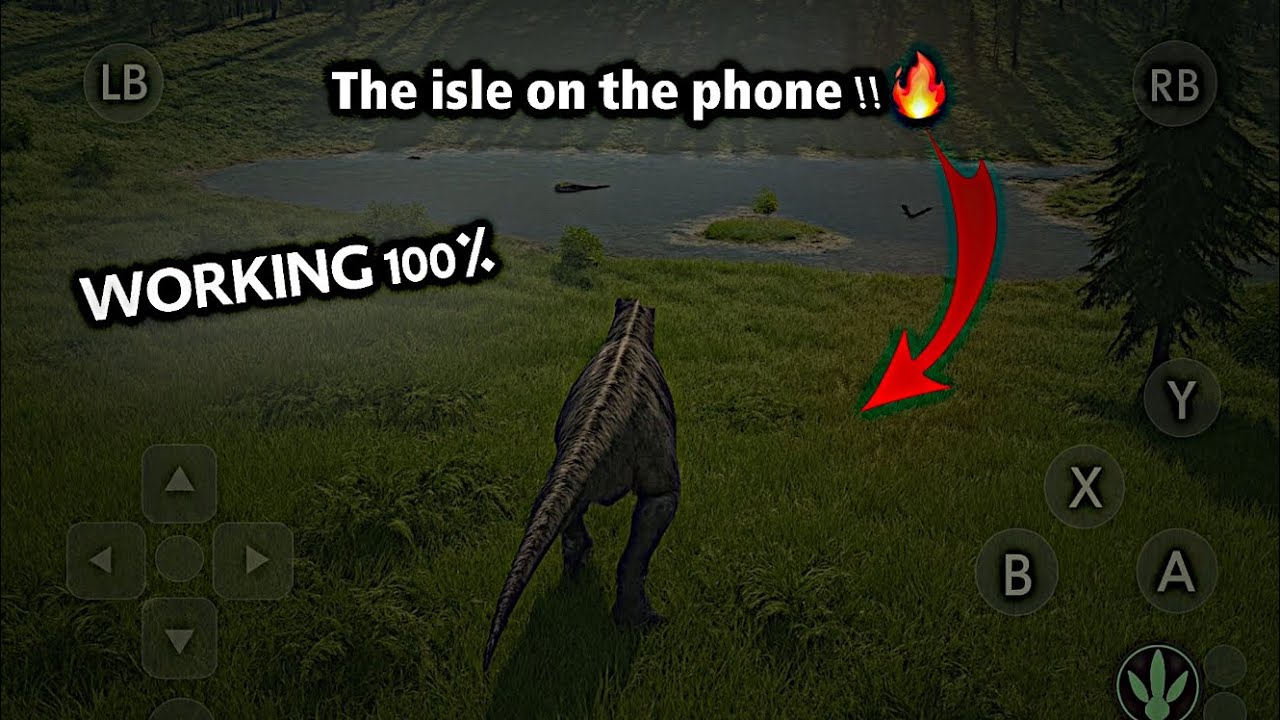
In the second half of the video, I’ll show you a live demo of the game running on mobile—exploring the environment, playing as a dinosaur, and surviving in a hostile open world. You’ll see the touch controls in action and get an idea of how smooth and responsive the gameplay can be when everything is set up correctly.
💡 Why Use Cloud Gaming?
Because The Isle is a PC-exclusive title and not officially available on mobile platforms, cloud gaming is the only way to play it on a smartphone. It allows you to stream the game from powerful servers directly to your phone—no need to download huge files or have a high-end device.
📌 Important Tips:
Use a 5GHz Wi-Fi connection for the best streaming quality
Make sure your Steam and cloud gaming accounts are properly linked
Adjust graphics settings within the game for better performance
Use headphones for immersive sound
If you enjoy this video, don’t forget to like, subscribe, and turn on notifications so you don’t miss future tutorials on mobile gaming, survival games, and more!
#theisle #mobilegaming #cloudgaming #theislemobile #HowToPlayTheIsle #DinosaurSurvivalGame #SteamGamesOnMobile
Повторяем попытку...
Доступные форматы для скачивания:
Скачать видео
-
Информация по загрузке: