How To Delete Gemini Activity Log
Автор: WebPro Education
Загружено: 2025-05-27
Просмотров: 1994
Описание:
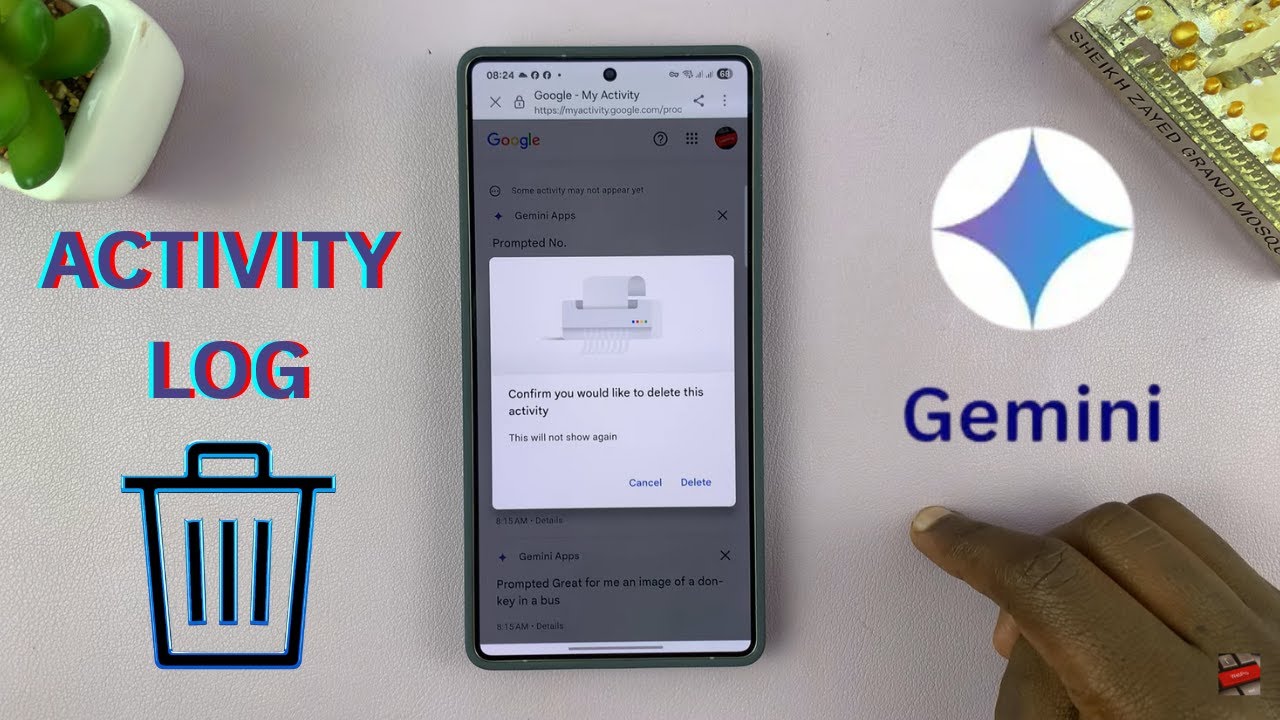
Want to clear your Gemini AI history? This step-by-step tutorial shows you how to permanently delete your Gemini activity logs across all devices to protect your privacy.
How To Delete Gemini Activity Log:
Open Gemini app and tap your profile picture.
From the menu select ''Gemini App Activity'' and delete a specific conversation.
Tap the 'Delete' button, then select your desired time range (last hour, last day, or all time) to remove the specified activity.
Samsung Galaxy S25: https://amzn.to/3Ej66IM
Samsung Galaxy S25 Ultra: https://amzn.to/4heIcg9
#gemini #googlegemini
----My Gear for Youtube videos----
Main Camera (iPhone 13 pro): https://amzn.to/3GZztve
Tripod: https://amzn.to/35acqRa
Cell Phone Tripod Adapter: https://amzn.to/3v3wFuI
Lights: https://amzn.to/3vkoGK7
As full disclosure, I use affiliate links on this channel and purchasing through these links earns me a small commission. The price you pay will be the same!
Website: https://www.webproeducation.org
Facebook: / webproeducation.org
Twitter: / webpro_e
Instagram: / webproeducation
Повторяем попытку...
Доступные форматы для скачивания:
Скачать видео
-
Информация по загрузке: