MIDI Input in Patterning 3 - Map Controllers, Record Automation & Perform Live
Автор: Olympia Noise Co.
Загружено: 2025-12-08
Просмотров: 524
Описание:
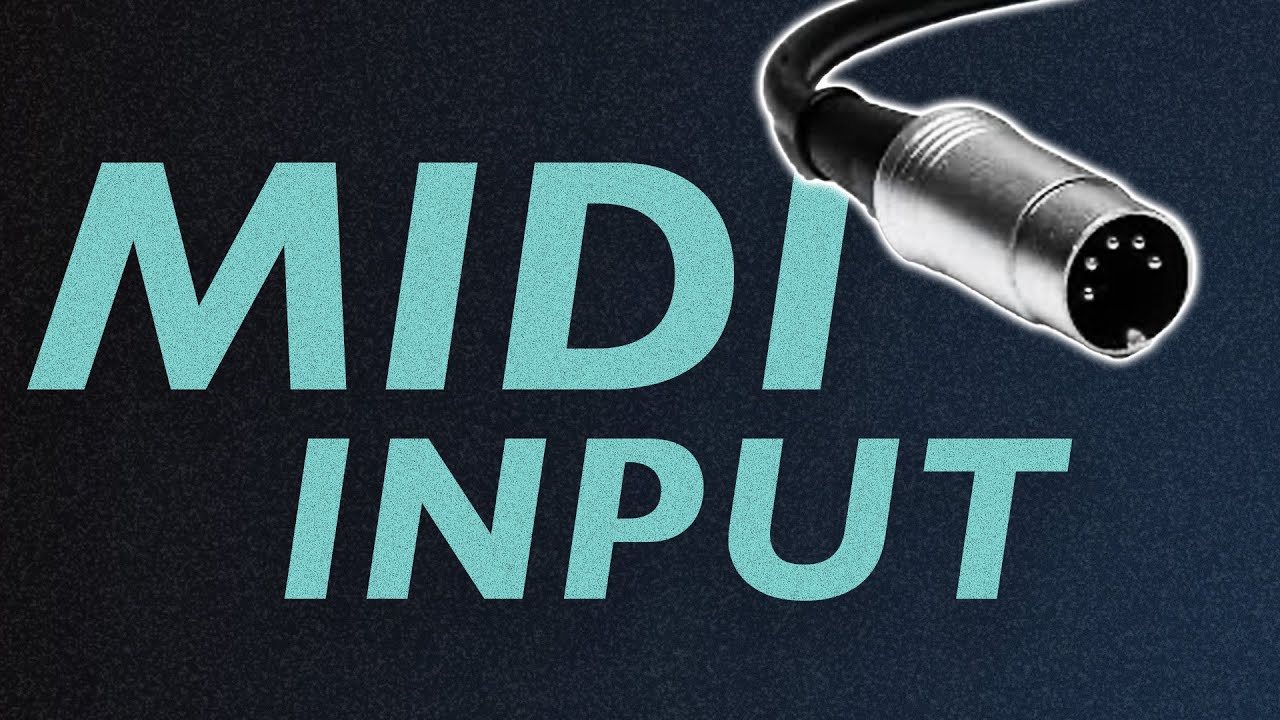
Learn how to use MIDI input to control Patterning 3! In this tutorial, I'll show you how to connect MIDI controllers (both Bluetooth and USB), map knobs and pads to control parameters, record automation in real-time, and set up mappings for live performance.
We'll cover:
What MIDI is and how it works with Patterning
Connecting Bluetooth and USB MIDI controllers
Using MIDI Learn to map CC controls
Recording parameter automation in real-time
Creating complex mappings with multiple parameters
Setting up drum pad triggers
Advanced transport controls and pattern switching
Saving and recalling your MIDI mappings
Whether you're looking to perform live with Patterning 3 or just want a more hands-on way to create beats and record automation, this guide will get you up and running with MIDI control.
🎹 Controller used: Akai LPD8 (works with any MIDI controller)
📱 App: Patterning 3 for iOS
🔗 Get Patterning 3: https://patterning.app
#Patterning3 #MIDIController #iOSMusic #DrumMachine #MusicProduction #iPadMusic #MIDIMapping #BeatMaking #ElectronicMusic #MobileMusic
Follow us:
@olympianoiseco
facebook.com/OlympiaNoiseCo
0:00 Introduction
0:18 What is MIDI? Musical Instrument Digital Interface basics
1:23 MIDI controller overview - pads and CC knobs
1:55 MIDI cable types (5-pin DIN, USB, Bluetooth)
2:30 Connecting Bluetooth MIDI controllers in Patterning
3:12 Mapping CC controls with MIDI Learn
3:38 Real-time parameter control demonstration
4:01 Recording parameter automation
4:44 Viewing recorded automation in Layers view
5:03 Mapping multiple parameters to one control
5:24 MIDI Input Mappings window overview
5:57 Setting parameter ranges for mapped controls
6:29 Inverting control values
6:46 Mapping multiple parameters with inverse values
7:37 Mapping drum pad triggers
8:35 Saving and recalling MIDI mappings
8:57 Recording drums with MIDI pads (USB connection)
9:12 Bluetooth vs USB latency considerations
10:26 Advanced mapping options
10:47 Transport controls (play, stop, pattern select)
11:53 Pattern switching with quantization
12:04 Additional transport mappings
12:17 Track parameter mapping options
12:42 LFO depth control mapping
12:57 Closing thoughts
Повторяем попытку...
Доступные форматы для скачивания:
Скачать видео
-
Информация по загрузке: