Screw Flight Development, how to develop a screw flight, screw flight calculation program
Автор: AdvancedSpiral
Загружено: 2013-01-28
Просмотров: 13367
Описание:
www.advspiraltech.com
21st Century Technology giving you
A Virtual Engineer at your fingertips
Enabling you to Remain a step ahead
Experience the cost and timesavings associated with the
AST's Flight Blank Designer
• Discard the 'Book of Sizes'
• Eliminate the need for trial and error
• Enter your parameters and get an instant result
• Eliminate development time
• Get it right the first time every time
• Free up precious time for money making activities
• Quicker turnaround, better service, satisfied customers
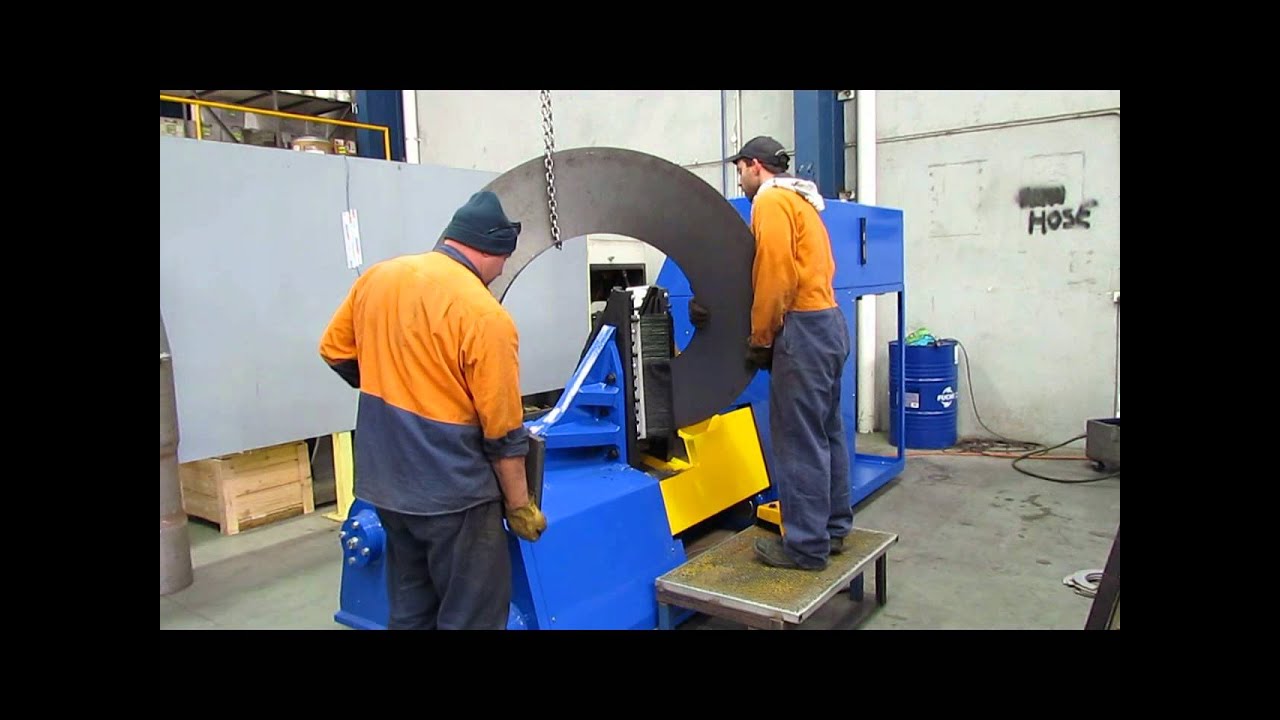
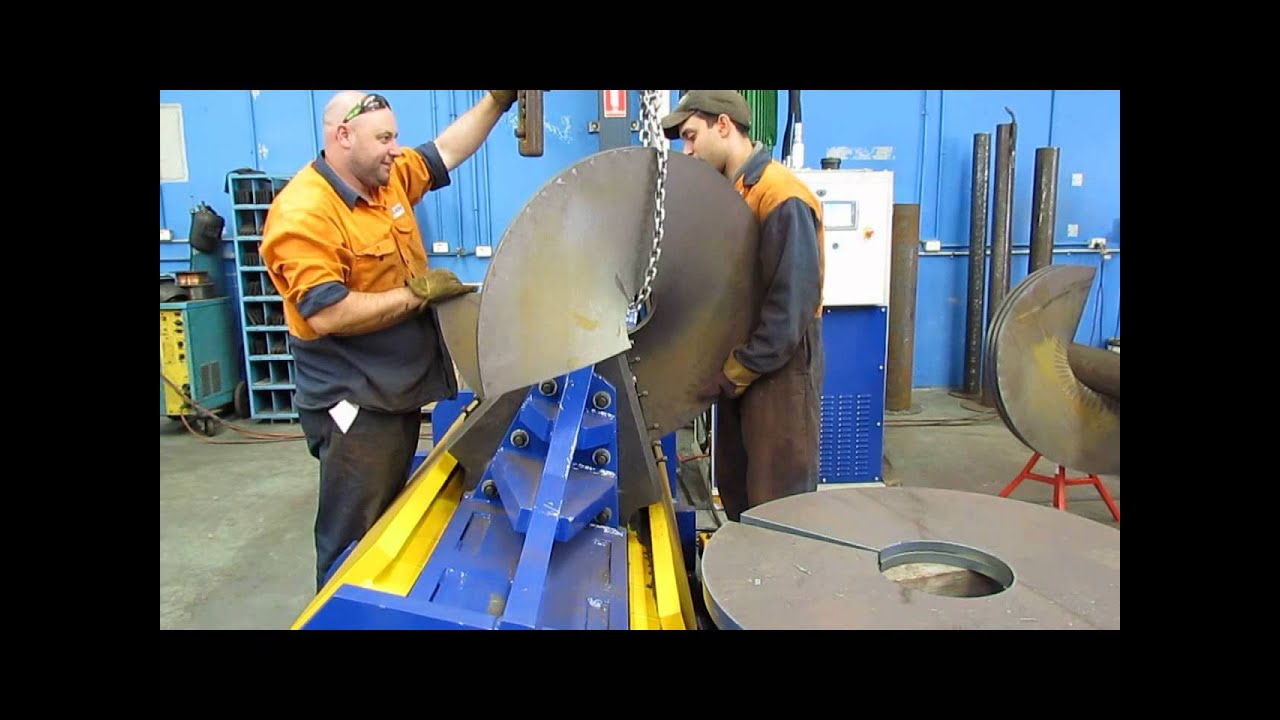
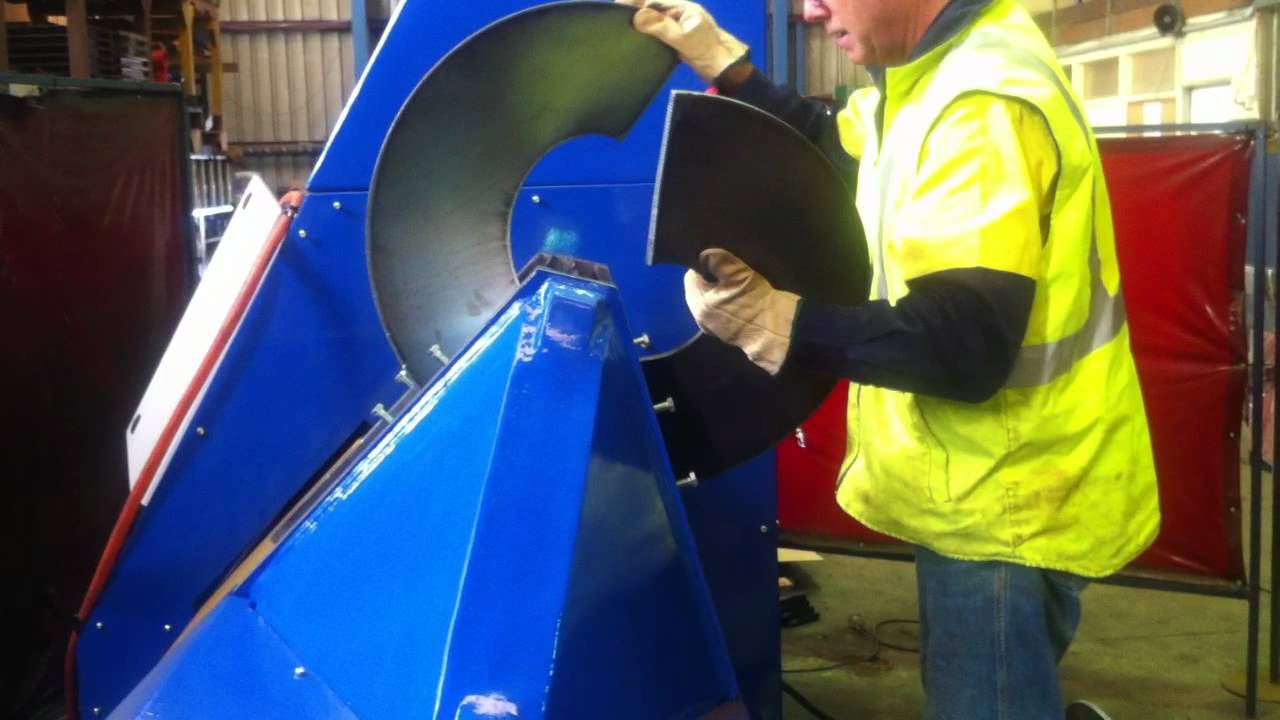
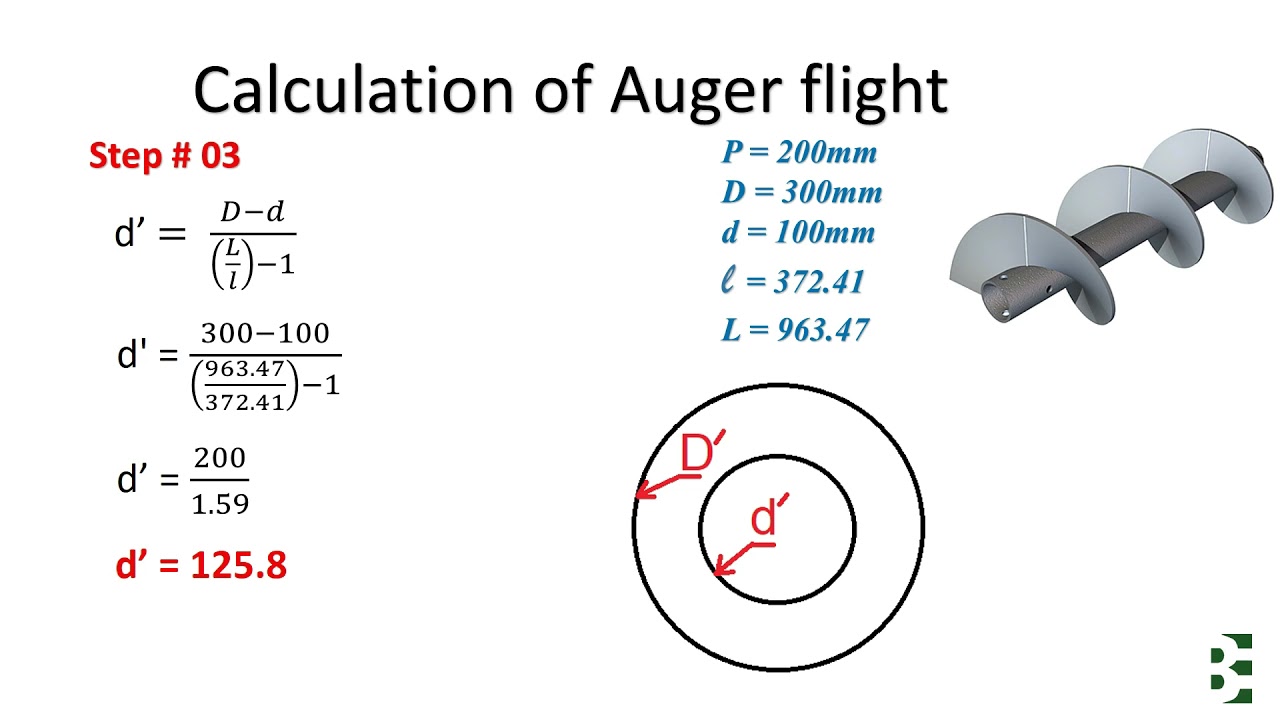
Advanced Spiral Technology's Sectional Screw Flight Blanks Development Program - Flight Blank Designer -- offers manufacturers of Sectional Screw Flights, or those contemplating the manufacture of Sectional Screw Flights, the ability to accurately calculate 1,000's of different combinations of Flight Blanks instantaneously.
• Enter the finished size of your Sectional Screw Flight and click the Calculate button
• A drawing of your Sectional Screw Flight Blank along with the developed size will be generated on your screen
• Click the save button and you can save the Blank Development as an AutoCad Drawing Exchange Format file with a file extension '.dxf' on your computer
• The Blank Development file can then be:
o Imported to your nesting program
o Imported to your cutting system program
o Transferred to your subcontractor for cutting
o Filed for future use
Повторяем попытку...

Доступные форматы для скачивания:
Скачать видео
-
Информация по загрузке:









![Почему реактивный двигатель не плавится? [Veritasium]](https://imager.clipsaver.ru/F6UB0V2Fct4/max.jpg)


