How to Connect an External Camera to Use with Zoom, Skype and Teams for Remote Teaching
Автор: jargonfreehelp
Загружено: 2021-01-08
Просмотров: 22715
Описание:
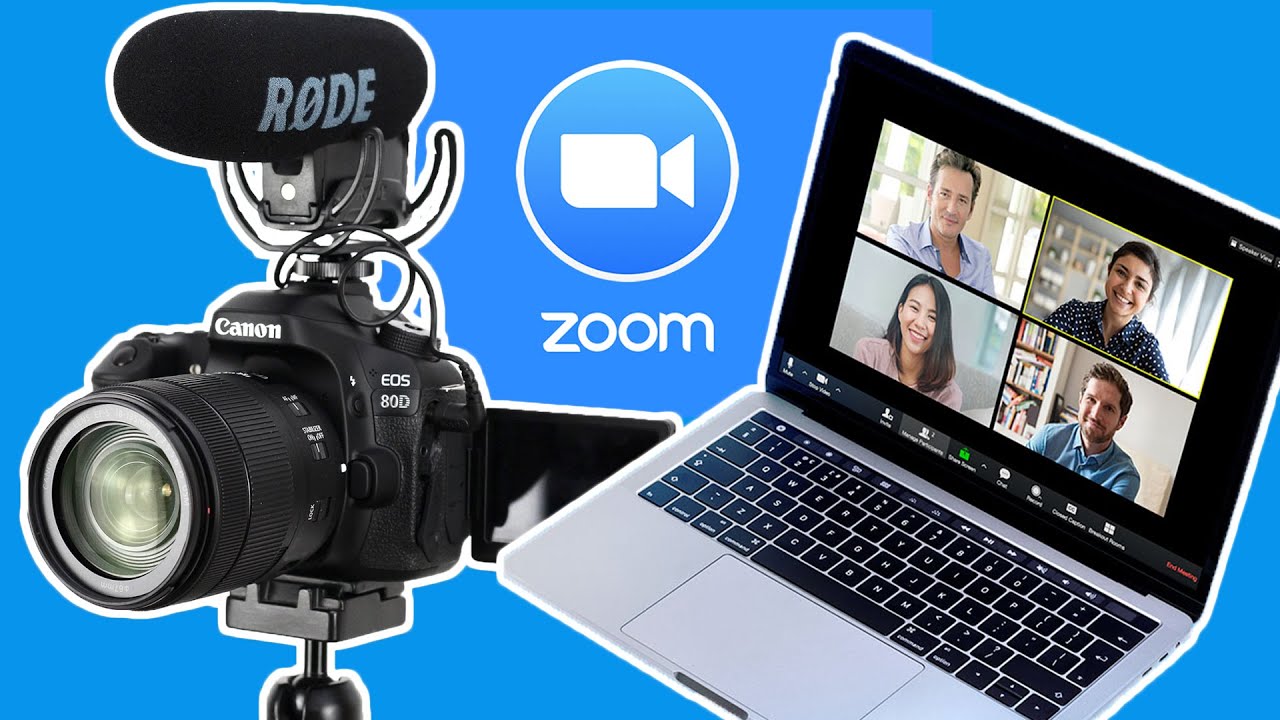
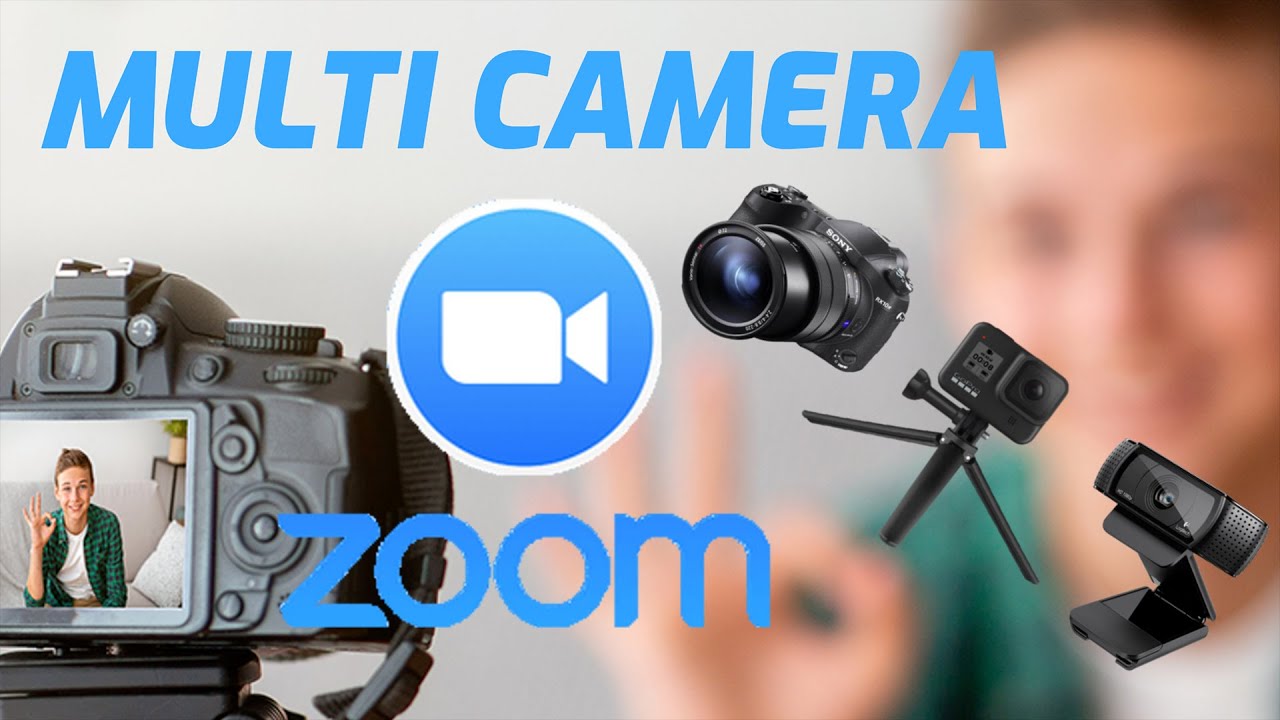
If you are teaching online whether it be for school, college university or even if you are teaching music, yoga, cooking or something else then connecting a camera other than the webcam can really help. An external camera will allow you to get better angles and close ups when you need them. You can also have multiple cameras showing different angles and if you need to get right up close.
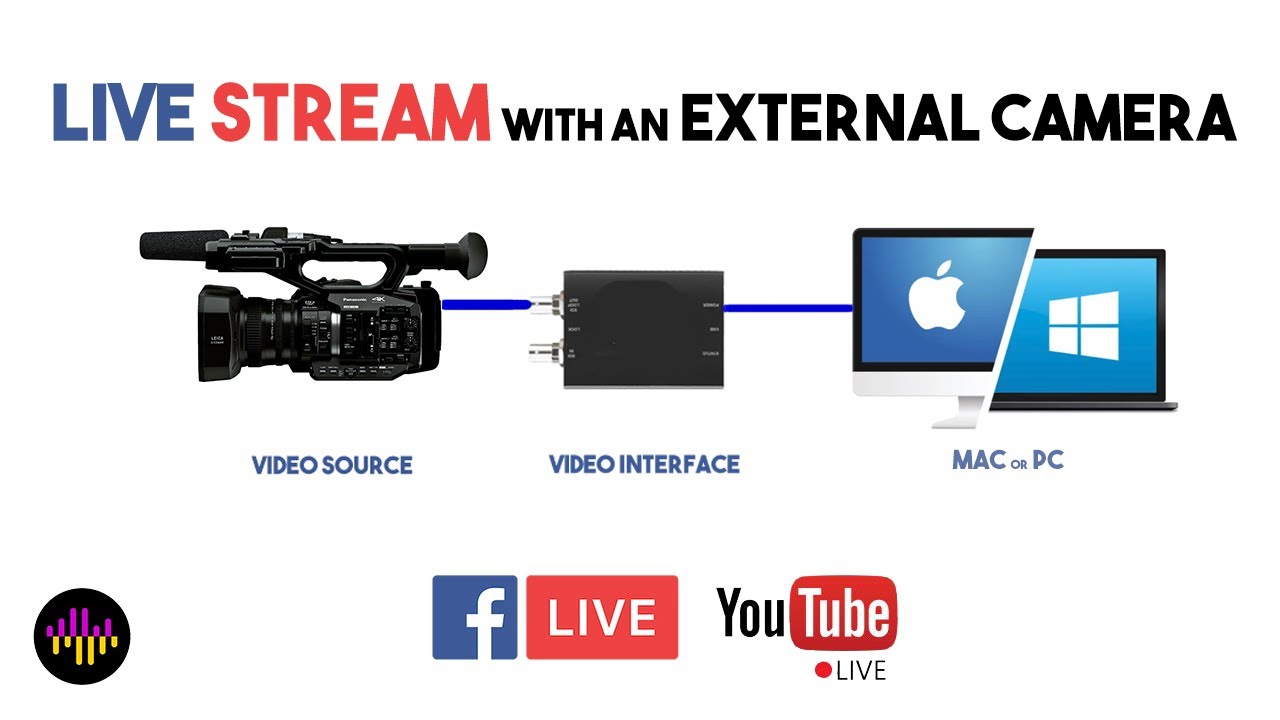
Here I'm going to show you how you can connect an external camera like a camcorder, video camera DSLR, mirrorless, GoPro, in fact anything with an HDMI out connector, this includes gaming consoles, computers, laptops and with an HDMI adaptor an iPhone or iPad, I'm sure this is possible with other smartphones and tablets.
Having a second camera also means you could have that on a book and with multiple cameras this is bound to help with science experiments, cookery, art and many other classes. I feel this is invaluable if you are having to teach remotely.
Here are some of the things I mentioned in the video and below that are related videos.
-Elgato Cam Link 4K: https://amzn.to/35mTj3C
-Blackmagic Design ATEM Mini: https://amzn.to/3hWlaNh
-Blackmagic Design UltraStudio Mini Recorder: https://amzn.to/3hWtM6q
-Gaffer tape: Magtape Matt 500 50mm x 50mm Duct Tape Black: https://amzn.to/39aF7fi
-Manfrotto Befree Live, Travel Video Tripod with Video Camera Head: https://amzn.to/38r7M0p
-Canon EOS R: https://amzn.to/30IjXlR
-Canon EOS R + RS 24-105 Mount Adapter Kit - Black: https://amzn.to/2C72zNr
Related videos:
-How to use a Zoom webinar practice session: • Using a Zoom Webinar Practice Session
-How to get better quality Zoom recording: • How to Get Better Quality Zoom Recordings
-Better quality recordings with your smartphone and this ring light: • Improve your recordings just using your Sm...
-How to switch cameras in Zoom: • How to Switch Cameras in Zoom
-Why use a green screen: • Why Use a Green Screen When Making Videos
-Why use the Canon EOS Webcam Utility: • Use the Canon EOS Webcam Utility to Connec...
-Using Neuralcam Live to turn your iPhone into a webcam: • Use NeuralCam Live to Turn Your iPhone int...
-Using your GoPro Hero 8 or 9 as a webcam: • Use Your GoPro HERO8 and HERO9 Black as a ...
If you want to see more then check out my website http://www.jargonfreehelp.com
Повторяем попытку...

Доступные форматы для скачивания:
Скачать видео
-
Информация по загрузке: