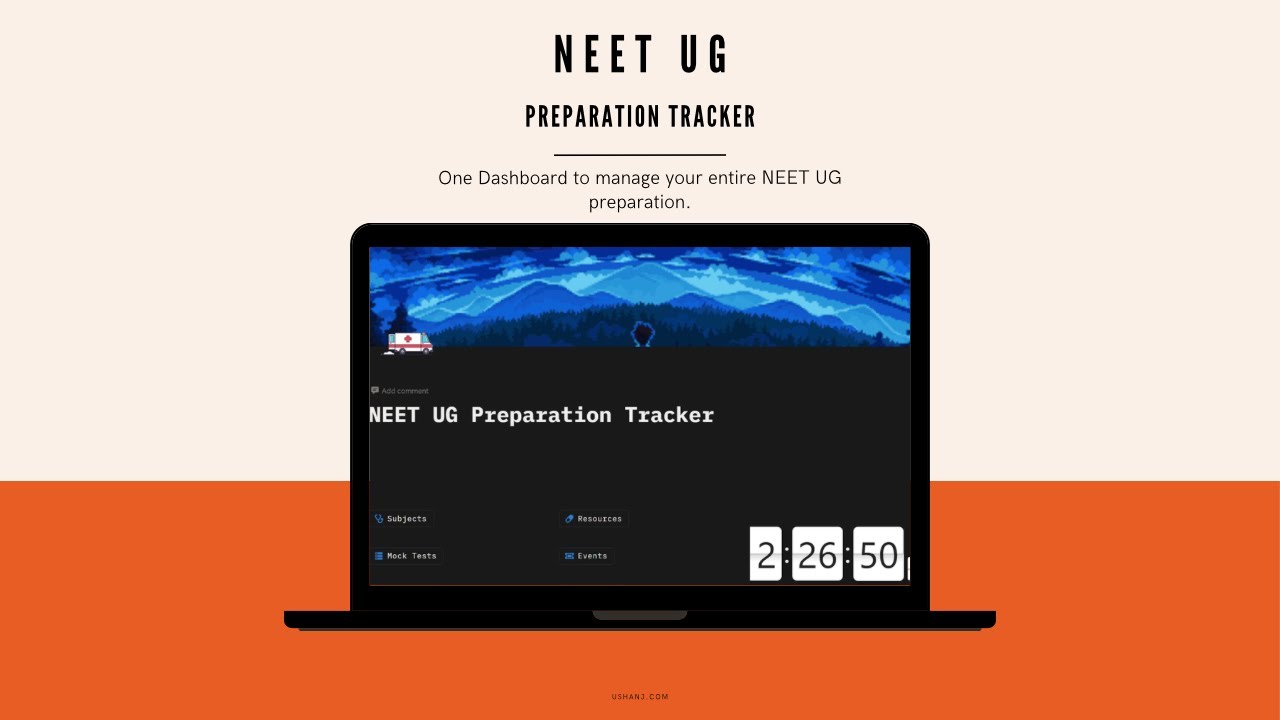
How Subject Section of ushanj Works | Smart Study & Syllabus Tracking System
Автор: UshanJ
Загружено: 2026-02-23
Просмотров: 1
Описание:
How the Subject Section Works in ushanj
The Subject Section in ushanj is designed to help students organize their entire academic journey in a structured and distraction-free way. Instead of studying randomly or managing multiple notebooks and apps, users can handle everything subject-wise in one clean system.
1. Add and Organize Subjects
Users can start by adding their subjects based on their exam or academic needs. Whether it’s UPSC, SSC, NEET, school subjects, or any competitive exam, each subject can be created separately inside the dashboard.
To make the experience more personal and visually organized, users can also change the cover image of each subject. This helps in quick identification and makes the study dashboard more motivating and customized.
⸻
2. Add Chapters Under Each Subject
Once a subject is created, users can break it down into chapters. This allows proper syllabus division and prevents overwhelm. Instead of seeing a huge syllabus at once, students can focus chapter by chapter.
This structure helps in:
• Clear syllabus planning
• Better time management
• Step-by-step completion
• Avoiding confusion
⸻
3. Add Topics Inside Each Chapter
Each chapter can further be divided into specific topics. This creates a micro-level study system where every concept is trackable.
For example:
Subject → Chapter → Topic
This layered structure ensures that nothing is missed and every small part of the syllabus is covered properly.
⸻
4. Track Topic Status (Not Started, In Progress, Completed)
Inside each topic, users can update their progress status. They can mark topics as:
• Not Started
• In Progress
• Completed
This gives a clear visual understanding of where they stand in their preparation. Instead of guessing their progress, students can see exactly what is pending and what is done.
It builds accountability and consistency in study routines.
⸻
5. Take Notes Directly Inside Topics
Each topic includes a dedicated notes section. Users can write short notes, detailed explanations, summaries, key formulas, or revision points directly inside that topic.
This removes the need for separate notebooks or external apps. Everything stays organized in one place, linked exactly to the relevant topic.
During revision, students can simply open the topic and access their saved notes instantly.
⸻
6. Access Resources from the Same Section
Users can also attach or check study resources directly inside the topic. Whether it’s:
• Book references
• PDFs
• Links
• Video lectures
• Practice materials
Everything can be managed from that specific topic section. This keeps preparation focused and avoids searching for materials repeatedly.
⸻
Why This System Works
The Subject Section is built to provide clarity, structure, and control over preparation. It transforms a scattered study process into a clear workflow:
Add Subject → Add Chapters → Add Topics → Track Progress → Take Notes → Access Resources → Complete with Confidence
Instead of feeling lost in a large syllabus, students move forward with measurable progress and a clear plan.
Повторяем попытку...

Доступные форматы для скачивания:
Скачать видео
-
Информация по загрузке: